© Microhard Systems Inc. 61
4.0 Configuration
4.2.10 Network > SNMP
The VIP4G may be configured to operate as a Simple Network Management Protocol (SNMP) agent.
Network management is most important in larger networks, so as to be able to manage resources and
measure performance. SNMP may be used in several ways:
configure remote devices
monitor network performance
detect faults
audit network usage
detect authentication failures
A SNMP management system (a PC running SNMP management software) is required for this service to
operate. This system must have full access to the VIP4G. Communications is in the form of queries
(information requested by the management system) or traps (information initiated at, and provided by, the
SNMP agent in response to predefined events).
Objects specific to the VIP4G are hosted under private enterprise number 21703.
An object is a variable in the device and is defined by a Management Information Database (MIB). Both
the management system and the device have a copy of the MIB. The MIB in the management system
provides for identification and processing of the information sent by a device (either responses to queries
or device-sourced traps). The MIB in the device relates subroutine addresses to objects in order to read
data from, or write data to, variables in the device.
An SNMPv1 agent accepts commands to retrieve an object, retrieve the next object, set and object to a
specified value, send a value in response to a received command, and send a value in response to an
event (trap).
SNMPv2c adds to the above the ability to retrieve a large number of objects in response to a single
request.
SNMPv3 adds strong security features including encryption; a shared password key is utilized. Secure
device monitoring over the Internet is possible. In addition to the commands noted as supported above,
there is a command to synchronize with a remote management station.
The pages that follow describe the different fields required to set up SNMP on the VIP4G. MIBS may be
requested from Microhard Systems Inc.
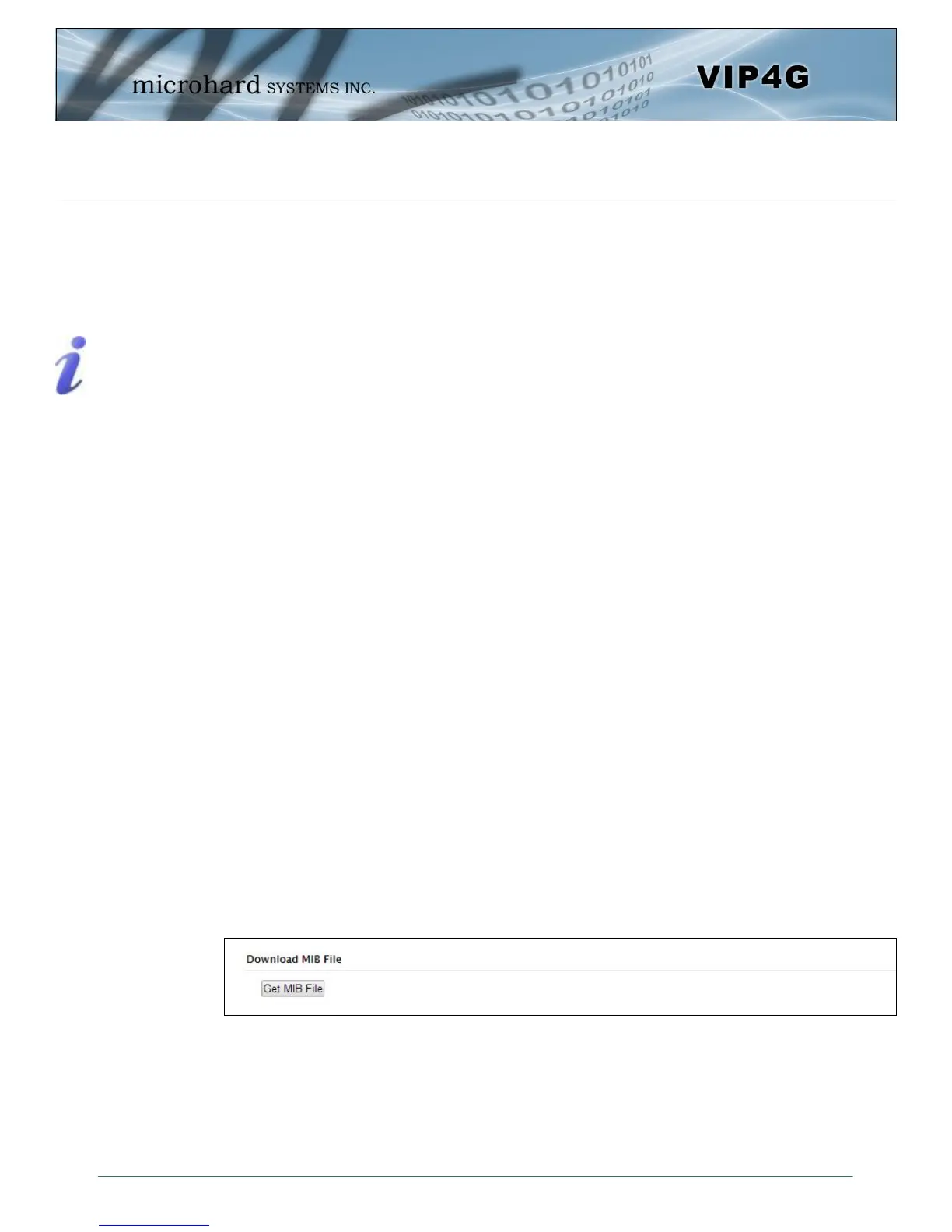
The MIB file can be downloaded directly from the unit using the ‘Get MIB File’ button on the Network >
SNMP menu.
SNMP: Simple Network
Management Protocol
provides a method of
managing network
devices from a single PC
running network
management software.
Managed networked
devices are referred to as
SNMP agents.
Image 4-2-16: Network > MIB Download



 To Next Page