© Microhard Systems Inc. 143
4.0 Configuration
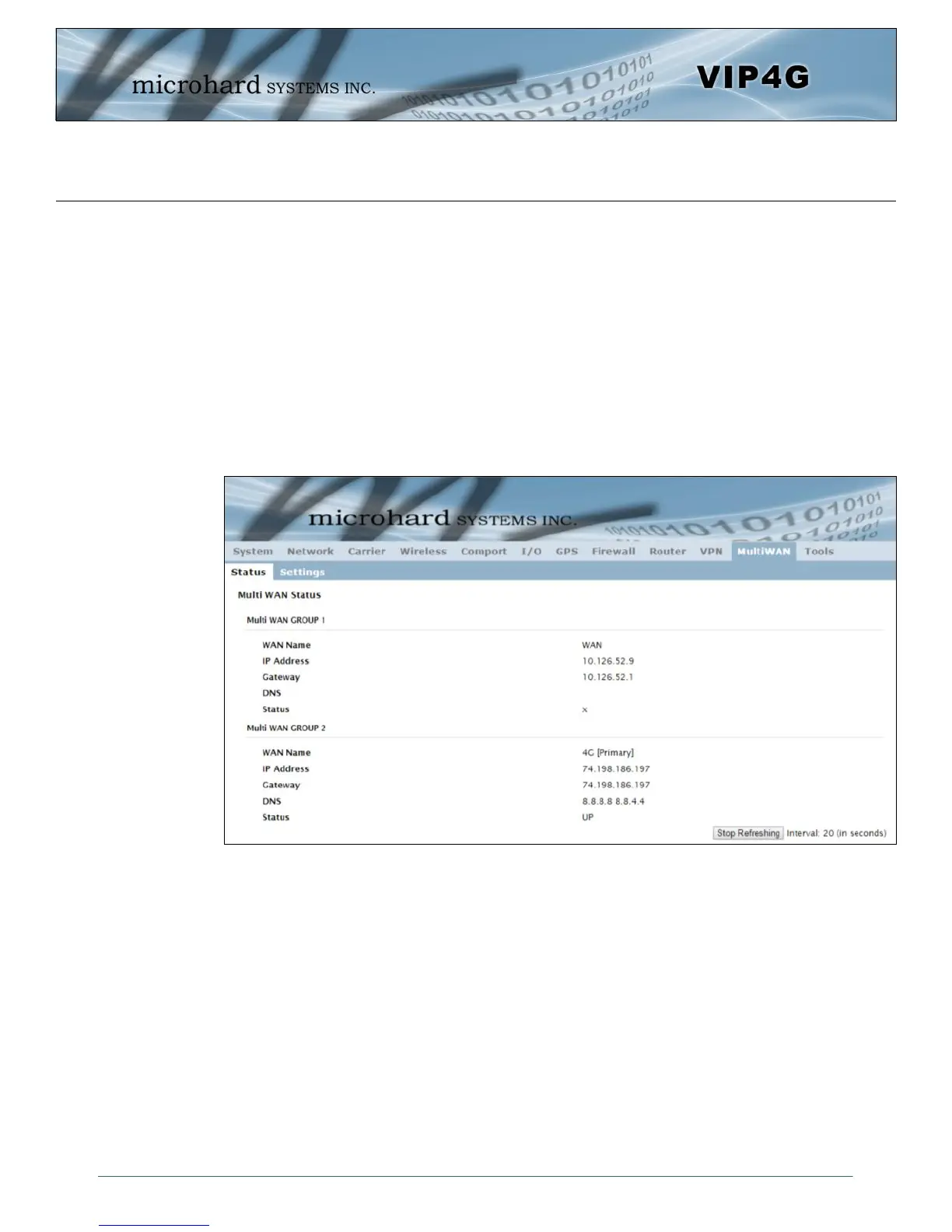
Image 4-10-1: MultiWAN > Status
4.11 MultiWAN
4.11.1 MultiWAN > Status
The VIP4G is capable of having 2 WAN connections, one connected to the physical WAN port on the
VIP4G and the Cellular WAN connection to the wireless carrier. The MultiWAN section allows a user to
define how traffic uses these WAN’s.
The main purpose of the MultiWan feature is to use one network for a primary connection, such as a local,
wired ISP for broadband access, and if that connection fails or is offline, the VIP4G can automatically
switch to an alternate network connection such as the 4G/Cellular connection.
The Status menu gives an overview of both WAN connections and their configuration. WAN group 1 is the
wired WAN and WAN group 2 is the 4G/Cellular connection to a wireless carrier.



 To Next Page