© Microhard Systems Inc. 106
4.0 Configuration
4.6.4 I/O > Accelerometer
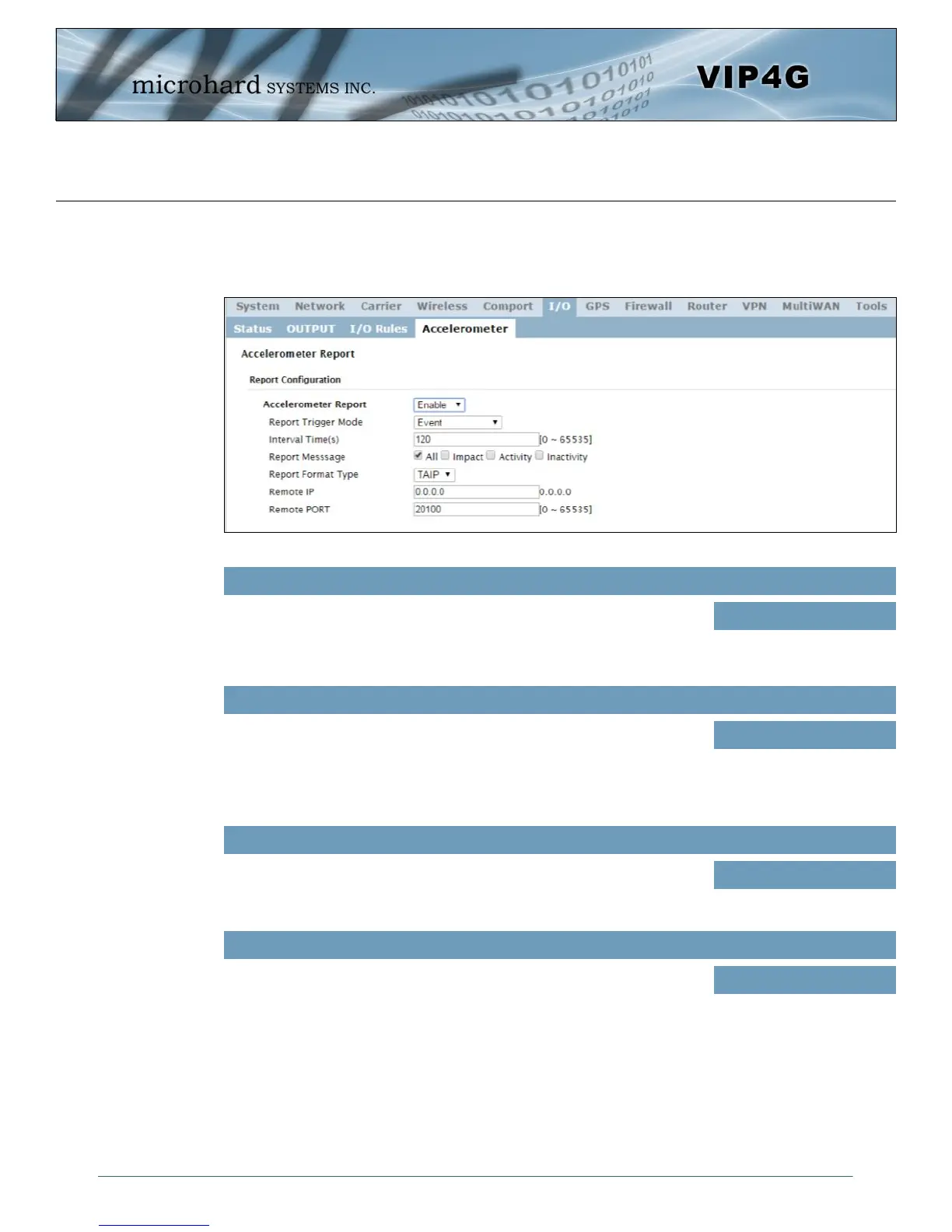
The VIP4G has a internal Accelerometer, which can be configured to report events to a remote host based
on a specific physical activity.
Image 4-6-4: I/O > Accelerometer
Accelerometer Report
Enable or disable reporting by the Accelerometer.
Values (selection)
Disable
Enable
Report Trigger Mode
Select reporting on event, timer or both.
Values (selection)
Event
Timer
Event OR Timer
Interval
Set the time at which events will be reported if the timer feature is selected.
Values (seconds)
120
Report Message
Select the types of events that cause a report to be sent.
Values (selection)
ALL
Impact
Activity
Inactivity



 To Next Page