© Microhard Systems Inc. 72
4.0 Configuration
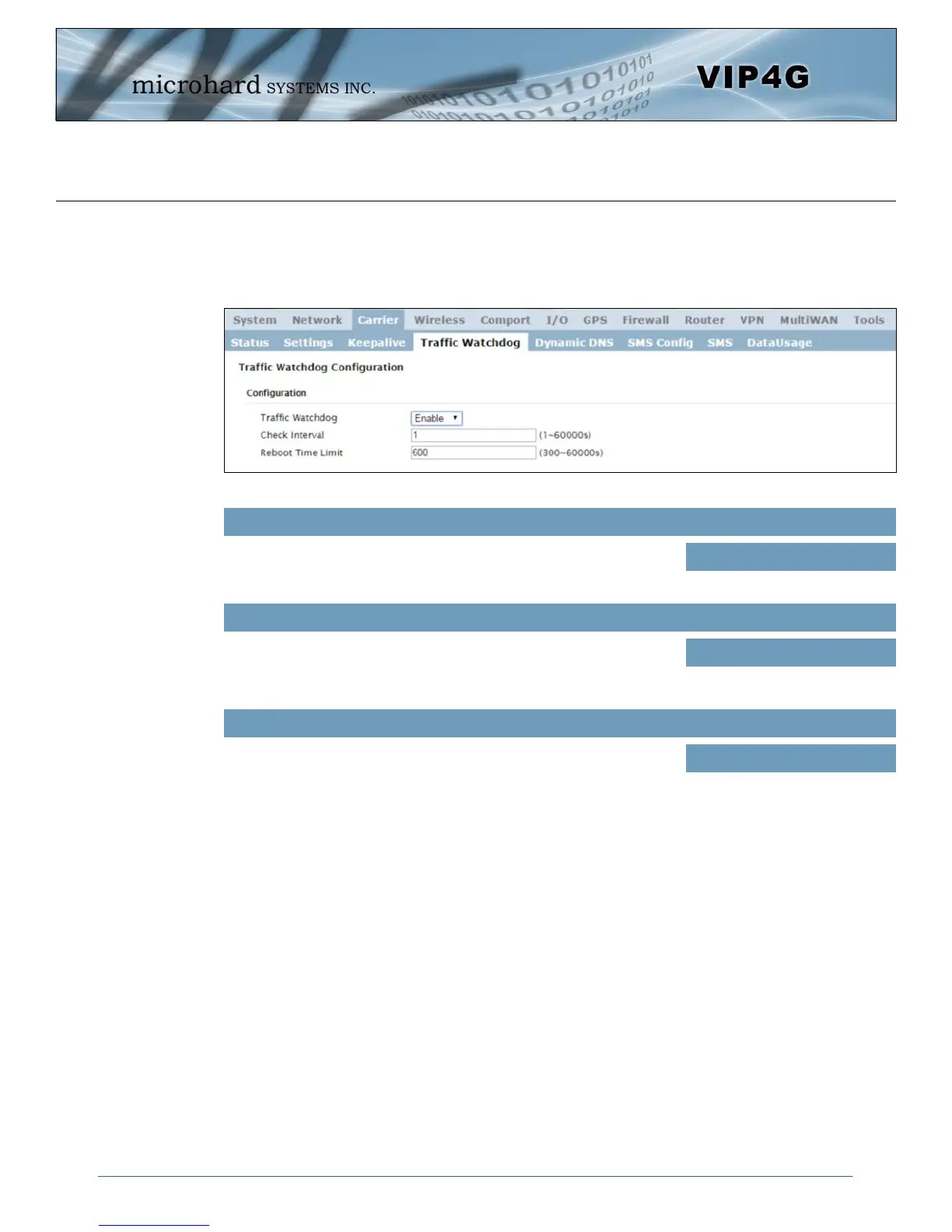
Image 4-3-4: Carrier > Traffic Watchdog
4.3.4 Carrier > Traffic Watchdog
The Wireless Traffic Watchdog will detect if there has been no wireless traffic, or communication with the
Cellular carrier for a configurable amount of time. Once that time has elapsed, the unit will reset, and
attempt to re-establish communication with the cellular carrier.
Enable or Disable the Traffic Watchdog.
Traffic Watchdog
Values (Selection)
Enable / Disable
The Check Interval tells the VIP4G how often (in seconds) to check for
wireless traffic to the cellular carrier. (1-60000 seconds)
Check Interval
Values (seconds)
1
The Reboot Timer will reset the unit if there has been no Cellular RF
activity in the configured time. (300 –60000 seconds)
Reboot Time Limit
Values (seconds)
600



 To Next Page