© Microhard Systems Inc. 40
4.0 Configuration
4.1.7 System > Reboot
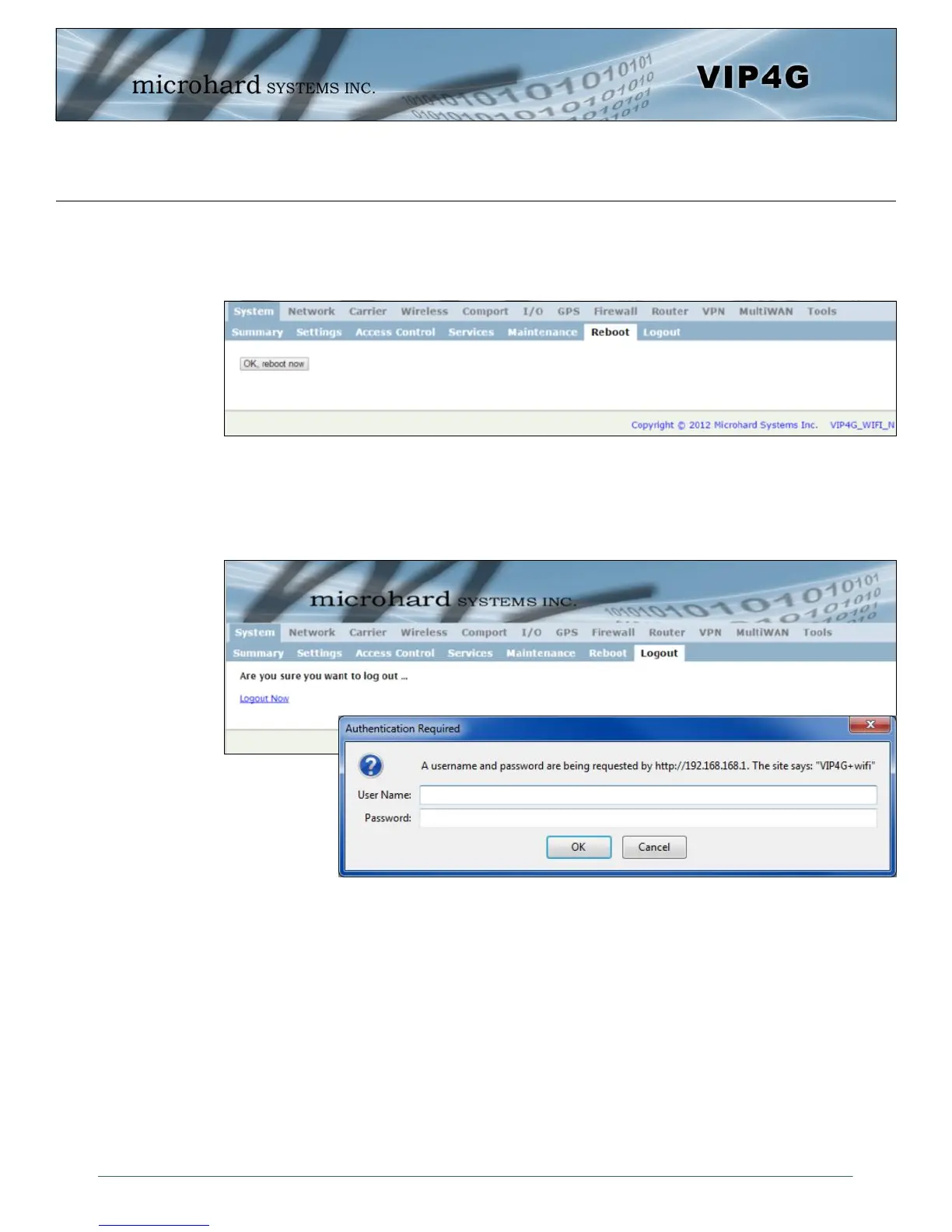
The VIP4G can be remotely rebooted using the System > Reboot menu. As seen below a button ‘OK,
reboot now’ is provided. Once pressed, the unit immediately reboots and starts its boot up procedure.
Image 4-1-11: System > Reboot
4.1.8 System > Logout
The logout function allows a user to end the current configuration session and prompt for a login screen.
Image 4-1-12: System > logout



 To Next Page