MSB780(X) - User’s Guide
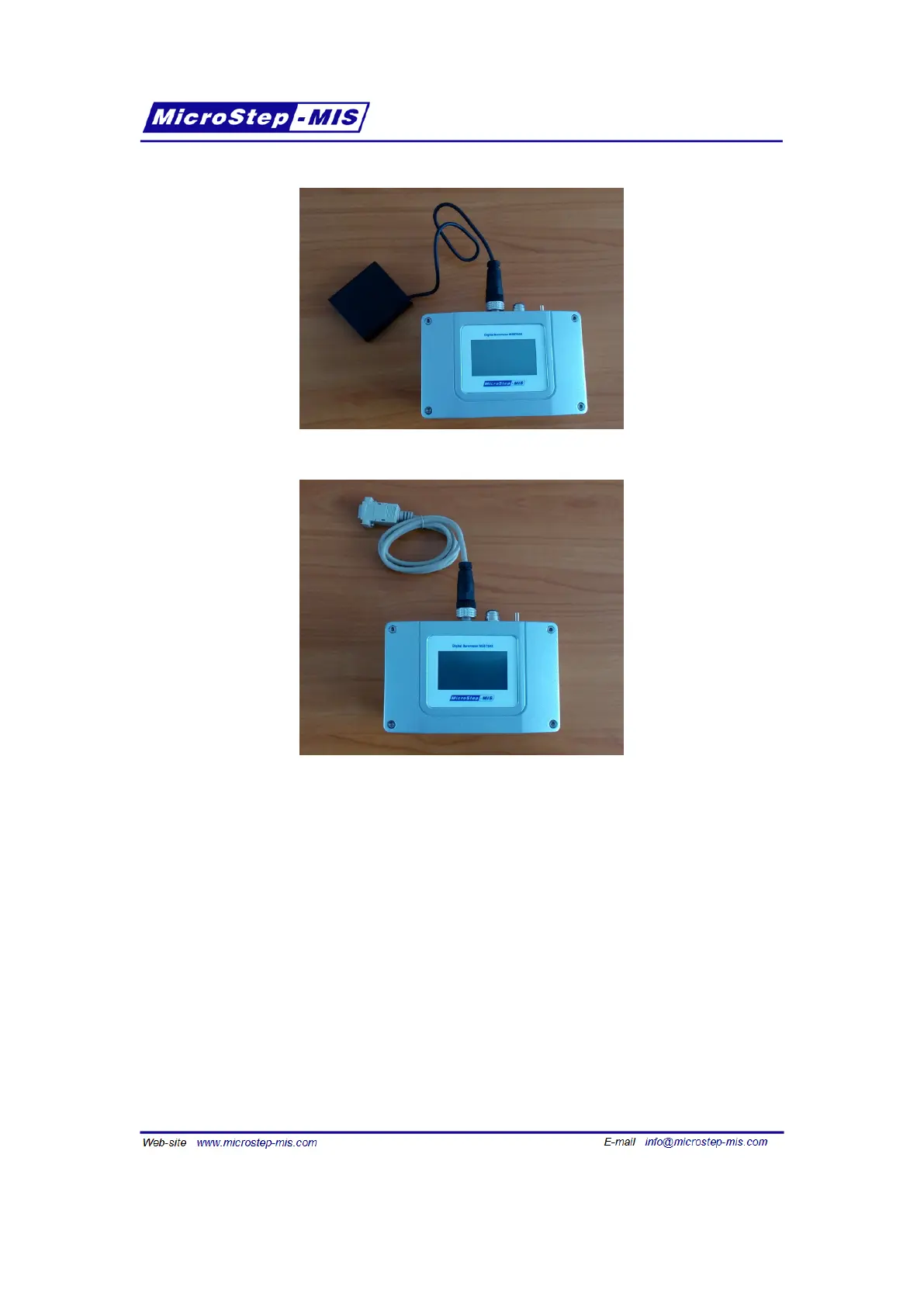
Figure 11: Using the transfer standard with an AA battery pack
Figure 12: Connecting the transfer standard to RS-232
The battery must be charged enough to power the transfer standard during the computer con-
nection, unless you have a special cable, that can provide both power and RS-232 connection
at one time (not supplied by default).
3.6 Transfer standard connectors description
The location of inputs/outputs of the transfer standard is described in figure 13 and in table 6.
3.7 Adjustment of the transfer standard
To adjust the transfer standard pressure reading, please follow section
5 on page 27.
21



 To Next Page