MSB780(X) - User’s Guide
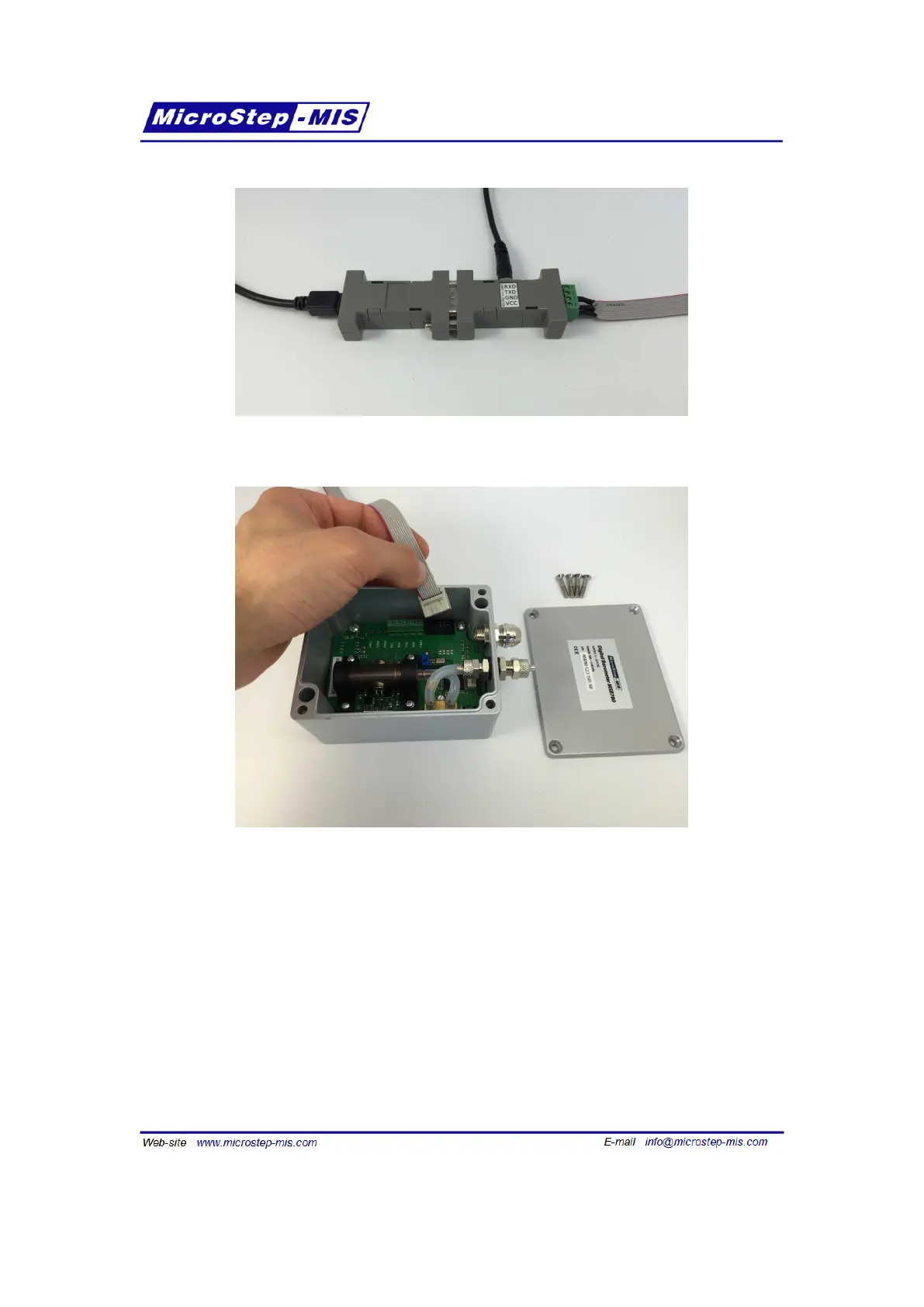
Figure 22: Correct connection of the convertors and cables
Figure 23: Connecting the service cable to the service connector of the MSB780
13.2 Firmware Loader software
After the service cable has been properly connected, MicroStep-MIS Firmware Loader software
can be used to upload a new firmware. You can obtain this software from MicroStep-MIS.
Follow these steps to upload a new firmware to the barometer:
1. Start the program Microstep-MIS Firmware Loader, as seen in figure 24 and click on button
Open.
93



 To Next Page