MSB780(X) - User’s Guide
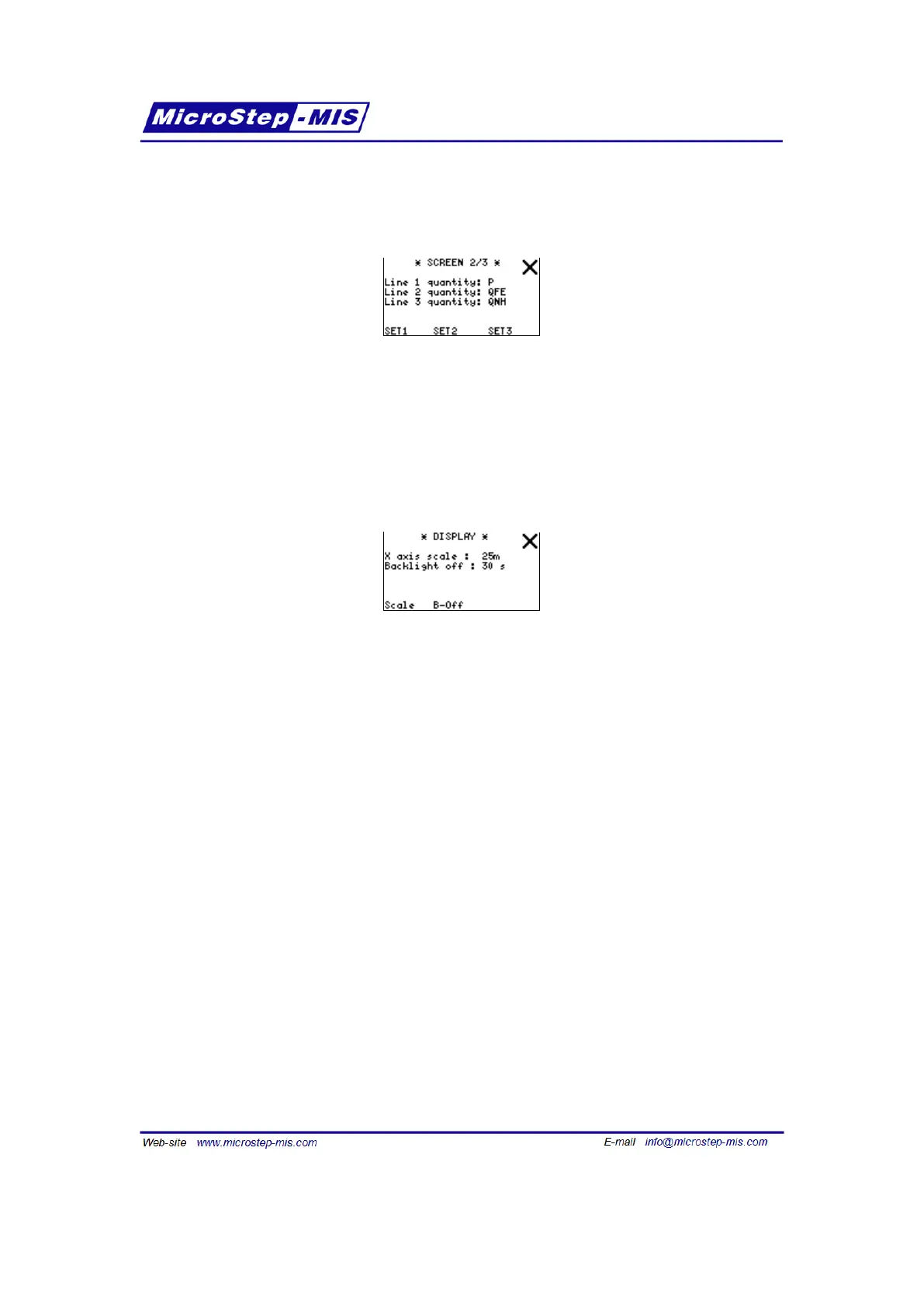
In "Home screen" submenus you can set which quantities are shown on "basic screens" after
starting the MSB780X. Example of Home screen (2/3) is in the following picture:
Use arrows to select quantity on the first basic screen or buttons "SET1", "SET2" and "SET3" to
adjust quantity in line 1, 2 and 3 of the second and third basic screen.
You can see the list of available quantities in Table 21 on page 82.
Settings menu is in the following picture:
Use "Scale" button to alter time scale (X axis) of the graph accessible from basic screens and
"B-off" button to alter LCD’s automatic backlight off time.
Available graph time-scales:
25m : 25 minutes 15 seconds per sample
5h : 5 hours 3 minutes per sample
25h : 25 hours 15 minutes per sample
10d : 10 days 2.5 hours per sample
10W : 10 weeks 17 hours per sample
10M : 10 months 2.8 days per sample
Auto-off LCD backlight available times: Always on, 15m, 2m, 60s, 30s, 15s.
7.10 Alarm
The MSB780X transfer standard includes buzzer, which can produce an alarm when a mea-
sured quantity is outside the allowed range (or inside not allowed range - see note below). The
range is defined by lower and upper limits.
The alarm can only be set for one quantity at a time.
Alarm screen looks as follows:
71



 To Next Page