MSB780(X) - User’s Guide
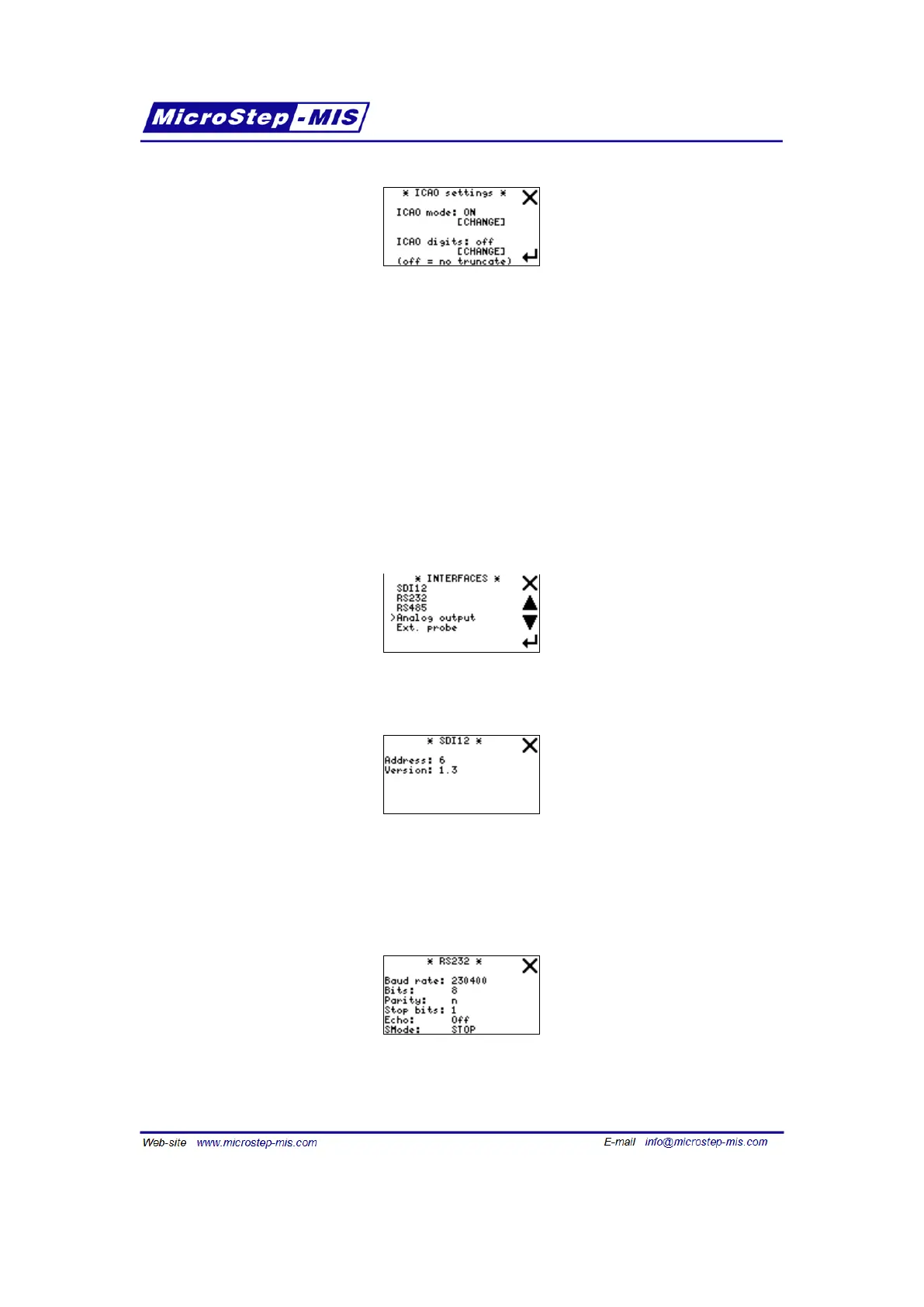
Note: [CHANGE] buttons are visible only if editing is enabled in "Edit from LCD" submenu. Tap
the [CHANGE] button to change the setting. For detailed description of meaning see icaomode
command on page 51 and icaodigits command on page 51.
7.7 Interfaces menu (settings of interfaces)
Interfaces menu allows user to display Interfaces settings, such as SDI-12 address of the barom-
eter, baud rate of RS-232, baud rate of RS-485(optional), analog output(optional), or external
probe(optional). It is possible to change settings of analog output.
Screen of Interfaces menu is in the following picture:
Screen of SDI12 menu is in the following picture:
In this screen you can see the actual SDI-12 address of MSB780 or MSB780X. The SDI-12
address in the example is 6.
Screen of RS232 menu is in the following picture:
Note: Parameters of interfaces cannot be altered using display. This should prevent from unin-
tentional changes.
67



 To Next Page