MSB780(X) - User’s Guide
This advanced diagnostic information is mainly for professionals to find a potential problem, if
something is wrong with the barometer.
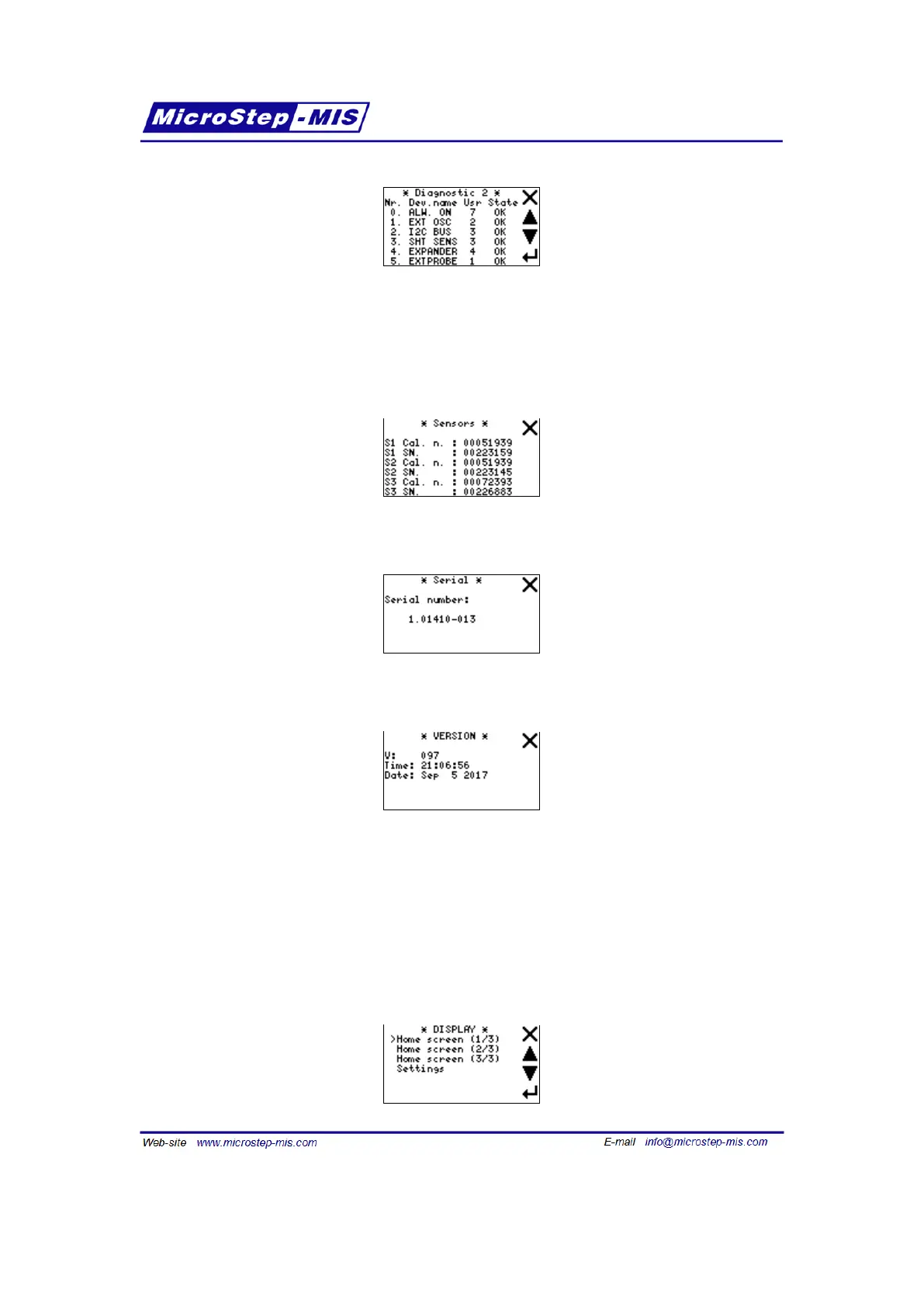
Baro sensors: This screen shows serial numbers and calibration numbers of all installed trans-
ducers.
Serial number: This screen shows serial number of the barometer.
Version:
Version helps identifying the firmware version. It may be helpful when solving problems in some
cases.
7.9 Display menu (shown quantities, graph time-scale, backlight settings)
Display menu screen is shown in the following picture:
70



 To Next Page