MSB780(X) - User’s Guide
13 Firmware update
13.1 Hardware required for firmware update
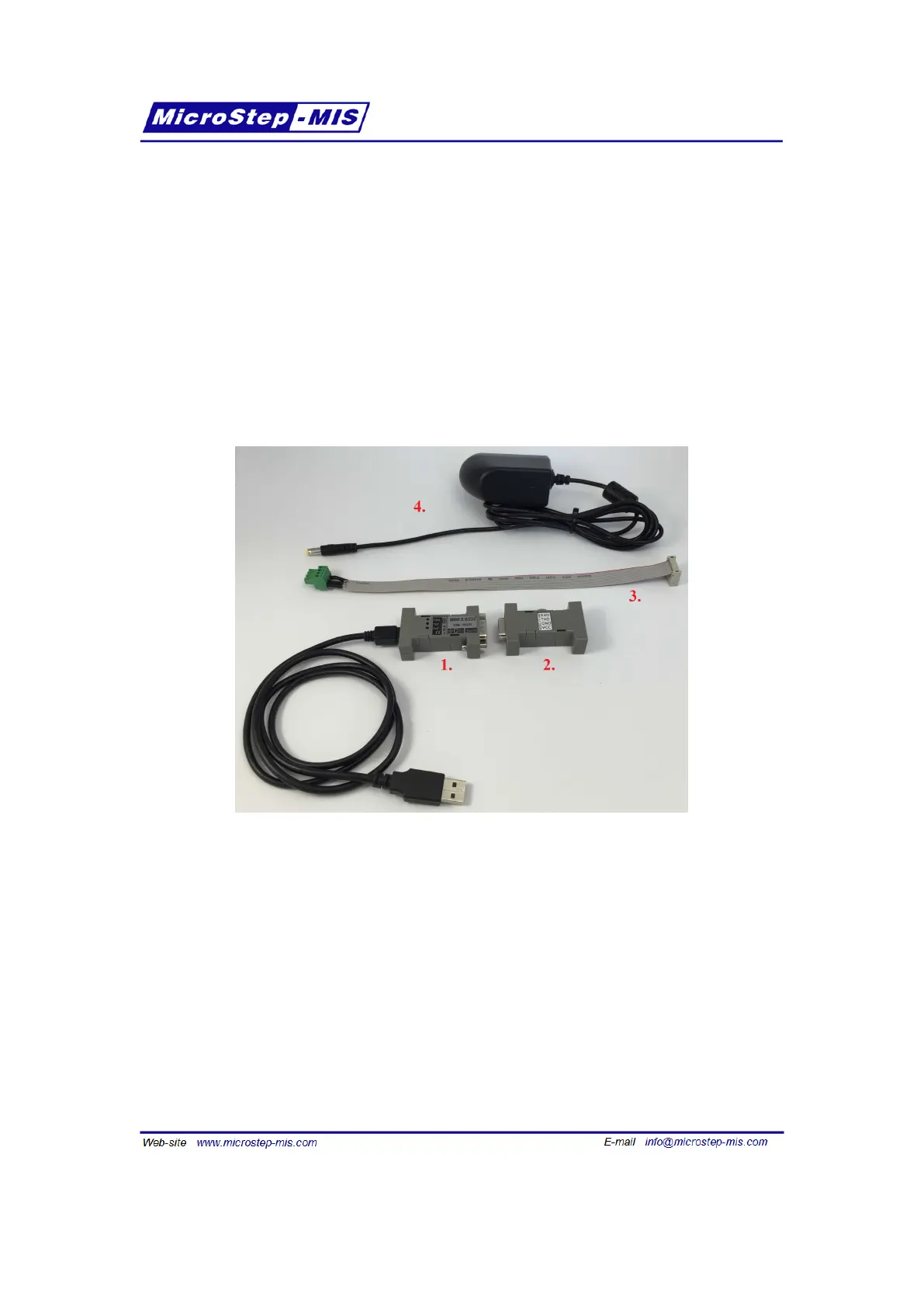
To perform a firmware update of MSB780 or MSB780X a service cable is required. This acces-
sory can be ordered from MicroStep-MIS.
If your PC/notebook features a RS-232 port, you do not need the USB to RS-232 convertor.
If you use the USB to RS-232 convertor, you may need to download a driver. Newer operating
systems tend to have the driver installed, or can install it automatically.
Figure 21: Accessories required for firmware update
1. USB to RS-232 convertor
2. RS-232 to UART convertor
3. Service cable for MSB780 or MSB780X
4. Power supply
92



 To Next Page