MSB780(X) - User’s Guide
wait..OK
If you enter empty string (<cr> only) the PIN will not be asked and the access via LCD is free,
unprotected. Factory default PIN is "1234".
7 Display access
This section refers only to MSB780X versions with touchscreen display option.
If your barometer is equipped with the touchscreen display, you can benefit from direct reading
of the actual pressure value, pressure trend, graph view and other directly on the barometer.
You can also change some device settings through the display.
Following functions may be displayed:
• Actual value of pressure, QNH, QFE, HCP
• Actual value of other quantities (see Table 21 on page 82)
• Pressure trend
• Graph
• Device settings
• Version and serial number info
7.1 Basic screens
The barometer features three basic screens, which may be switched by tapping on the screen.
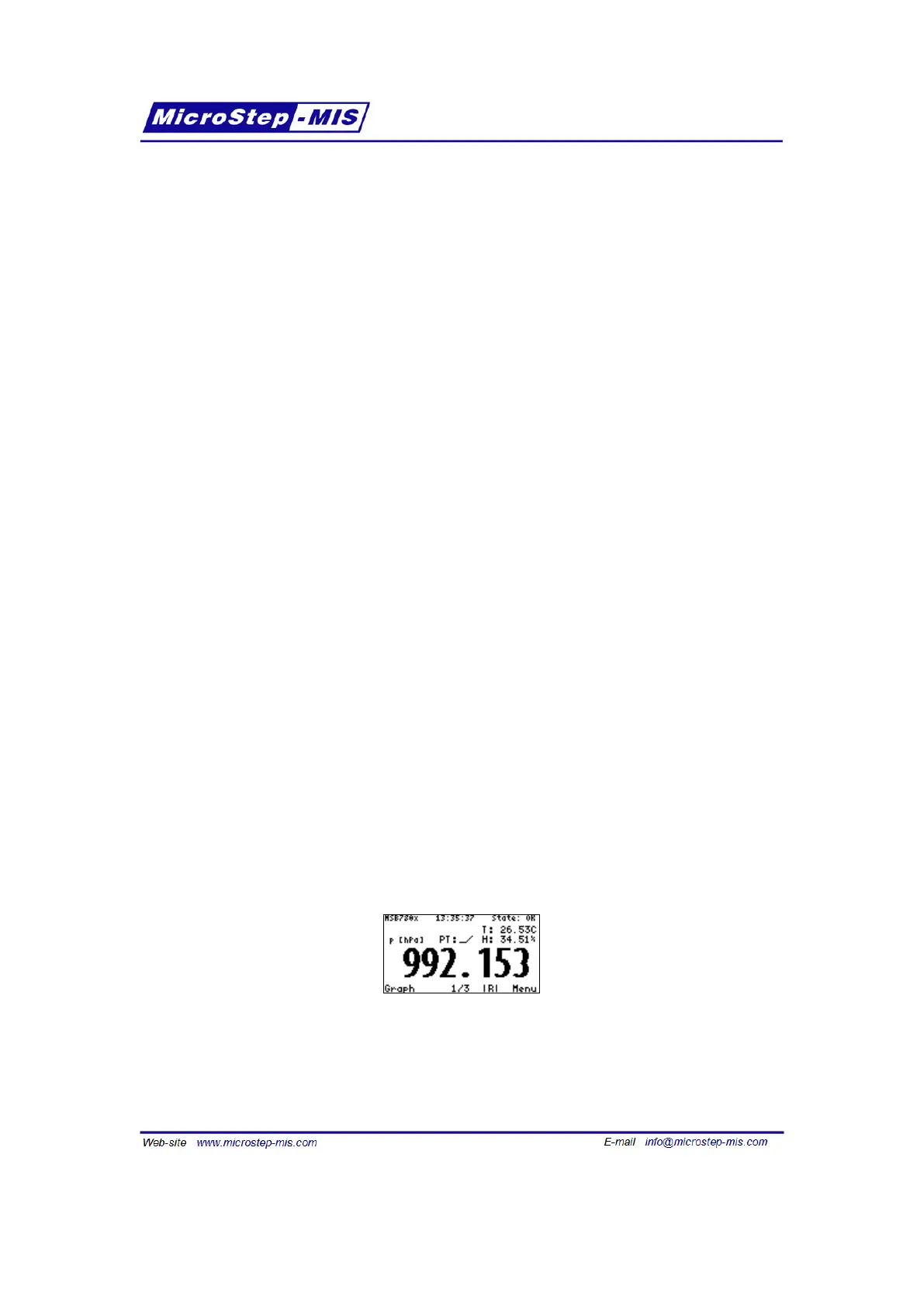
After power-up or reset, the barometer displays the first of them:
This screen displays the following information:
• System time
58



 To Next Page