MSB780(X) - User’s Guide
2. Choose the firmware file with .mstepfw suffix. Figure 25.
3. After selecting the firmware file, you can see the information about the firmware, as seen
in Figure 26.
4. Select a serial port the barometer is connected to. If there is only one choice, it will be
selected automatically.
5. Select baud rate 230400.
6. Click Start button to start the upload. Process of uploading is displayed in Figure 27.
7. After successful transfer of firmware the Configuration is printed. New firmware version
number is also displayed (fw. ver). See Figure 28.
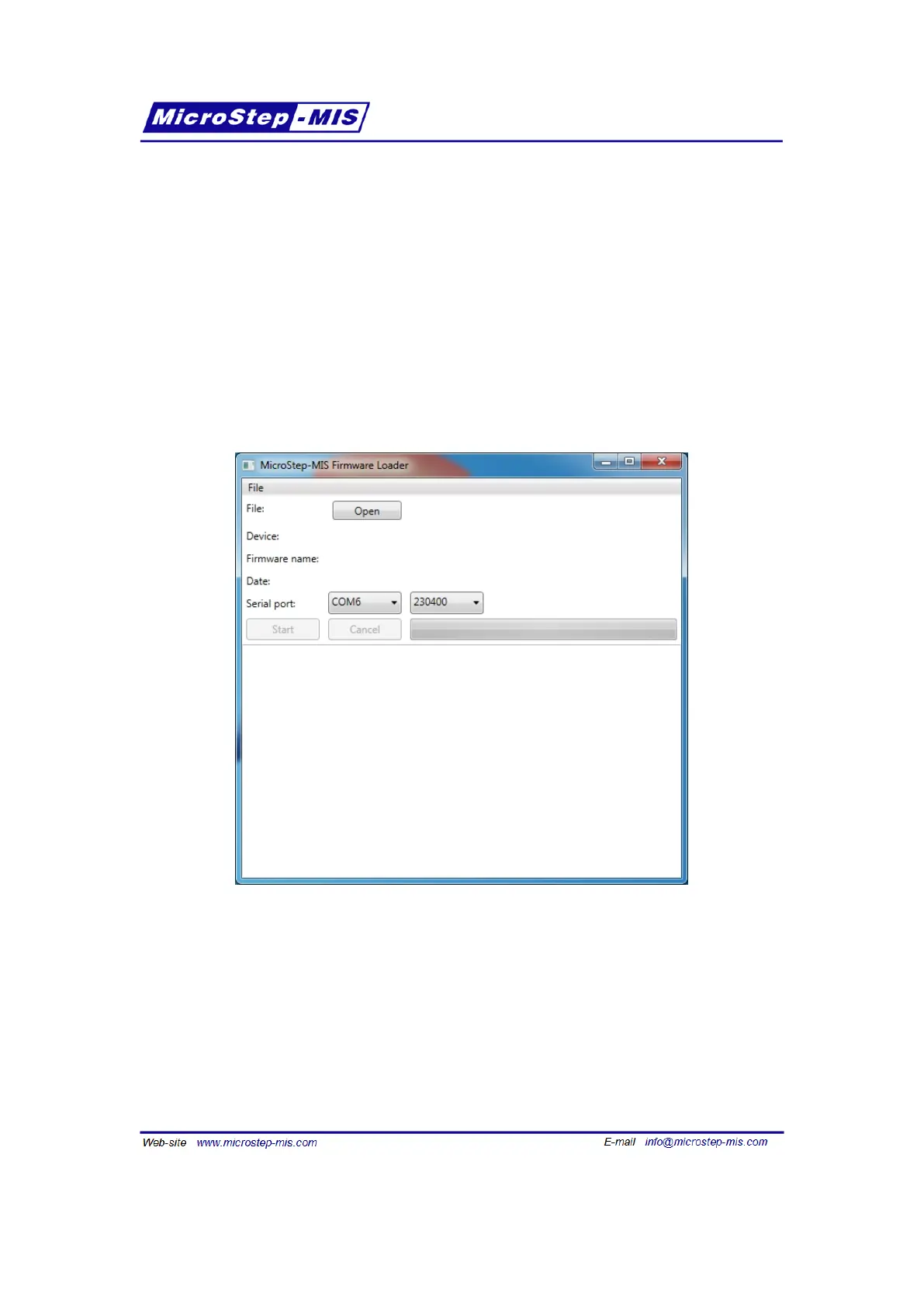
Figure 24: Firmware Loader basic window
94



 To Next Page