MM182-001 – Operator Manual
73
If the speed returns within the normal operating range, the message closes automatically and returns green.
Pressing “Silent” stops the beeper and the following warning button remains on the status bar for the operator
which will only disappear when the error has been cleared.
In this condition, the speed value displayed in red is not real due to the triggered alarm.
The numerical value in the figure is only an example.
In some cases, the power can be 100% but the ventilation columns might not all be
colored due to pressure drops of the fume exhaust system.
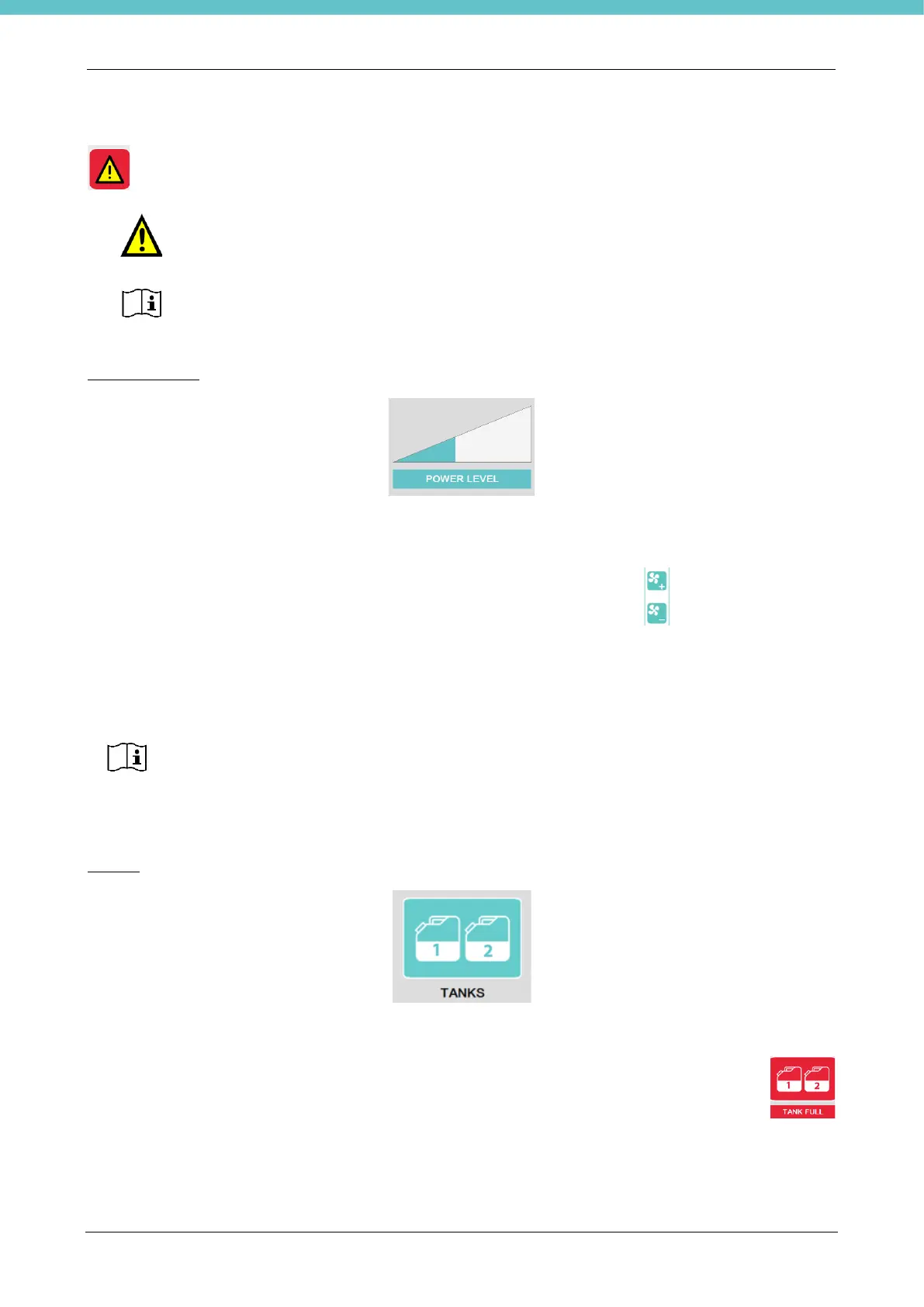
POWER LEVEL
Indicates the power level of the motor (only for letter A). Depending on the color of the triangle, you know
whether it is possible to increase or decrease it.
If the motor is off, “Motor OFF” will be displayed in place of Power level and the triangle will be yellow.
To increase or decrease power, the respective buttons on the membrane key shown above must be
pressed.
Increasing or decreasing motor power, will increase or decrease the surface air speed displayed above.
TANKS
The TANKS button indicates the status of the used fixative drain tanks (if present, see chapter 2.5.13 for their
installation).
When one or both tanks are full, the following pop-up with beeper appears and the button turns red
. An example is shown in the figure.
There is a brief wait between the power increase and the speed displayed as the fluxes must
stabilize.
When power is set at minimum, the relative power level triangle will nonetheless remain
colored as the motors never go to zero.



 To Next Page