MM182-001 – Operator Manual
74
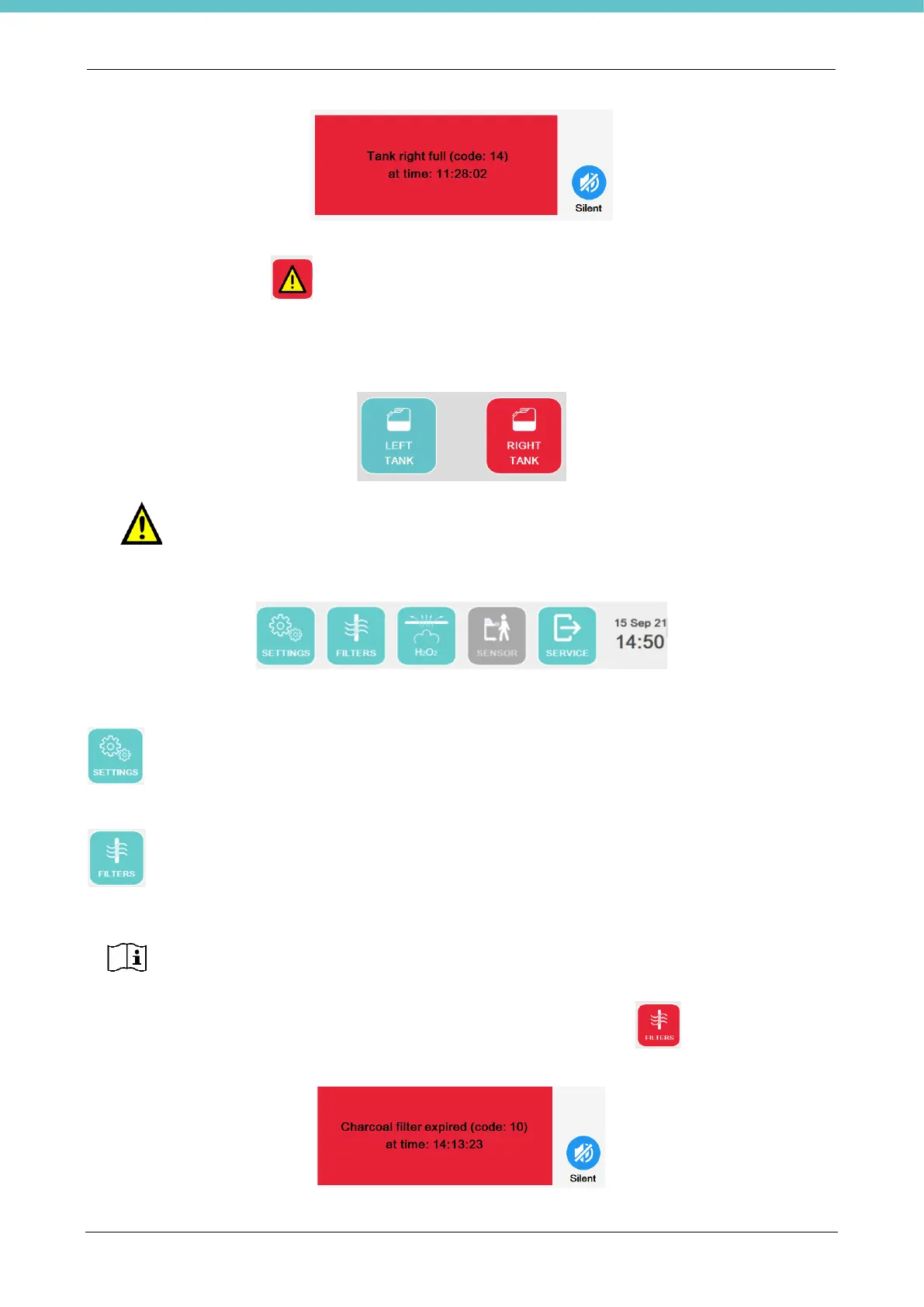
Pressing “Silent” without emptying the tank stops the beeper and the following warning button remains on the
status bar for the operator .
Pressing TANKS opens a new page that shows the status of the used fixative tanks. A tank is full when the
color is red. The message resets automatically when the tank is emptied and the color returns to green. In the
following example, the right tank is full.
Do not empty fixative into a full tank.
There is the following status bar at the bottom of the home page.
Here is a description of the individual buttons.
This button grants access to the software settings, explained below.
This button manages the expiration of the filters, if present: Charcoal, HEPA and Internal Charcoal.
When a filter has expired, the following pop-up appears and the button turns red . An example is shown
in the figure.
The filter control is disabled by default. When installed, enable the filters present in the
general settings of the software (chapter 2.6.5).



 To Next Page