84
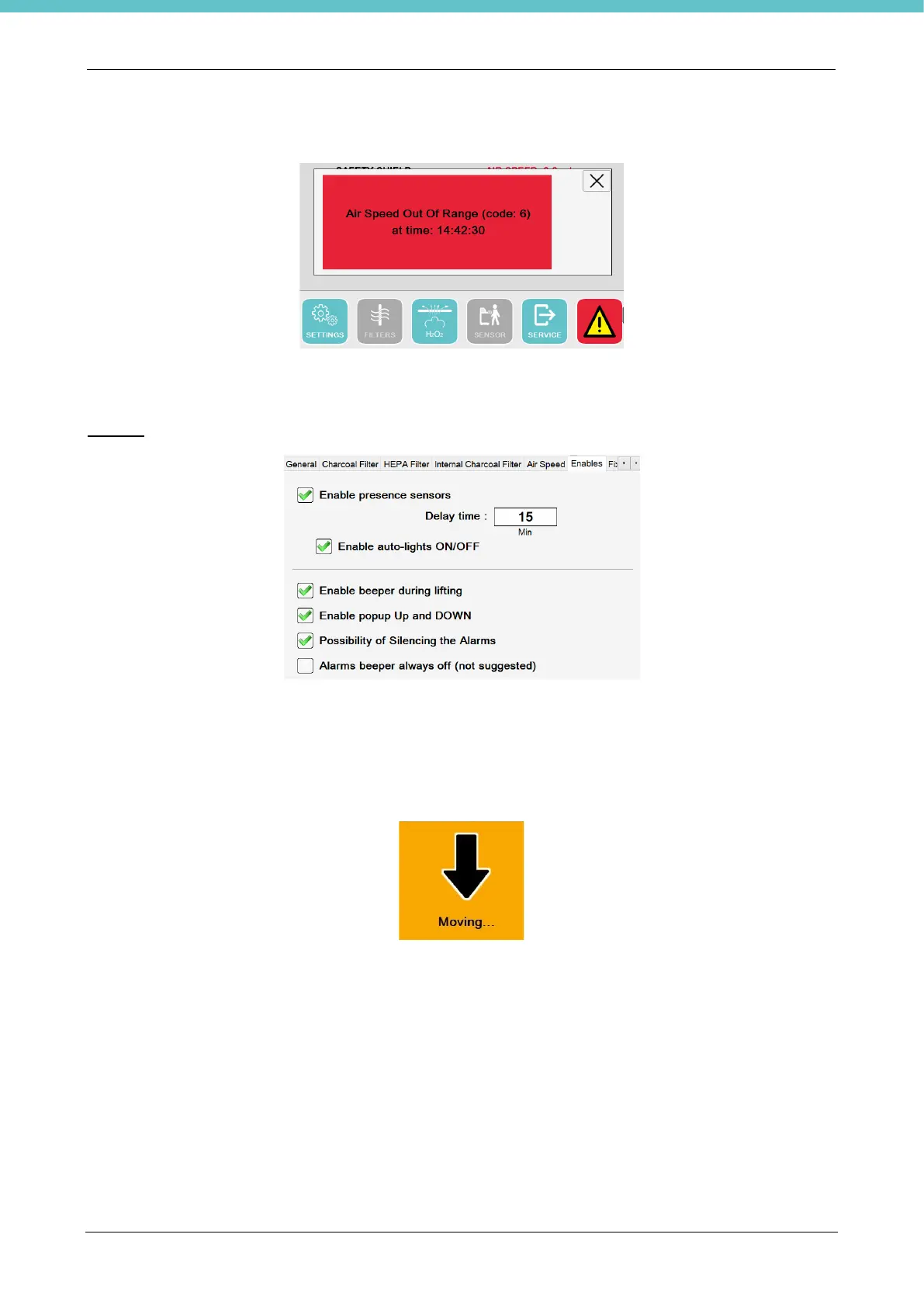
If the air speed is out of range during use of the instrument, the following alarm will appear to warn the operator.
When it returns within range, the alarm is reset automatically without needing to press any button.
You may change the unit of measurement from m/s to FPS.
Enables
In this section, you may enable use of the operator presence sensor, which is enabled by default.
If enabled, you may also associate light switch on, enabled by default. You may choose how much time air
speed and lights remain on after the operator has left the unit (default 15 minutes).
Also, by default you may enable/disable an audible (beeper) and visual warning for movement of the surface
by using the keys on the membrane keyboard, as shown in the following figure. They are enabled by default.
You may remove the option of muting the alarms for all users (by default the “Silent” button is enabled).
Lastly you may enable a checkbox that allows you to eliminate the beeper associated to each alarm/warning
that will only therefore give a visual indication (NOT SUGGESTED).



 To Next Page