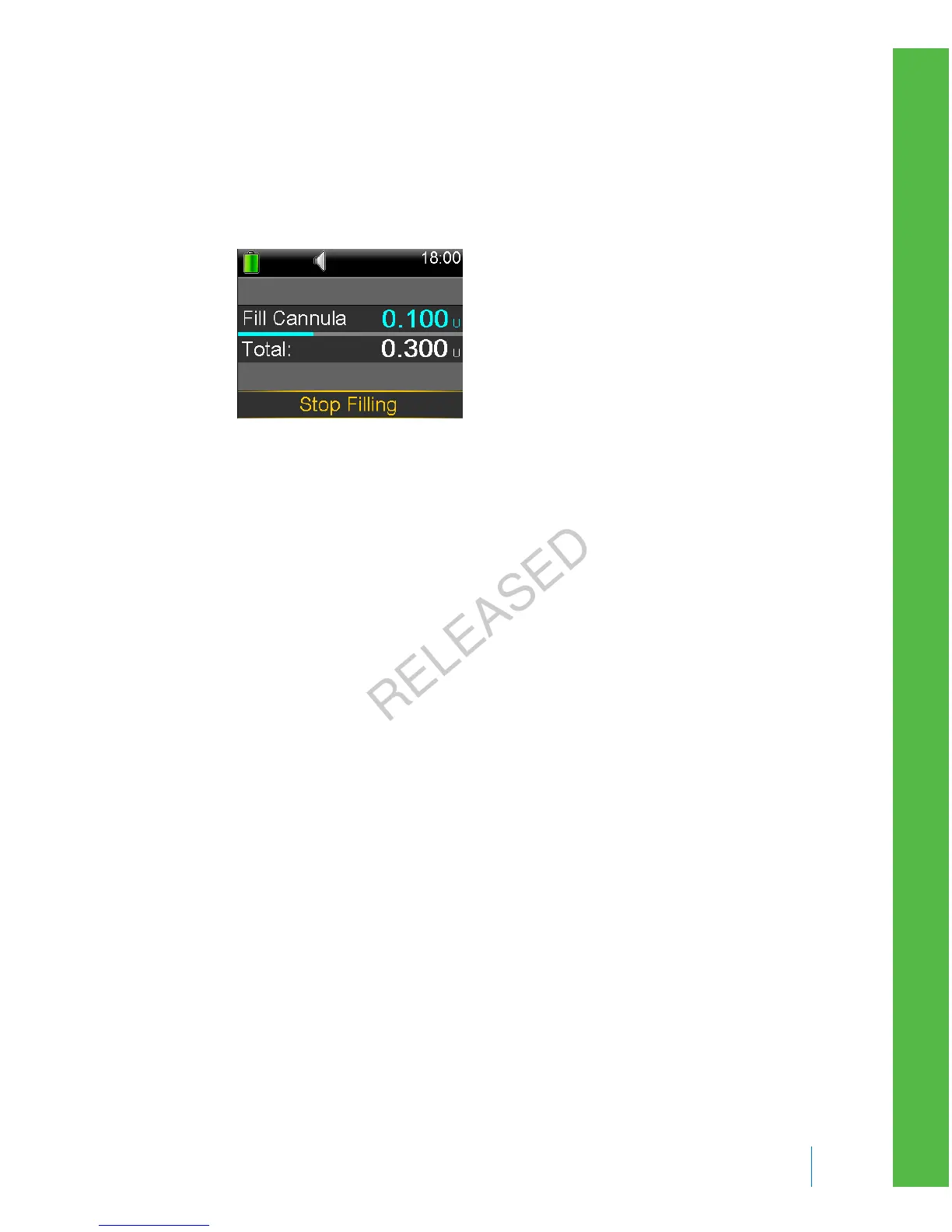
After the cannula is filled, the Home screen appears. Your pump is now ready
to deliver insulin.
To stop filling the cannula:
1. Select Stop Filling, to stop filling the cannula.
2. Select Yes.
The Fill Stopped screen appears confirming amount delivered.
3. Select Done.
Disconnecting and reconnecting your infusion set
As an example, these steps show you how to disconnect and reconnect the Quick-
set infusion set. If you are using an infusion set other than Quick-set, always refer
to the instructions that shipped with the infusion set.
Disconnecting the Quick-set infusion set
The Quick-set infusion set allows you the freedom to temporarily disconnect from
your pump without removing the infusion set from your body.
1. Hold the side grips of the connector part with your fingers.
2. Twist the connector counter-clockwise.
3. Remove the connector from the site.
■
reservoir and infusion set
Reservoir and infusion set 107
MP6025957-024 / A
RELEASED



 To Next Page