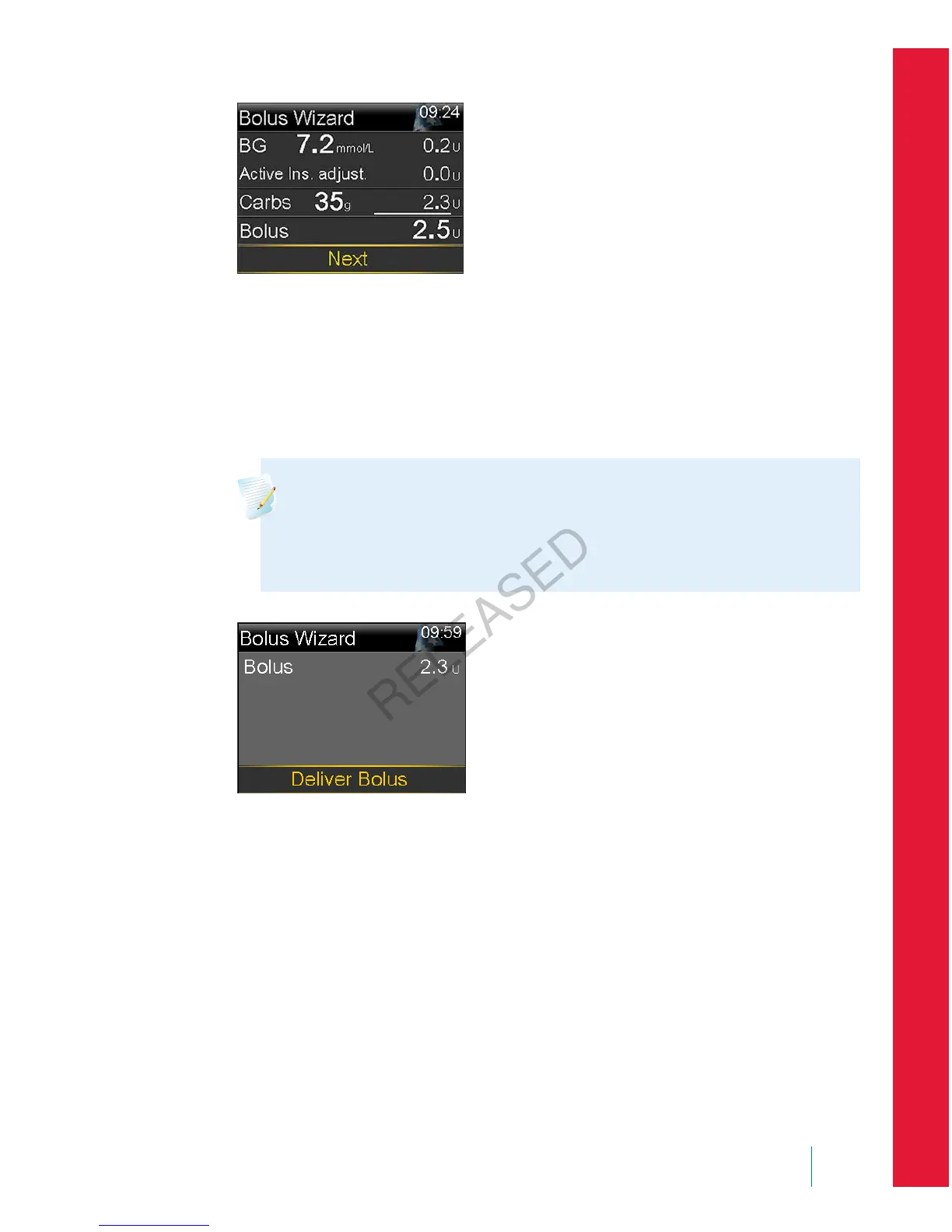
If you want to change the bolus amount, select Bolus and make any desired
adjustment. If you change your bolus amount, the word “Modified” appears
next to the new bolus amount.
6. Select Next to review your bolus information.
Your bolus amount appears.
Note: If you modified your bolus amount in the previous step,
Bolus Calculated displays your original bolus amount, Modification
displays the amount you added or subtracted from your bolus, and
Bolus displays the actual bolus amount.
7. Select Deliver Bolus to start your bolus.
Your pump beeps or vibrates and displays a message when your bolus starts.
The Home screen shows your bolus amount as it is being delivered. Your
pump beeps or vibrates when your bolus is complete.
Delivering a Normal bolus using Manual Bolus
The following section describes how to deliver a Normal bolus using the Manual
Bolus feature.
■
bolus
Bolus 75
MP6025957-024 / A
RELEASED



 To Next Page