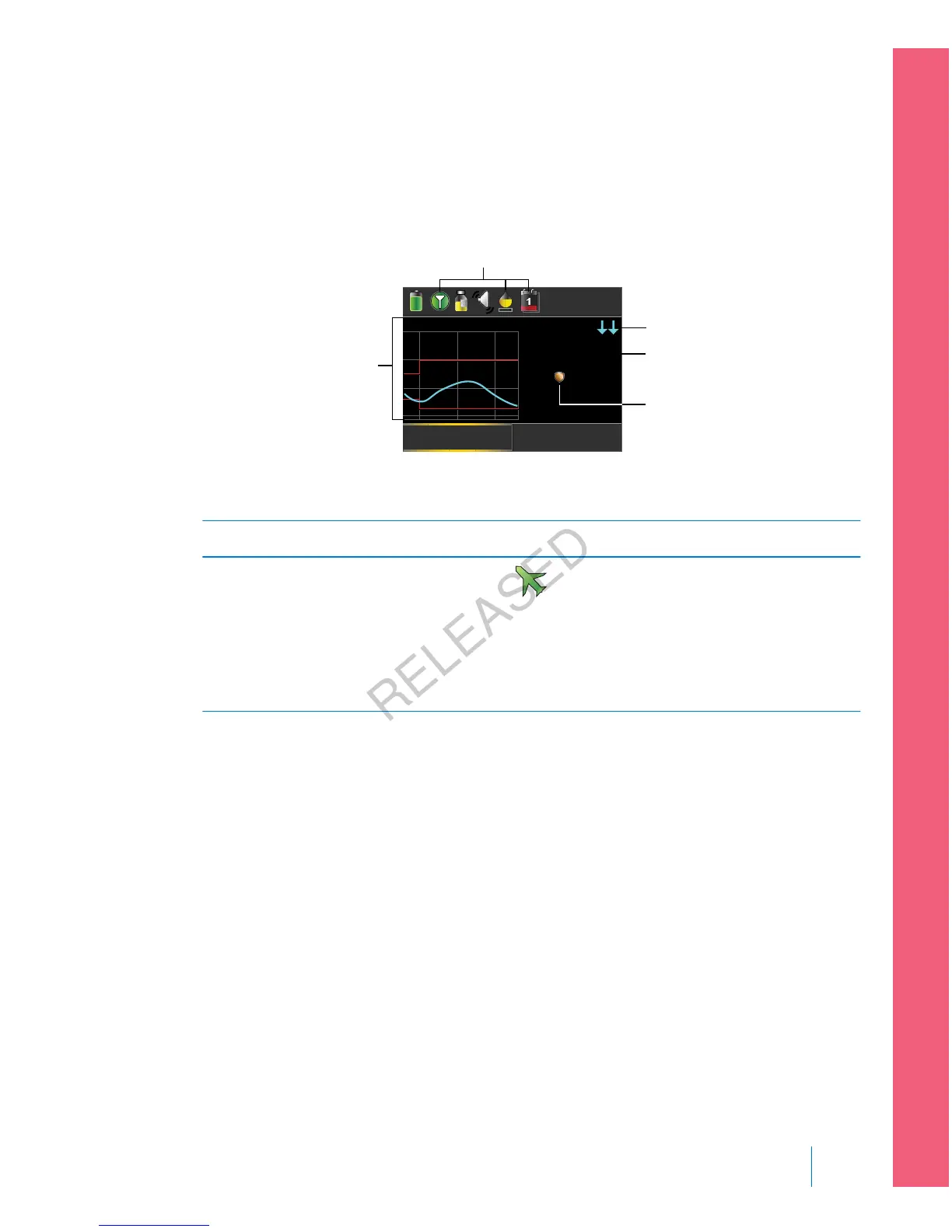
Home screen with CGM
When you turn on the Sensor feature, the Home screen on your pump changes to
display a real-time graph that shows your sensor glucose (SG) information. For
more information, see Turning on the Sensor feature, on page 167.
U
16:00
Bolus
Basal
5.5
mmol/L
Act Ins.
123
20
15
10
5
2.2
0.10
SG reading
SmartGuard
suspend by
sensor icon
trend arrows
sensor graph
sensor status icons
The following items appear on your Home screen with CGM:
Item Description
Airplane
Mode icon
The Airplane Mode icon appears in place of the Connection icon
if Airplane Mode is turned on. When Airplane Mode is turned on, the
pump cannot receive wireless communication from other devices. For
more information about using Airplane Mode, see Airplane Mode, on
page 137.
■
setting up continuous glucose monitoring
Setting up Continuous Glucose Monitoring 153
MP6025957-024 / A
RELEASED



 To Next Page