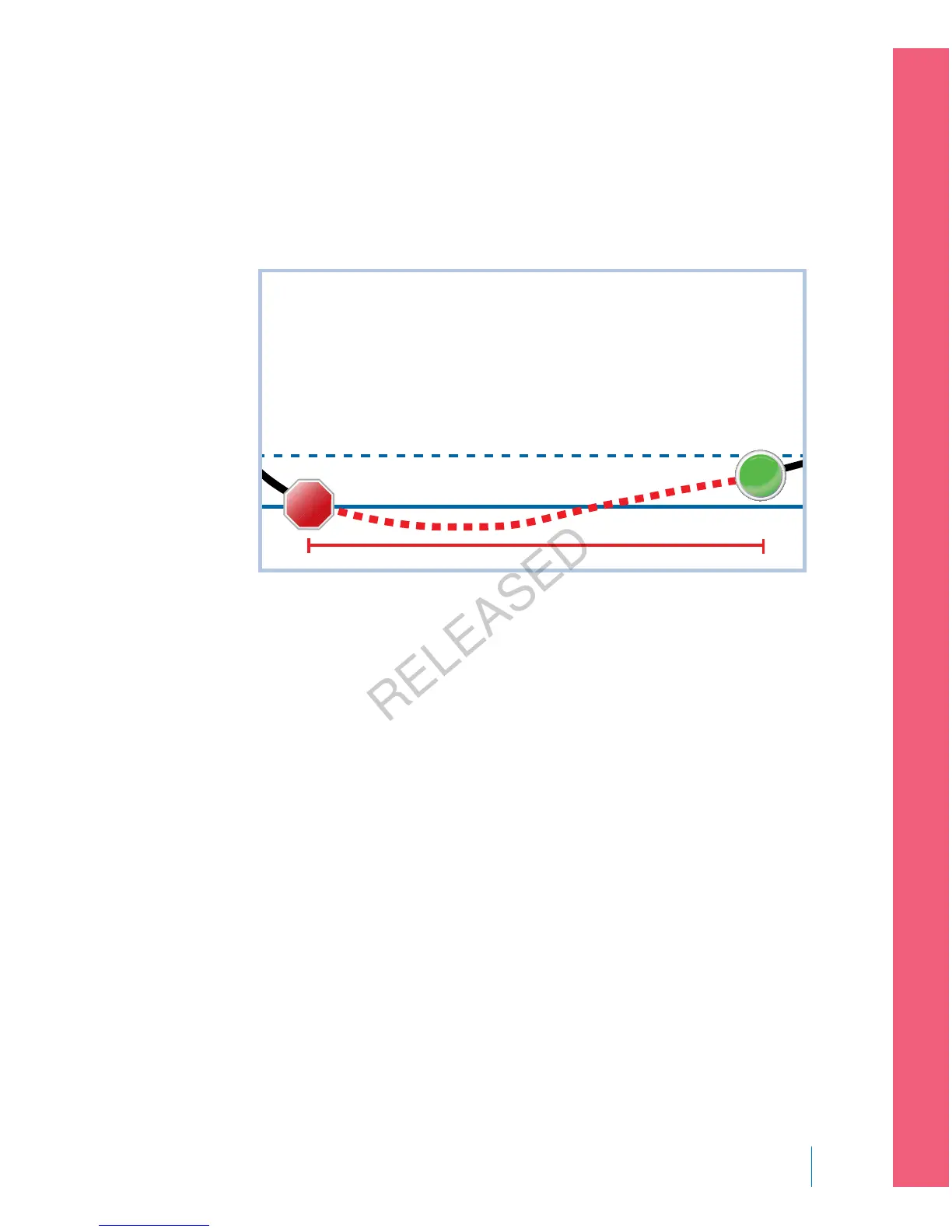
About three hours later, Michael’s roommate comes home. He hears the pump
sirening and wakes up Michael. Michael clears any messages by selecting OK. He
sees that his basal insulin was suspended for the two hour maximum and had
automatically been resumed. He checks his blood sugar and sees that it is within
the target range.
Low Limit
1.1 above Low Limit
2 hours
STOP
START
Since Michael has responded to his alert, the pump will suspend insulin delivery
and alarm again if his sensor value reaches or falls below his low limit again.
Turning on the Sensor feature
You must turn on the Sensor feature before you can set up your glucose alerts
and start monitoring your sensor glucose.
To turn on the Sensor feature:
1. Go to the Sensor Settings screen.
Menu > Sensor Settings
2. Select Sensor to turn on the sensor feature. The sensor settings become
accessible.
Setting up the High Settings
The steps below guide you through setting up your high settings. For details on
your high settings, see High settings, on page 156.
■
setting up continuous glucose monitoring
Setting up Continuous Glucose Monitoring 167
MP6025957-024 / A
RELEASED



 To Next Page