Note: When you enter your settings, you first define the time segment,
and then select the high settings you want on during that time segment.
To set up the High Settings:
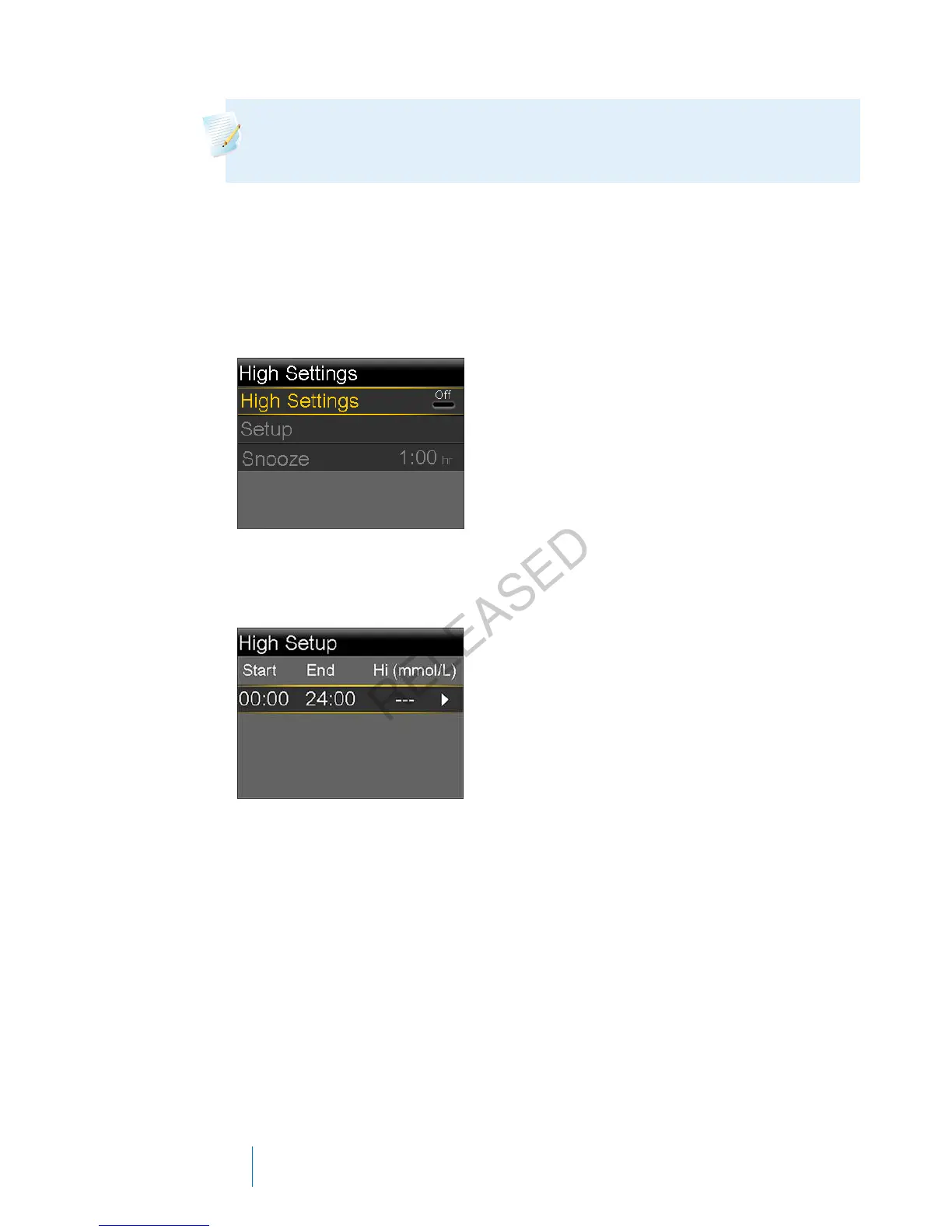
1. Go to the High Settings screen.
Menu > Sensor Settings > High Settings
The High Settings screen appears.
2. Select High Settings to turn on the feature.
The High Setup screen appears.
3. Select the time segment. The End time starts flashing.
The Start time of the first time segment is always 00:00. You can set up to
eight time segments, each with a different high limit. If you set more than
one time segment, the time segments must cover a 24-hour period.
4. Set the End time.
5. Set your Hi limit. You can enter a value from 5.6 to 22.2 mmol/L, in
increments of 0.2 mmol/L.
6. Select the arrow to the right of the End time to select the high settings for
this time segment.
168 Chapter 10
MP6025957-024 / A
RELEASED



 To Next Page