If you are removing the battery to place your pump in storage, see Storing
your pump, on page 242 for more information.
Getting to know your pump
This section shows you how to navigate through the screens and menus on your
pump. It also helps you learn how to enter information and view the status of your
pump.
Entering your startup settings
Your pump has a Startup Wizard that begins when you insert your battery for the
first time. The Startup Wizard guides you through setting the language, the time
format, the current time, and the current date.
Note: Use this procedure when you are entering your settings for the
first time. If this is not the first time you are entering your pump settings,
and your pump is asking you to re-enter your settings, see My pump is
asking me to enter my settings, on page 232.
To use the Startup Wizard:
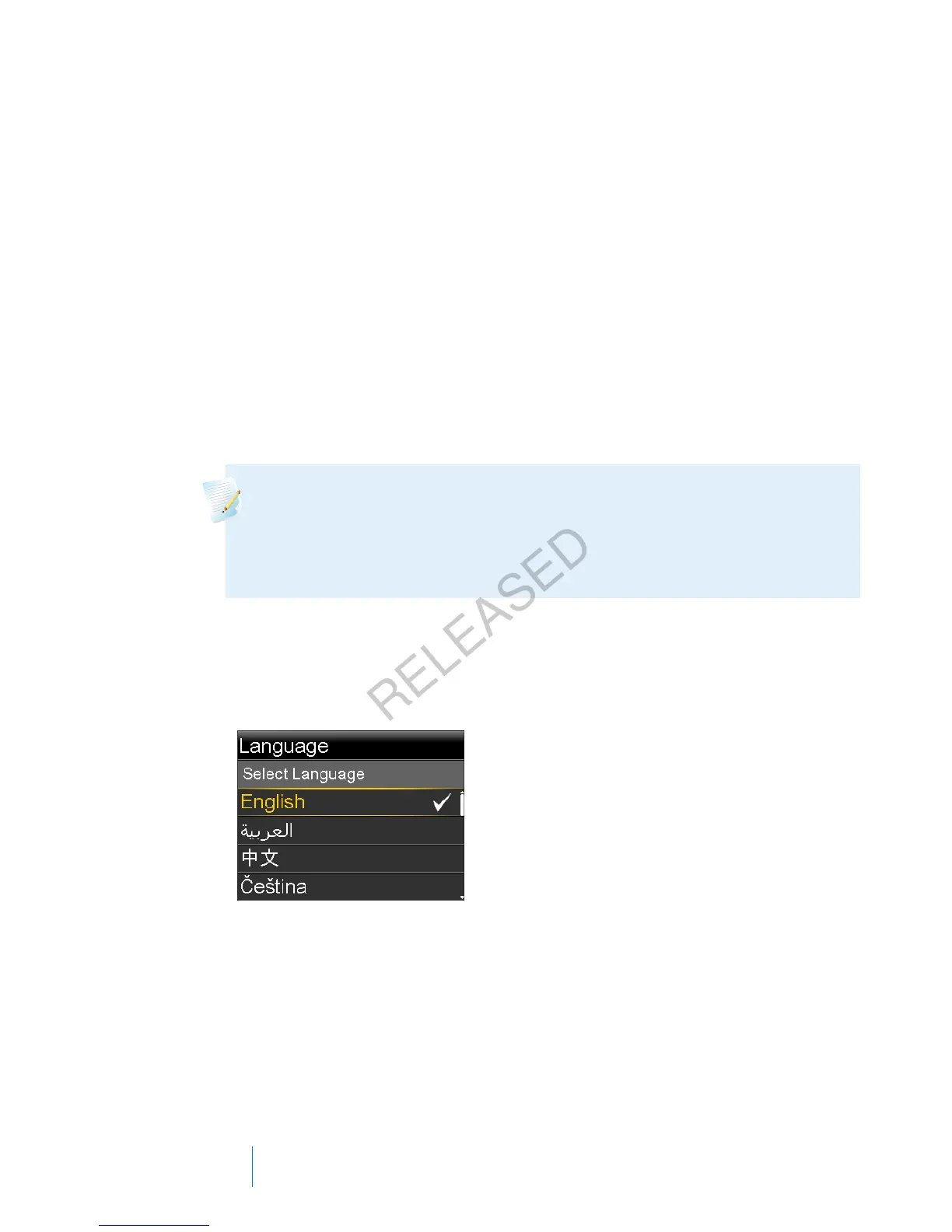
1. The Startup Wizard begins after the Welcome screen appears. When the
Language screen appears, select your language.
2. When the Select Time Format screen appears, select a 12 hour or a 24 hour
time format.
24 Chapter 2
MP6025957-024 / A
RELEASED



 To Next Page