Note: If an alert occurs when you are in a screen other than the Home
screen, the alert message may appear after you return to the Home
screen.
Messages
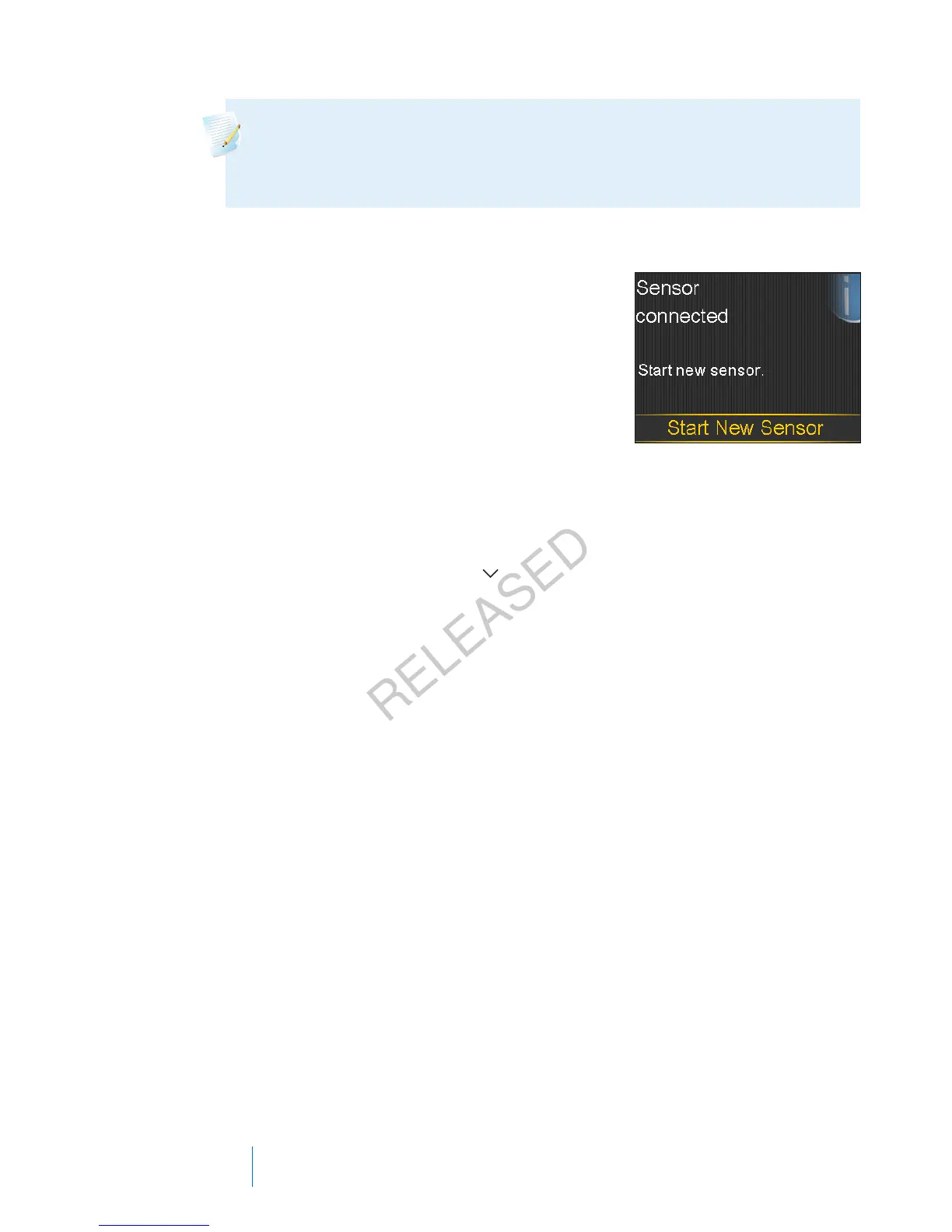
A message informs you about the status of your
pump or if you need to make a decision.
When a message occurs:
Display: The pump displays a notification with a
blue icon and instructions.
Notification light: Does not illuminate or blink.
Audio: Depending on the message, the pump emits a message tone, an alert
tone, or no tone. Depending on your Audio Options settings, you may hear a tone,
feel a one-pulse-only vibration, or hear a tone and feel a vibration.
You clear the message by pressing
and make a selection.
Pump alarms, alerts, and messages
The following table lists the most common or serious alarms, alerts, and messages
related to your pump. The table also explains the meaning, consequences, and the
reasons why these notifications appear, and provides steps for problem resolution.
202 Chapter 12
MP6025957-024 / A
RELEASED



 To Next Page