When you respond to a message, there may be times when another
message appears. Always be sure to address all notifications you have
received.
A white triangle in the lower-right corner means you must press to continue.
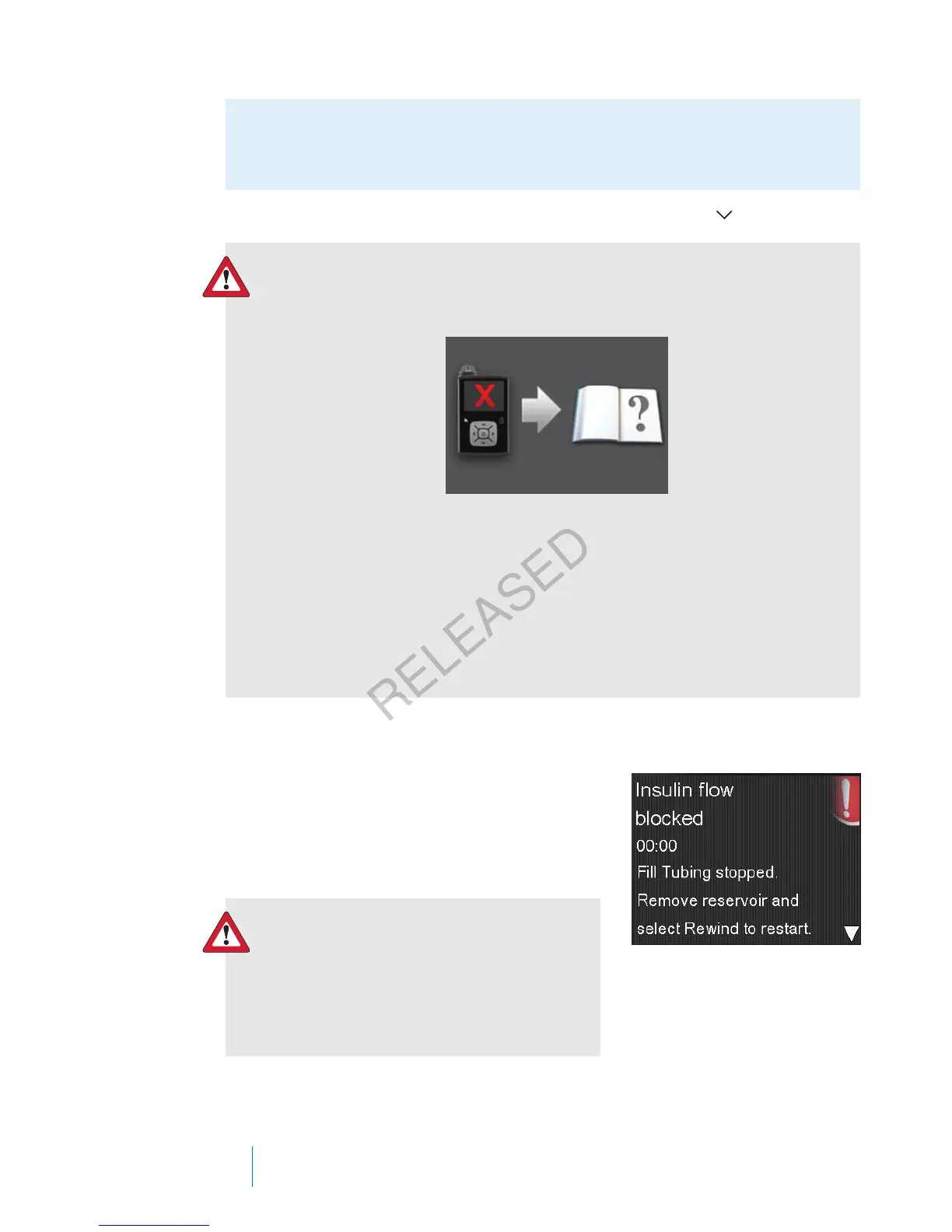
WARNING: If you receive a critical error on your pump, the
following screen displays and the pump sirens.
Immediately disconnect from your insulin pump and discontinue
use. Contact your local representative for assistance.
Remember, your body still needs insulin while your pump is
removed. It is important that you consult your healthcare
professional to determine an alternate method of receiving insulin
while your pump is removed.
Alarms
An alarm warns you that the pump detected
something that prevents insulin from being
delivered. It is important that you respond to an
alarm.
WARNING: Do not ignore your pump
when it has an alarm because all
insulin delivery is stopped, which may
lead to high blood glucose and
ketoacidosis.
When an alarm occurs:
200 Chapter 12
MP6025957-024 / A
RELEASED



 To Next Page