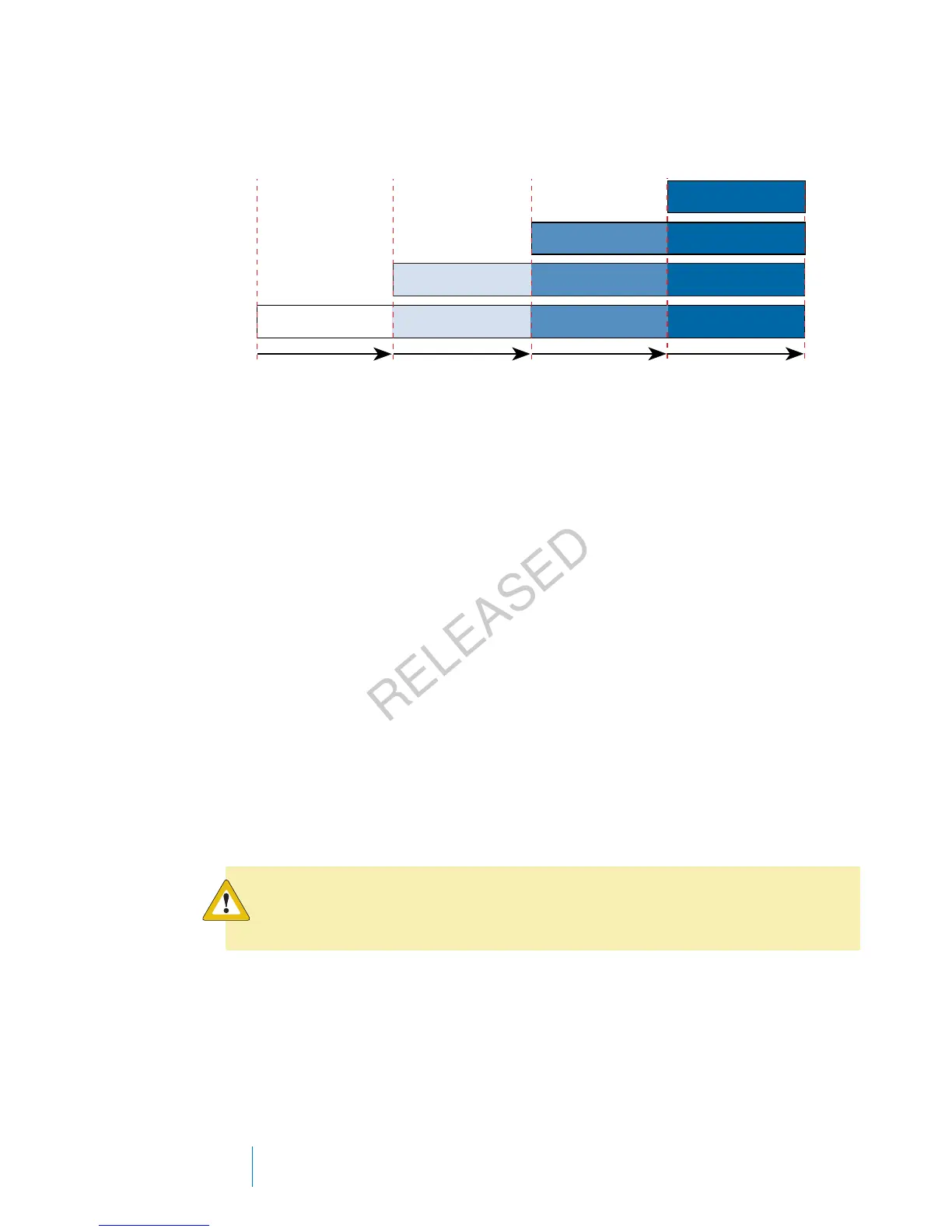
1 step = 0.5 units
2 steps = 1.0 units
3 steps = 1.5 units
4 steps = 2.0 units
Total number units
Total number steps = 4
Total number button presses = 4
0 0.5 1.0 1.5 2
Setting up Easy Bolus
The Easy Bolus option is available only after you turn on the feature.
To set up Easy Bolus:
1. Go to the Easy Bolus screen.
Menu > Insulin Settings > Easy Bolus
2. Select Easy Bolus to turn on the feature.
3. Set the Step Size amount (in units). You can set the step size from 0.1 to 2.0
units. Your step size cannot be higher than your max bolus.
4. Select Save.
Delivering a bolus using Easy Bolus
Initially you should use the Easy Bolus feature while looking at the pump screen as
you count the tones or vibrations.
Caution: Always check your pump if you hear any unanticipated
beeps or vibrations.
84 Chapter 4
MP6025957-024 / A
RELEASED



 To Next Page