Note: Several items appear on both your Home screen without CGM and
your Home screen with CGM. For more information, see Home screen, on
page 26, and Status bar, on page 28.
Understanding glucose settings
There are several types of glucose alerts you can set to notify you if your glucose
values are changing at a particular rate, or if they are approaching or have reached
a specified low or high limit. You can also set your pump to automatically suspend
insulin delivery before or when you reach your low limit.
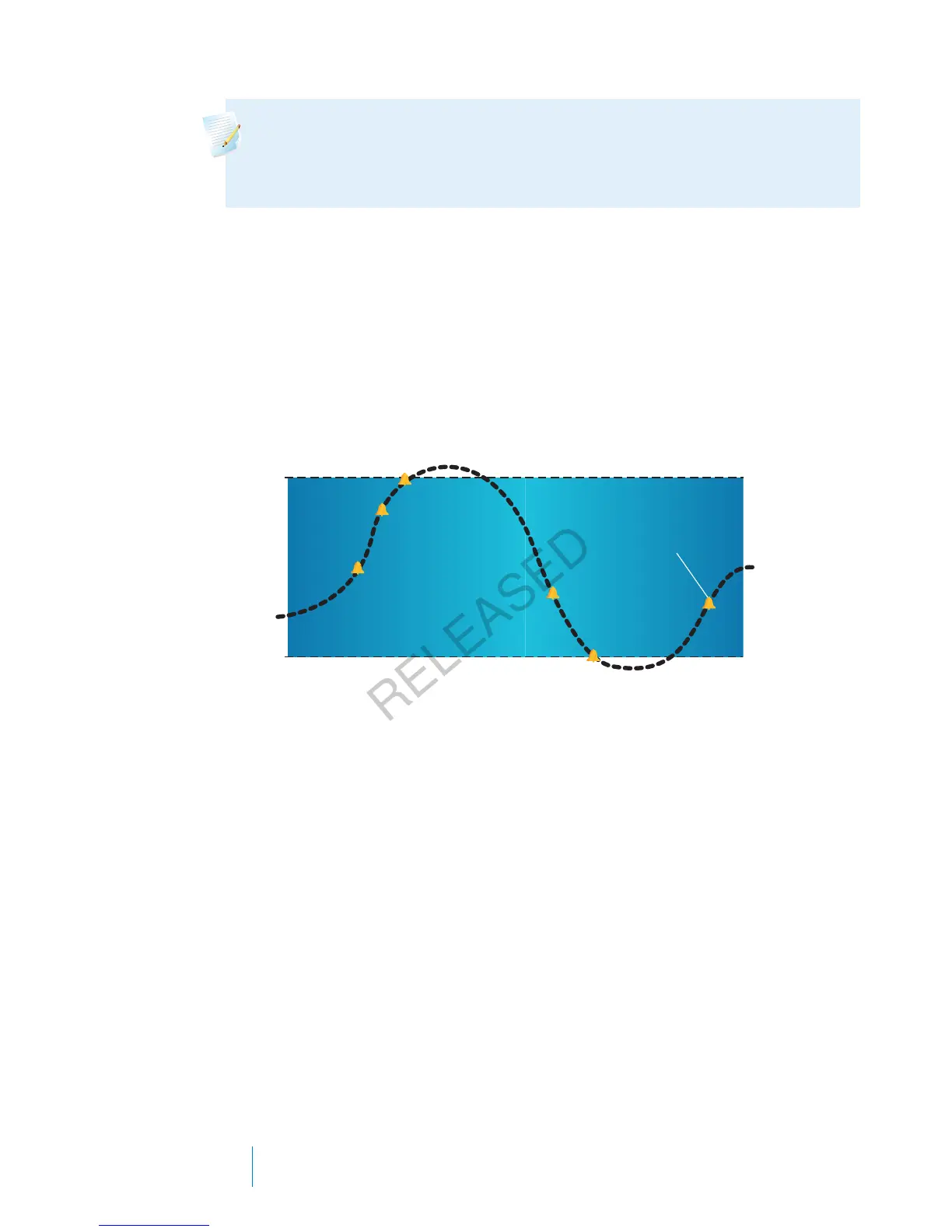
The following graph shows the different high and low glucose alerts you can use.
High
Limit
Low
Limit
Alert before high
Rise Alert
Alert before low
Alert on low
Sensor
Glucose
Alert on high
Suspend before low
Suspend on low
Resume basal alert
The high alerts are described in the High settings section on page 156. For details
on low alerts and suspend options, see Low settings, on page 157.
High settings
These settings alert you if your sensor glucose:
• is rising rapidly (Rise Alert)
• is approaching your high limit (Alert before high)
• has reached your high limit (Alert on high)
The following table describes the High Settings.
156 Chapter 10
MP6025957-024 / A
RELEASED



 To Next Page