Item Description
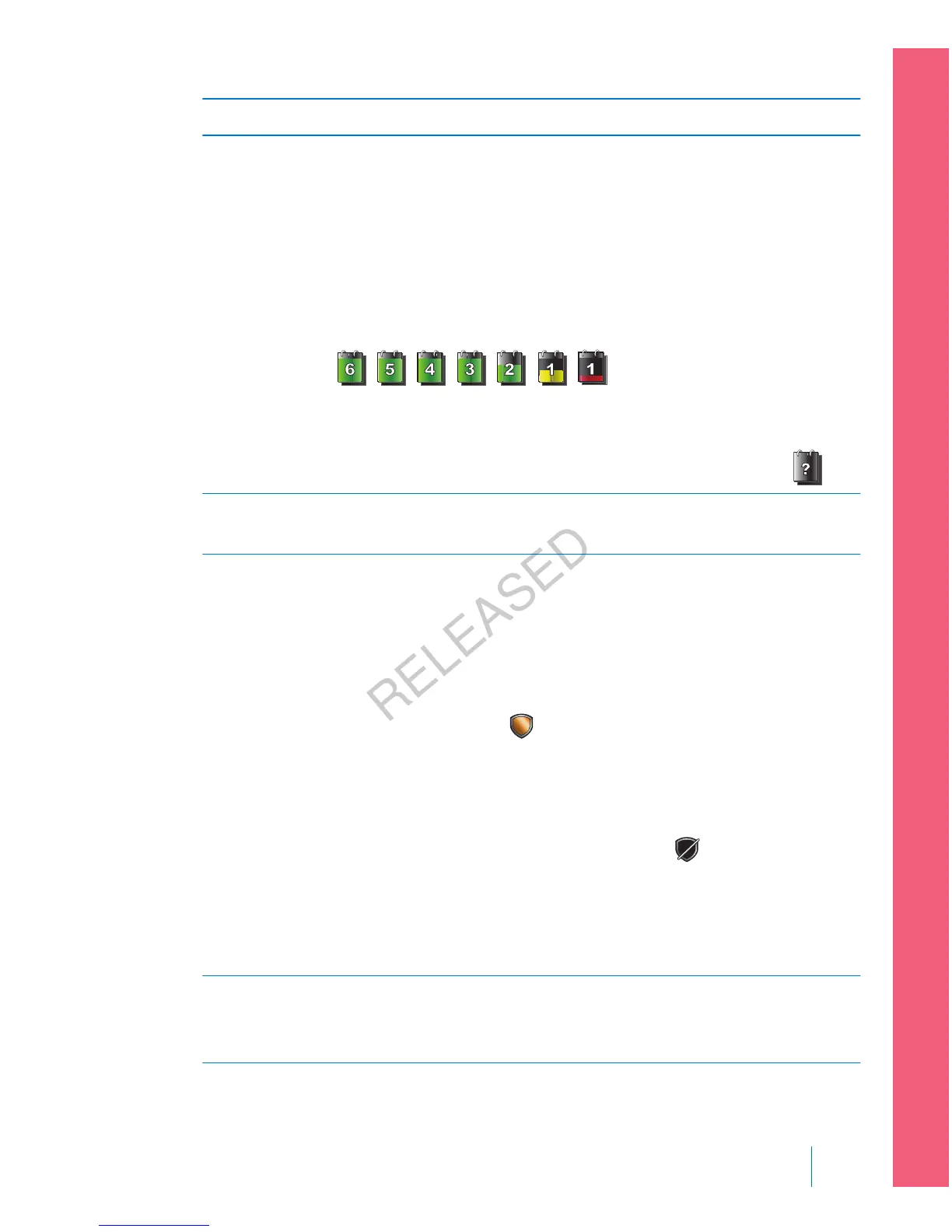
Sensor Life
icon
The number of days remaining in the life of your sensor. The sensor
life icon appears only when the Sensor feature is turned on. The color
and the fill level of the icon indicate the status. When you insert a
new sensor, the icon is solid green. As your sensor life is used, the
icon becomes emptier. The icon turns yellow when less than 24 hours
remains in the life of your sensor. It turns red when less than 12 hours
remains in the life of your sensor.
If the number of days remaining in the life of your sensor is
unavailable, the Sensor Life icon appears with a question mark
.
SG reading Shows your current SG reading which is sent wirelessly to your pump
by the transmitter.
SmartGuard
suspend by
sensor icon
The SmartGuard suspend by sensor icon appears only when either the
Suspend before low or Suspend on low feature is set to on. For details
on the SmartGuard feature, see SmartGuard, on page 152.
The SmartGuard suspend by sensor icon indicates the current status of
the suspend features, as follows:
•
The icon is solid gold
when either the Suspend on low or
Suspend before low is turned on and ready.
• The gold icon flashes if your insulin delivery is currently suspended
due to a Suspend on low or Suspend before low event.
•
The icon appears gray with a line through it when neither
suspend feature is available. The suspend features might be
unavailable due to a recent suspend or because there are no SG
values available. It might also be unavailable because the pump is
not currently delivering insulin.
Trend arrows Shows the rate at which the most recent sensor glucose level is rising
or falling. For more information about trend arrows, see Identifying
rapid changes in sensor glucose, on page 192.
■
setting up continuous glucose monitoring
Setting up Continuous Glucose Monitoring 155
MP6025957-024 / A
RELEASED



 To Next Page