First steps
This chapter gives you an overview of your pump so you can become familiar with
the buttons and screens. Read this entire chapter to understand the basic features
and initial setup before using your pump to deliver insulin.
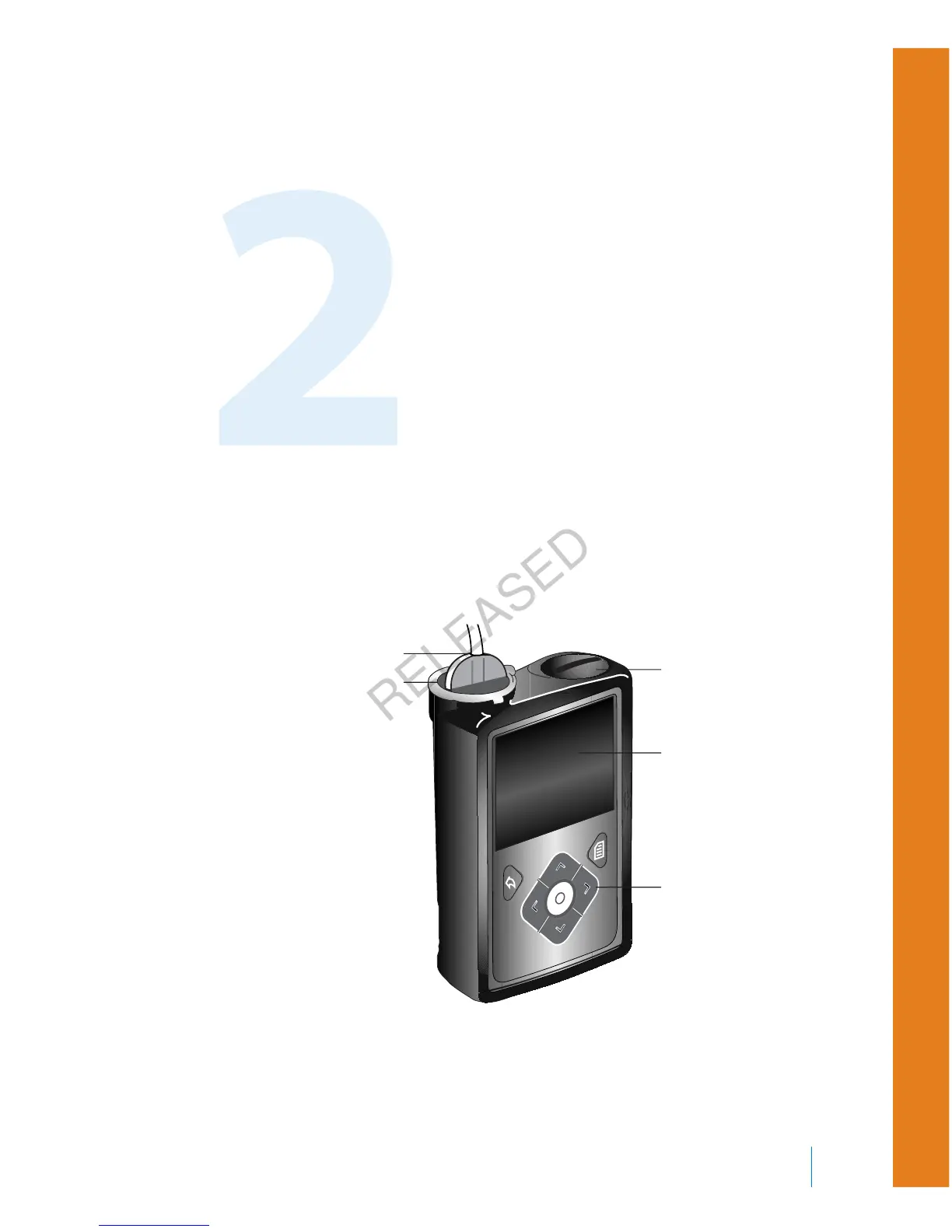
Your pump
The following illustration shows the different parts of your pump. The reservoir,
with the tubing connector attached, is inserted into the reservoir compartment.
battery compartment
screen
reservoir compartment
buttons
tubing connector
First steps 19
■
first steps
MP6025957-024 / A
RELEASED



 To Next Page