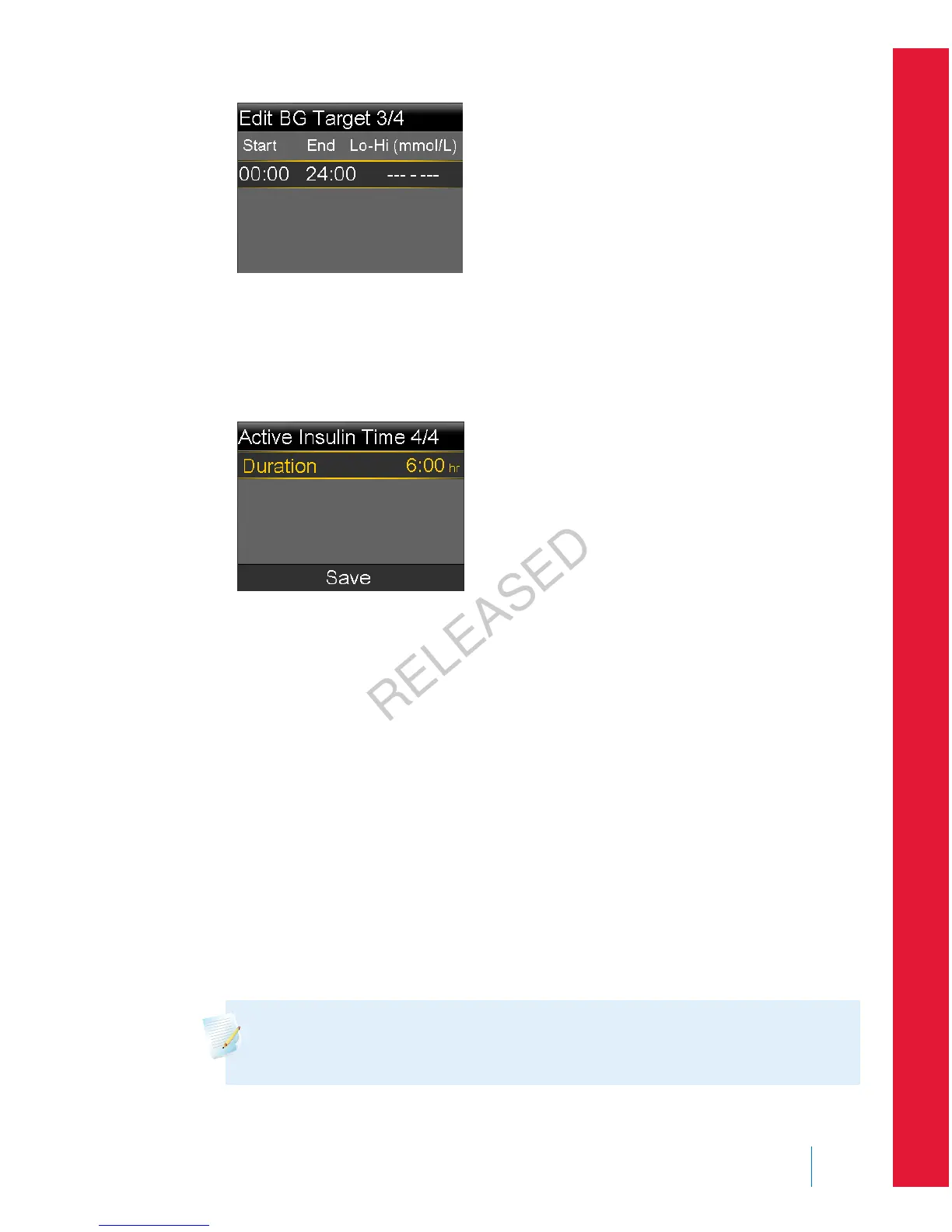
If your BG target is outside the range of 5.0 to 7.8 mmol/L, a message
appears asking you to confirm your setting.
6. When the Active Insulin Time screen appears, enter your active insulin time
value.
7. Select Save.
A message appears letting you know the Bolus Wizard setup is complete.
You can now use the Bolus Wizard to calculate a bolus.
Changing your Bolus Wizard settings
This section shows you how to make changes to your personal settings after you
initially set up the Bolus Wizard. These settings are available only if the Bolus
Wizard is turned on.
Changing your carb or exchange ratio
You can change either your carb ratio or exchange ratio setting, depending on
whether you use grams or exchanges as your carb unit. The carb ratio and
exchange ratio settings are available only if the Bolus Wizard is turned on.
Note: Your pump uses grams as the default carb unit. If you would like
to change your carb unit to exchanges, see Carb Unit, on page 140.
■
bolus
Bolus 69
MP6025957-024 / A
RELEASED



 To Next Page