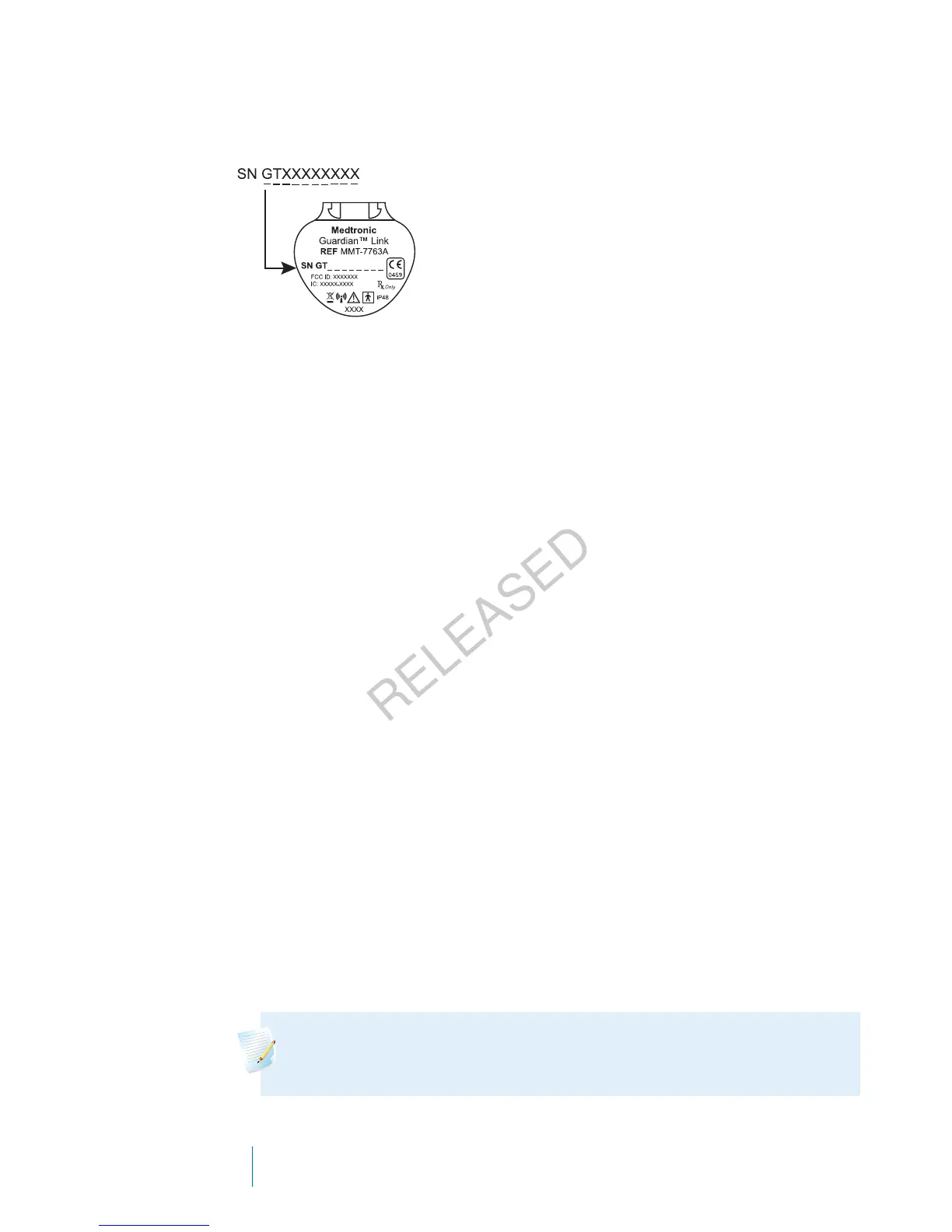
2. Identify and select your transmitter by the serial number. The serial number
can be found on the back of the transmitter.
3. Select Delete.
4. A screen appears confirming that you would like to delete the device. Select
Yes to confirm or No to cancel.
Inserting the sensor
Always refer to the serter user guide for instructions on how to insert the sensor.
Connecting the transmitter to the sensor
Always refer to your transmitter user guide for instructions on connecting the
transmitter to the sensor.
Starting the sensor
After you insert your sensor and connect your sensor and transmitter, your pump
starts communicating with the transmitter. The pump notifies you when the
sensor is ready to use.
To start a new sensor using the Start New Sensor message:
1. Select Start New Sensor when it appears on the pump screen.
The "Sensor warm-up started" message appears.
2. Select OK.
"Warm up..." appears on the Home screen until the sensor is ready for first
calibration.
Note: If you do not see the Start New Sensor option, then follow
the procedure for manual connection described below.
182 Chapter 10
MP6025957-024 / A
RELEASED



 To Next Page