Note: Your pump uses grams as the default carb unit. If you would
like to change your carb unit to exchanges, see Carb Unit, on
page 140.
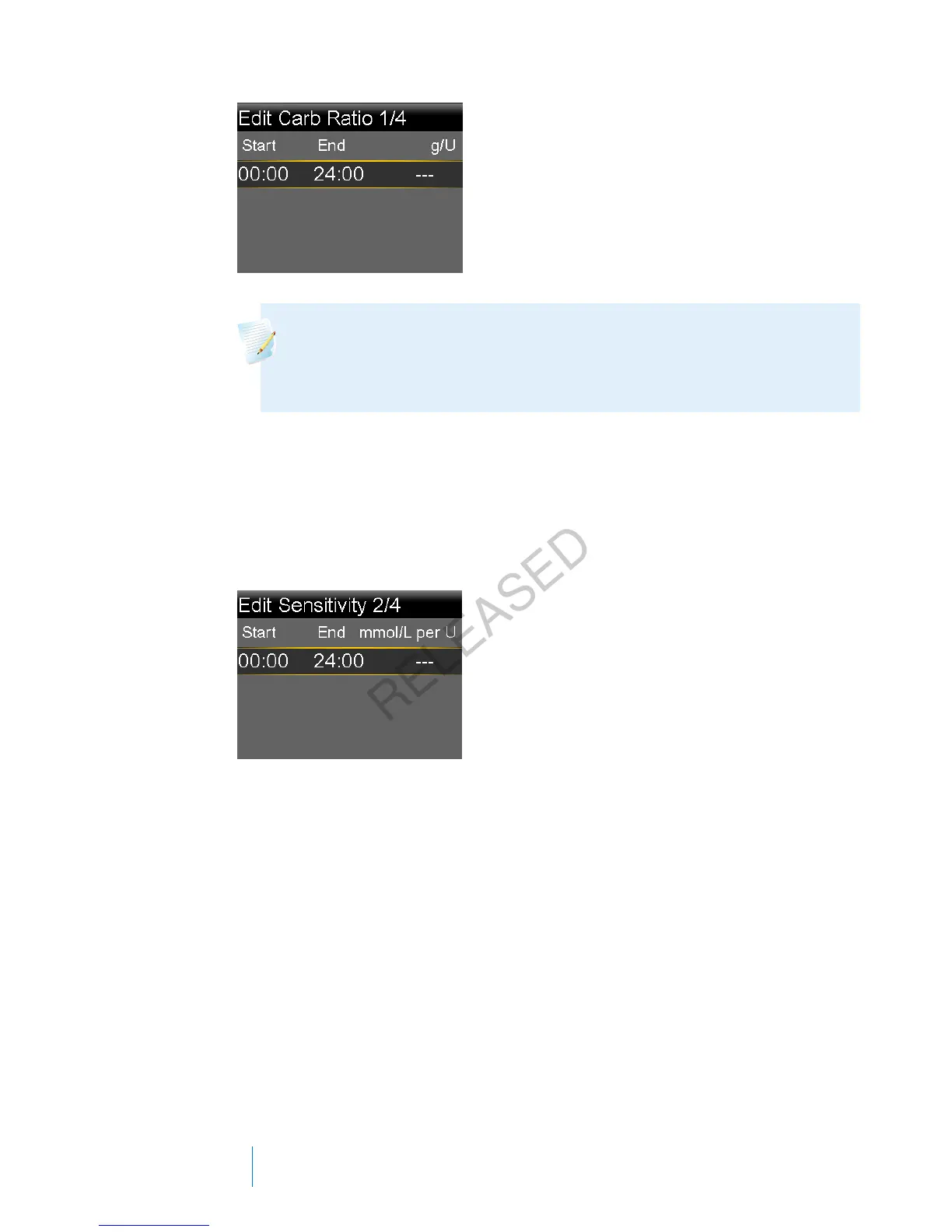
If your ratio value is outside the range of 5 to 50 grams per unit or 0.3 to
3 units per exchange, a message appears asking you to confirm your setting.
4. When the Edit Sensitivity screen appears, enter your insulin sensitivity factor.
You can set up to eight different sensitivity factors using different time
segments. The time segments must cover a 24-hour period.
If the value you enter is outside the range of 1.1 to 5.6 mmol/L, a message
appears asking you to confirm your setting.
5. When the Edit BG Target screen appears, enter your Bolus Wizard BG target
range. You can set up to eight different BG target ranges using different time
segments. The time segments must cover a 24-hour period.
68 Chapter 4
MP6025957-024 / A
RELEASED



 To Next Page