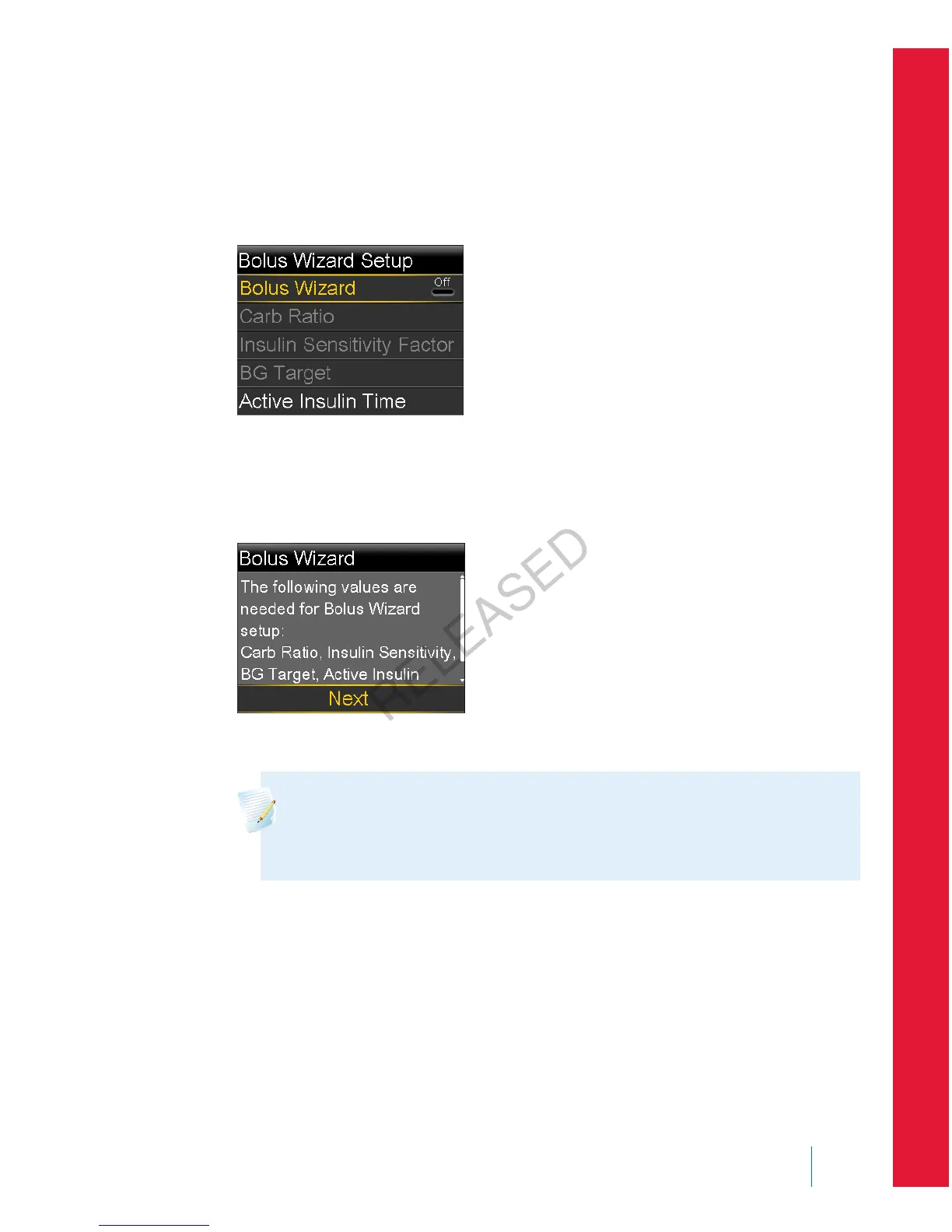
To set up the Bolus Wizard feature:
1. Go to the Bolus Wizard Setup screen.
Menu > Insulin Settings > Bolus Wizard Setup
The Bolus Wizard Setup screen appears with the Bolus Wizard turned off.
2. Select Bolus Wizard to turn on the feature.
If this is the first time you have turned on the Bolus Wizard feature, your
pump displays information about the settings you need to enter.
Make sure you have the values you need, and then select Next to continue.
Note: As you enter your personal settings, your pump displays
information about each setting. Click Next to continue when you
have read each explanation.
3. When the Edit Carb Ratio screen appears, enter your carb ratio. If you are
setting a carb ratio, set the grams per unit (g/U). If you are setting an
exchange ratio, set the units per exchange (U/exch). You can set up to eight
carb ratios using different time segments. The time segments must cover a
24-hour period.
■
bolus
Bolus 67
MP6025957-024 / A
RELEASED



 To Next Page