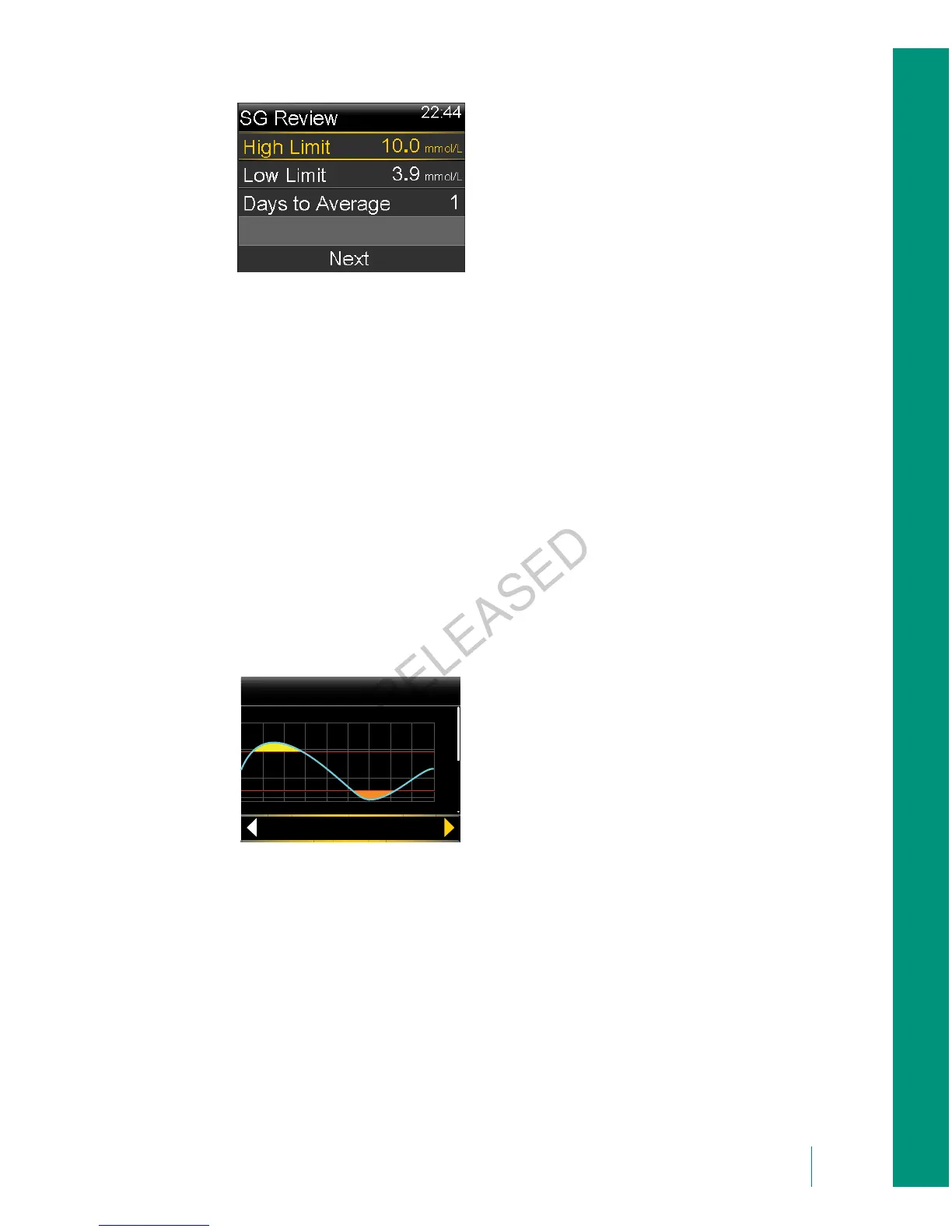
2. Enter the High Limit and Low Limit that you want to use for the sensor
glucose review.
There must be a minimum of 1.1 mmol/L difference between the high and
low SG limits.
3. Enter the number of days of sensor glucose history to average, and select
Next.
A graph of your SG data appears. If you specified one day of history to view,
the graph shows details about when your SG was above, below, or within
your specified limits. You can scroll down to view the number of hours and
percentage of time you were above, within, and below your SG limits.
If you have no data saved, a message appears on the screen letting you know
there is no data available.
20
15
10
5
mmol/L
SG Review
4:00
Fri, Jan 18
12 3 6 9 12 15 18 21 24
2.2
If you view information for multiple days, the graph shows the average
percentage of time that your SG was above, below, or within your specific
limits.
■
history and events
History and events 123
MP6025957-024 / A
RELEASED



 To Next Page