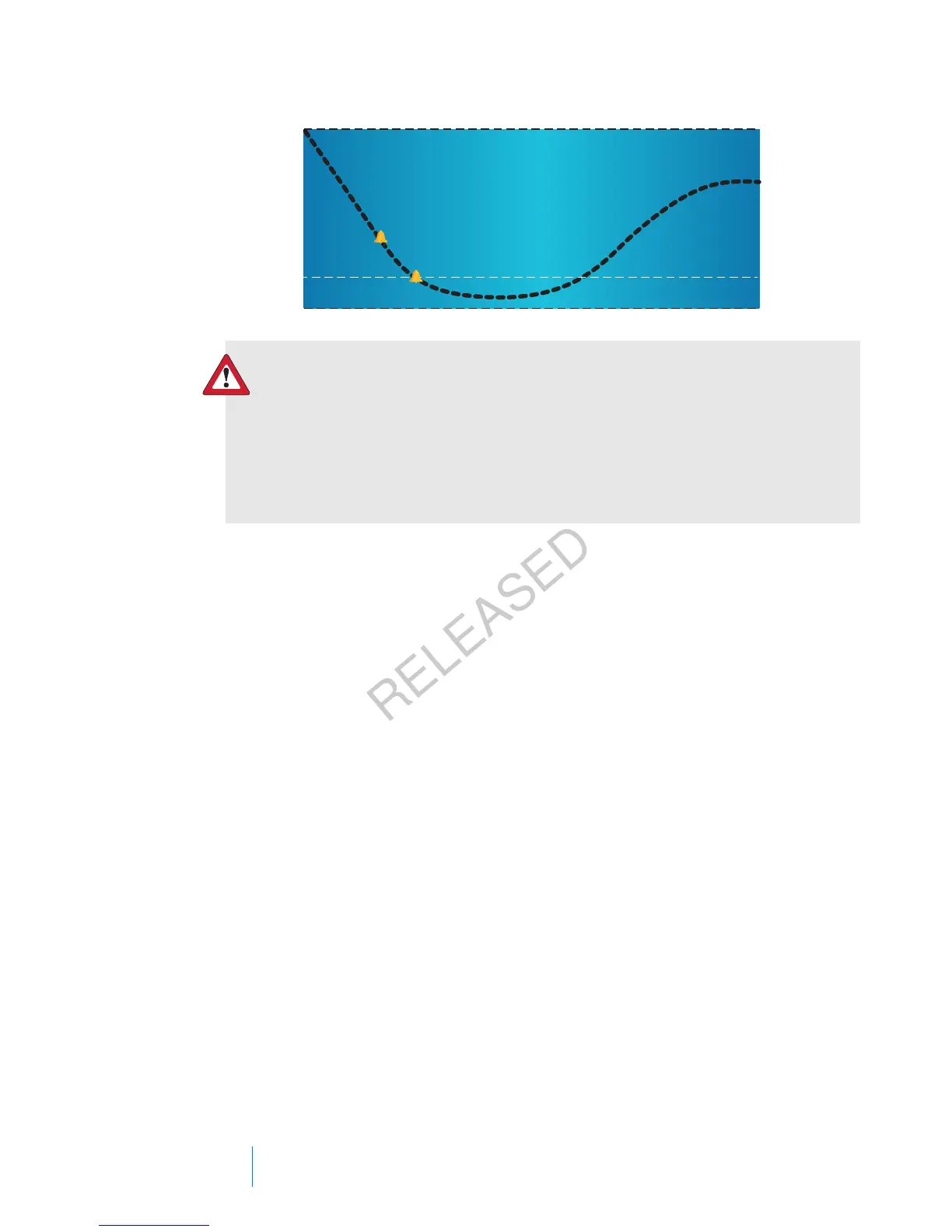
Low Limit
Alert before low
Alert on low
Suspend before low
Suspend on low
WARNING: SmartGuard suspend by sensor features are not
intended to be a treatment for low blood glucose. Having insulin
suspended when glucose is low may not bring your blood glucose
back to your target range for several hours. Always confirm your
blood glucose readings with your BG meter and treat according to
the recommendations of your healthcare professional.
The following sections describe the SmartGuard feature and the low settings. For
details on setting up SmartGuard and your low settings, see Setting up the Low
Settings, on page 171.
Low limit
The low limit is the value on which the other low settings are based. The low limit
can be set from 2.8 mmol/L to 5.0 mmol/L. You can set up to eight low limits for
different periods of the day or night.
Suspend before low
The Suspend before low feature stops insulin delivery when your sensor glucose
values are approaching your low limit. This feature is intended to suspend insulin
delivery to minimize the amount of time spent low.
The default setting for the Suspend before low feature is off. Consult your
healthcare professional for the Suspend before low setting that is best for you.
If you turn on Suspend before low, then Alert on low is automatically turned on.
You also have the option to turn on Alert before low.
•If Alert before low is on, your pump alerts you when insulin delivery is
suspended. For details, see Alert before low, on page 161.
158 Chapter 10
MP6025957-024 / A
RELEASED



 To Next Page