SmartGuard suspend by sensor examples
The following examples describe several scenarios that illustrate different types of
suspend events, user actions in response to these events, and what happens to
insulin delivery in each case.
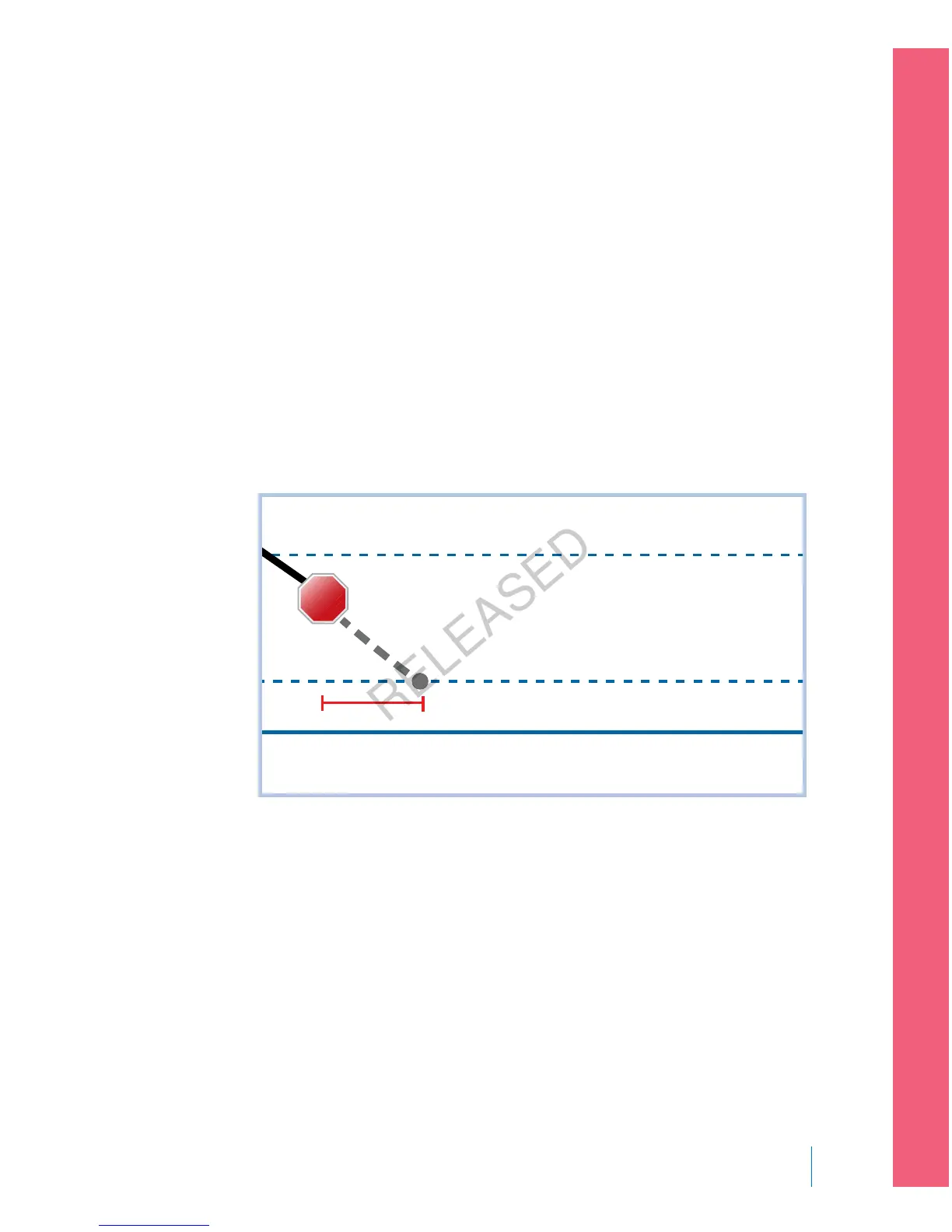
Example 1: Suspend before low, non-responsive, auto resume basal
(trending upwards)
Sarah has been experiencing low sensor glucose values. Her healthcare
professional has recommended she use the Suspend before low feature. While at a
concert, Sarah’s sensor glucose values are approaching her low limit. Her pump
recognizes that her glucose will be at or within 1.1 mmol/L above her low limit
within 30 minutes and suspends her insulin. Sarah has her Alert before low set to
off so that she is not alerted when this occurs.
Low Limit
1.1 above Low Limit
3.9 above Low Limit
30 min
STOP
An hour later, her sensor glucose values are 1.2 mmol/L above her low limit. Her
pump estimates her sensor glucose values will be 2.4 mmol/L above her low limit
within 30 minutes. Her pump automatically resumes her basal insulin delivery.
When the concert ends, Sarah sees that her pump automatically suspended and
resumed her insulin delivery and a potential low was avoided. She clears the
messages by selecting OK.
■
setting up continuous glucose monitoring
Setting up Continuous Glucose Monitoring 165
MP6025957-024 / A
RELEASED



 To Next Page