Note: Both lights on the charger are off when the transmitter is fully
charged. For more information, see your transmitter user guide.
If you remove the transmitter from the charger to write down the
serial number, the green charger light may start flashing when you
attach the transmitter to the charger again. You can continue the
connection process without waiting for the charger light to stop
flashing.
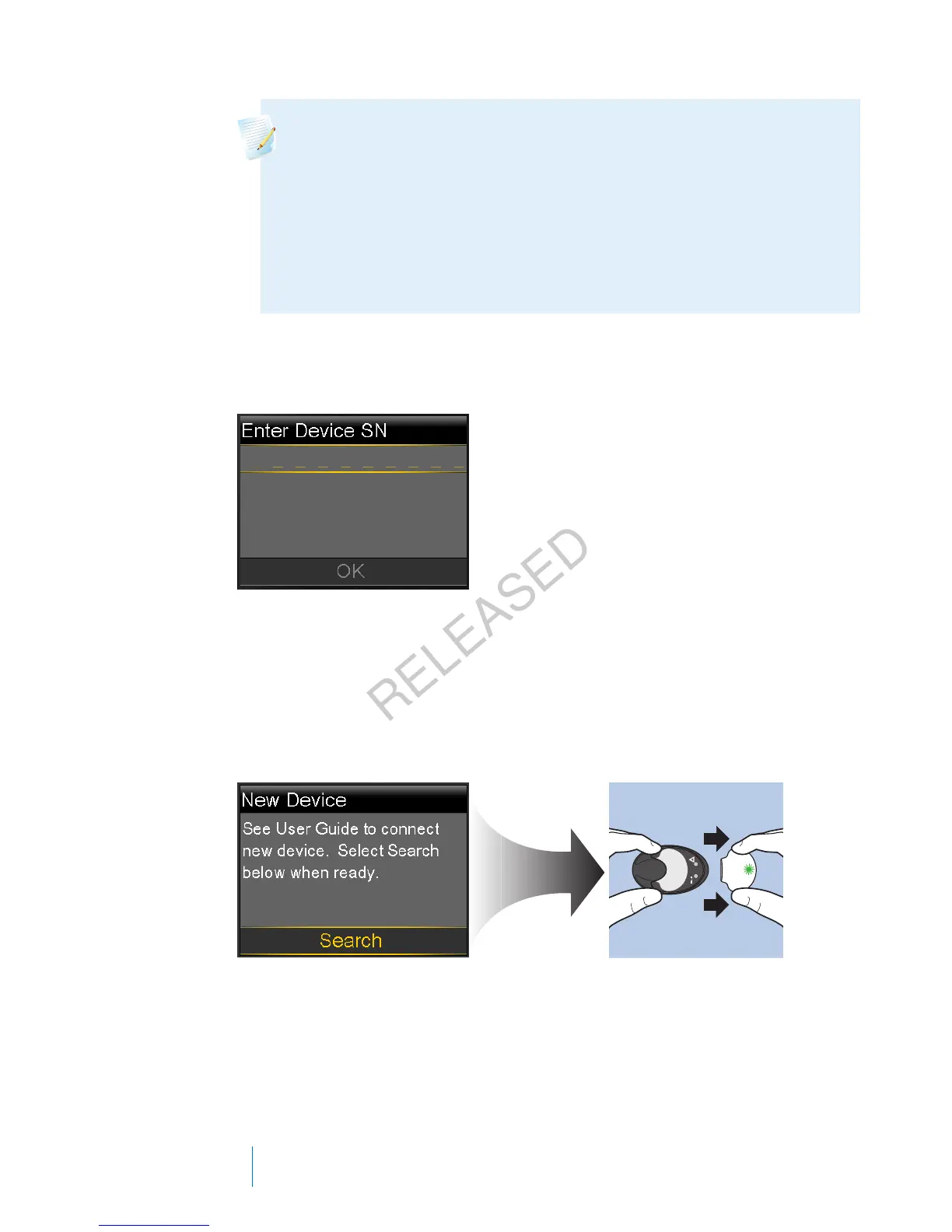
3. On the pump, go to the Enter Device SN screen.
Menu > Utilities > Device Options > Connect Device > Manual Connect
4. Use the pump navigation buttons to enter the serial number of the
transmitter and select OK.
The New Device screen appears.
5. Select Search on your pump and immediately remove the transmitter from
the charger.
The following happens when you start the search process:
• On your pump, a message appears to let you know your pump is
searching.
180 Chapter 10
MP6025957-024 / A
RELEASED



 To Next Page