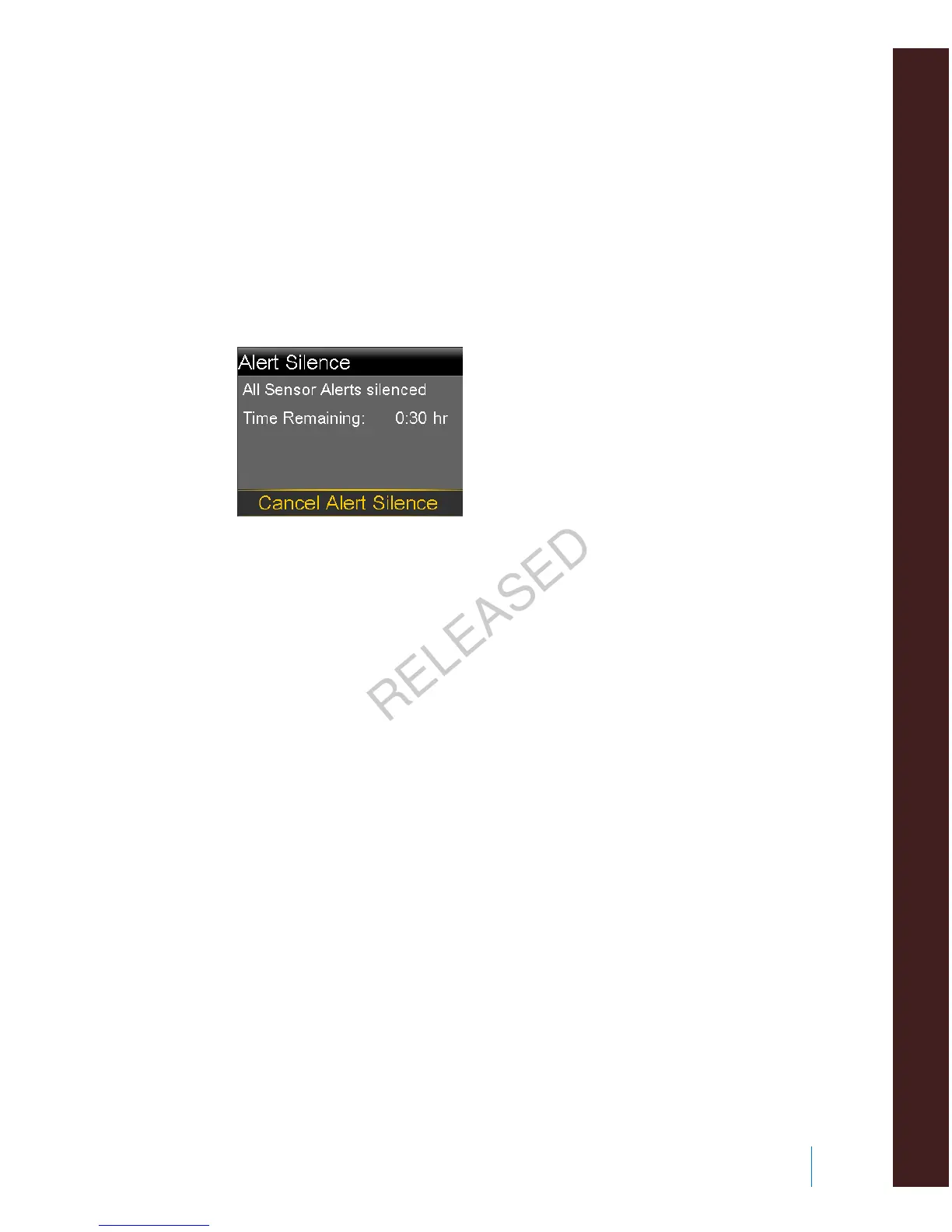
3. Set the Duration time (from 30 minutes to 24 hours) for which the alerts will
be silenced, and then select OK.
4. Select Begin. The Alert Silence settings immediately take effect and you are
returned to the Sensor Settings screen.
To cancel Alert Silence:
1. Go to the Alert Silence screen.
Menu > Sensor Settings > Alert Silence
2. Select Cancel Alert Silence.
■
using continuous glucose monitoring
Using continuous glucose monitoring 195
MP6025957-024 / A
RELEASED



 To Next Page