Caution: Insulin is delivered in units per hour. If you set a basal
rate of 0.025 U/hr for a 30-minute time period, this might result in
no insulin delivered for that 30-minute period.
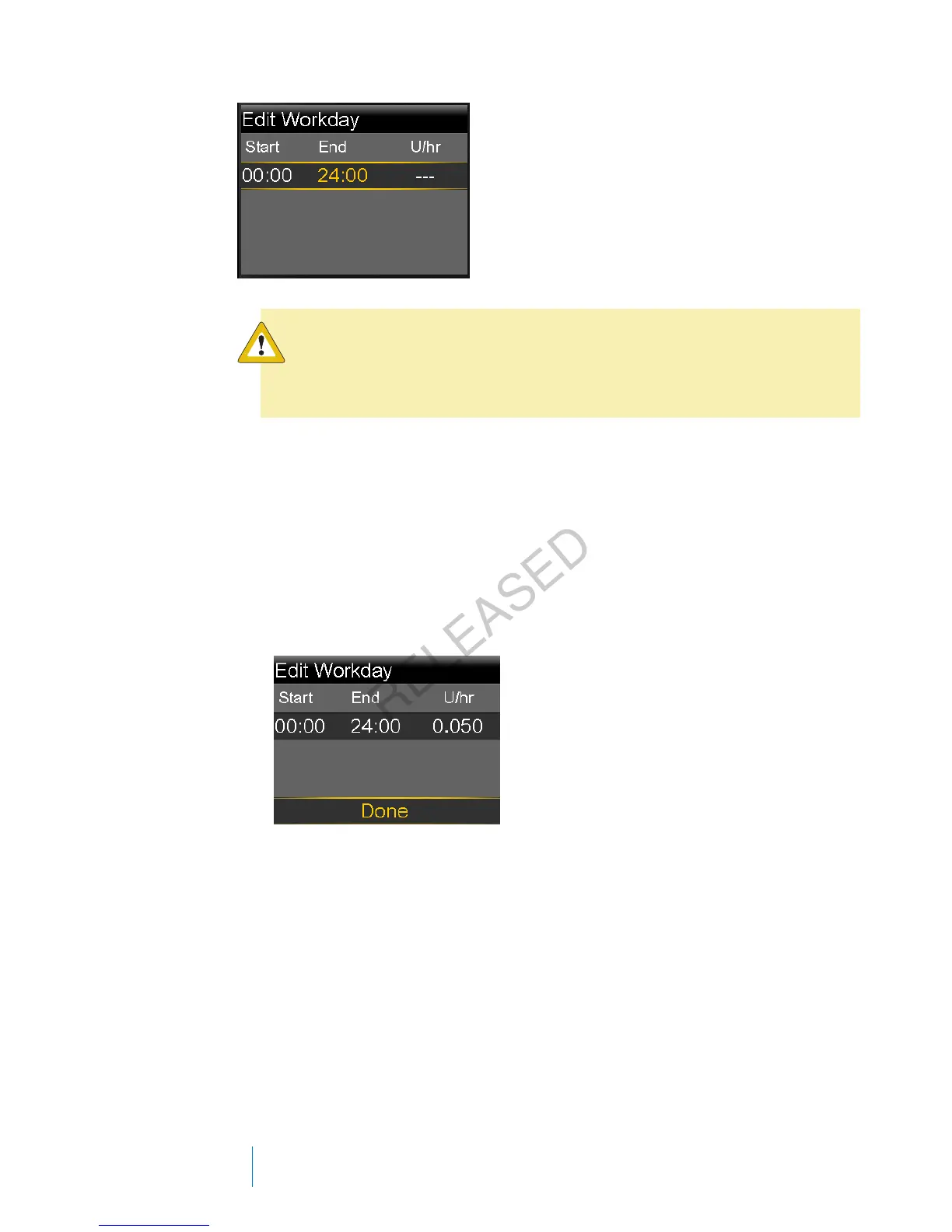
5. To create one continuous 24-hour basal rate for your basal pattern, continue
with this step. To create more than one basal rate for your new basal pattern,
skip to step 6.
a. Leave End time at 24:00 to set a 24-hour rate. The Start time of the first
time segment is always 00:00.
b. Set your rate in units per hour.
c. Skip to Step 7.
6. To create more than one basal rate for your new basal pattern, enter one
basal rate at a time, as described in the following steps:
a. Set the End time and the Rate for your first basal rate. You set your rates
in 30-minute increments.
If you set the End time to anything other than 24:00, a second basal rate
setting appears.
44 Chapter 3
MP6025957-024 / A
RELEASED



 To Next Page