To do this: Do this:
View your current basal
rate
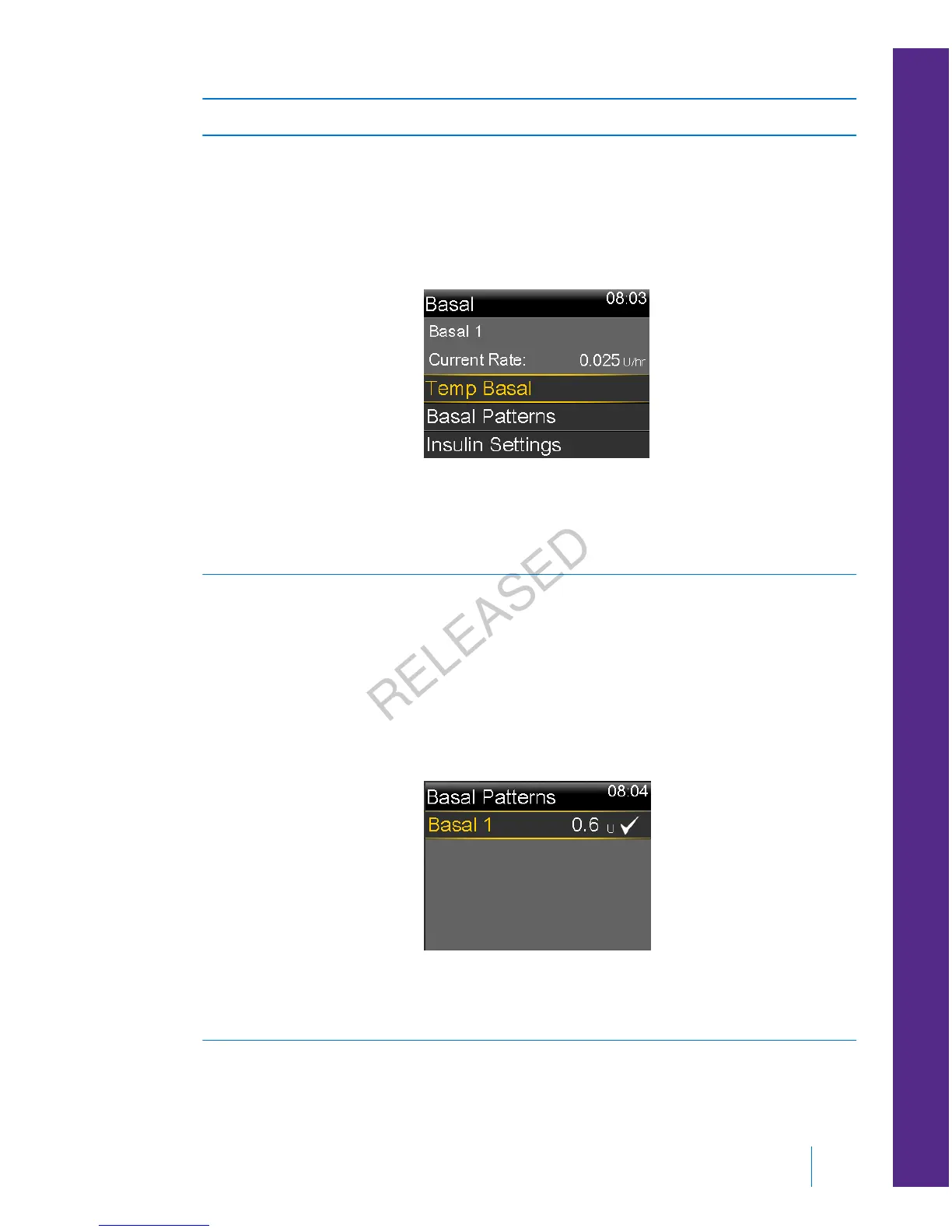
Go to the Basal screen:
Home screen > Basal
The active basal pattern and current basal rate appear at
the top of the Basal screen.
You can also view your current basal rate by selecting the
Status Bar at the top of the Home screen, and then
selecting Quick Status.
View your basal patterns Go to the Basal Patterns screen:
Home screen > Basal > Basal Patterns
The Basal Patterns screen shows the basal patterns you
have set up, and the 24-hour insulin total for each basal
pattern. A check mark appears next to the active basal
pattern.
To see the individual basal rates, select the desired basal
pattern.
■
basal
Basal 53
MP6025957-024 / A
RELEASED



 To Next Page