2. Product presentation
MiR200 User Guide (en) 10/2020 - v.3.1 ©Copyright 2017-2020: Mobile Industrial Robots A/S. 13
Pos. Description Pos. Description
17 Antenna socket 18 USB interface - connects to
the robot's PC
19 Emergency stop interface:
with added options for
connection to small units and
I5 input on SICK scanners—
see Interface specifications
on page164
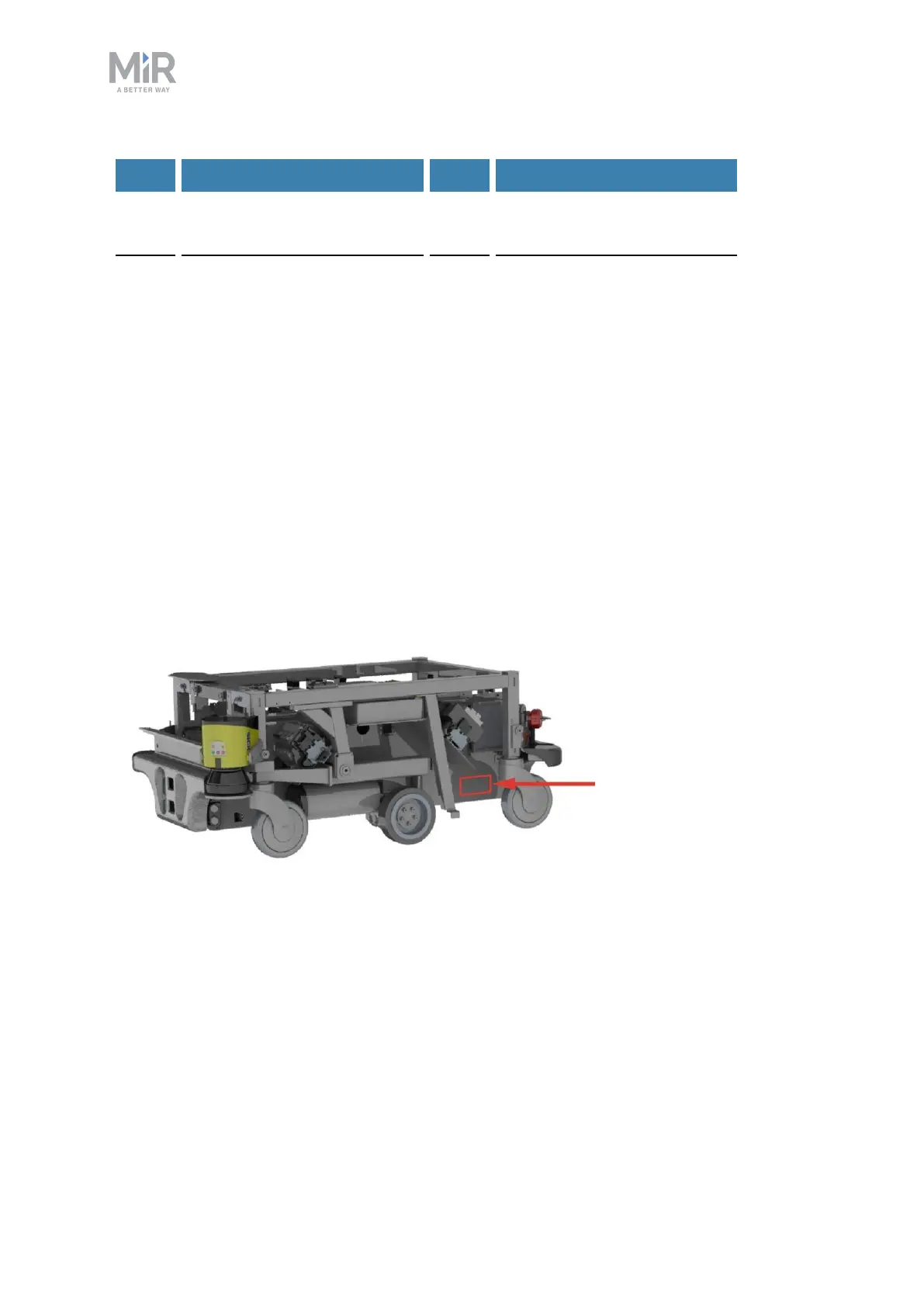
Identification label
MiR200 is delivered with an identification label mounted to the product. The identification
label identifies the product, the product serial number, and the hardware version of the
product.
The identification label of MiR200 is located on the back left side of the chassis underneath
the router.
Figure 2.2. Placement of the identification label.



 To Next Page