Managing Calls
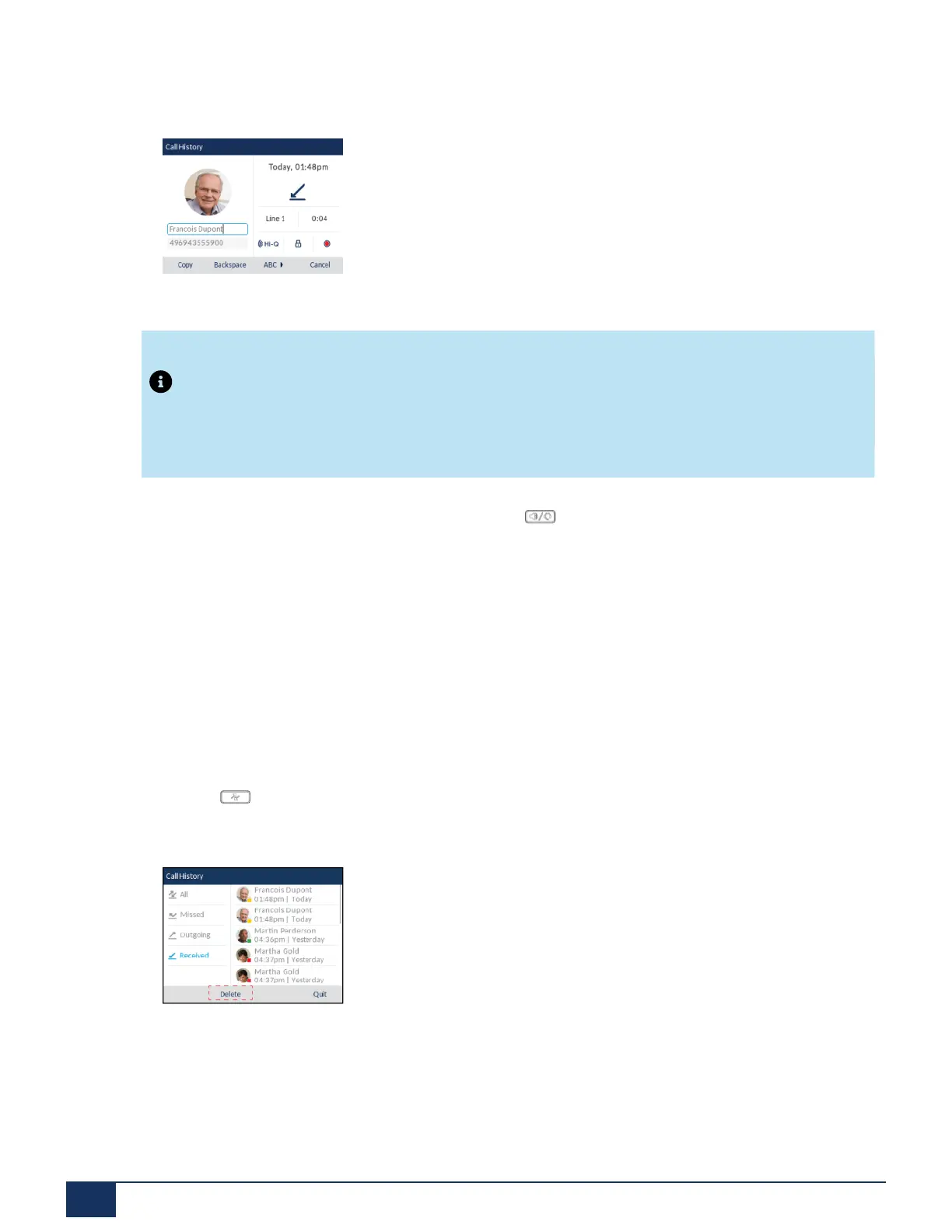
5. Press the Edit softkey.
6. Using the dialpad keys, edit the name and/or number.
Note:
To move the cursor one digit/character to the right, press the right navigation key. To erase one
digit/character to the left of the cursor, press the Backspace softkey.
7.
To dial the new number, press the select button, press , lift the handset, or press any of the line
keys.
or
8. To copy the new number to the Local Directory, press the Copy softkey.
Deleting Entries from the Received Callers List
You can delete individual entries from the Received Callers List or you can simply delete all entries in the
Received Callers List.
To delete all entries from the Received Callers List
1.
Press the key.
2. Press the Delete softkey.
3. Press the Delete softkey to erase all items.
To delete an individual entry from the Received Callers List
Version 1.0
149 User Guide



 To Next Page