Managing Calls
1.
Press the key.
2. With Received highlighted press the right navigation key to move to entry column.
3. Use the up and down navigation keys to scroll through the entries in the Received Callers List.
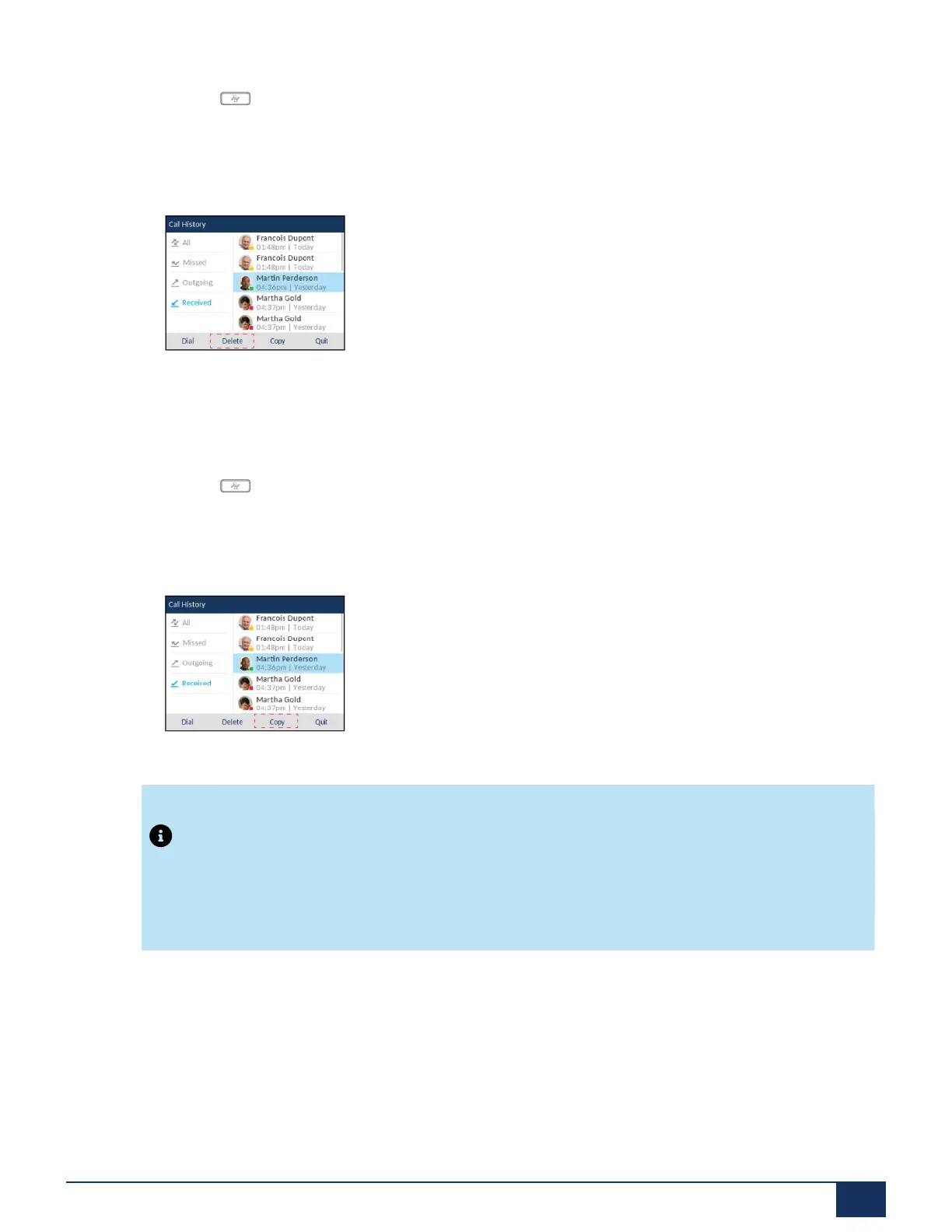
4. Press the Delete softkey.
5. Press the Delete softkey again to erase the entry.
Copying Entries to the Local Directory
1.
Press the key.
2. With Received highlighted press the right navigation key to move to entry column.
3. Press the up and down navigation keys to scroll through and highlight the respective Received Callers
List entry.
4. Press the Copy softkey. The entry is copied to the Local Directory.
Note:
The contact’s name already exists in the Directory but the number is different, press the Replace
softkey to replace the contact’s old number with the new number or press the Merge softkey to add
the new number as an additional number while keeping the old number intact.
Missed Calls Indicator
The IP phone has a missed calls indicator and icon that increments the number of missed calls to the
phone. The number of calls that have not been answered increment on the phone’s Home screen as #
Missed Calls.
Version 1.0
User Guide 150



 To Next Page