SECTION
MITL9105/911
O-096-350-NA
:
:;
i,
.:
I-
~
~~
~~
~~
~
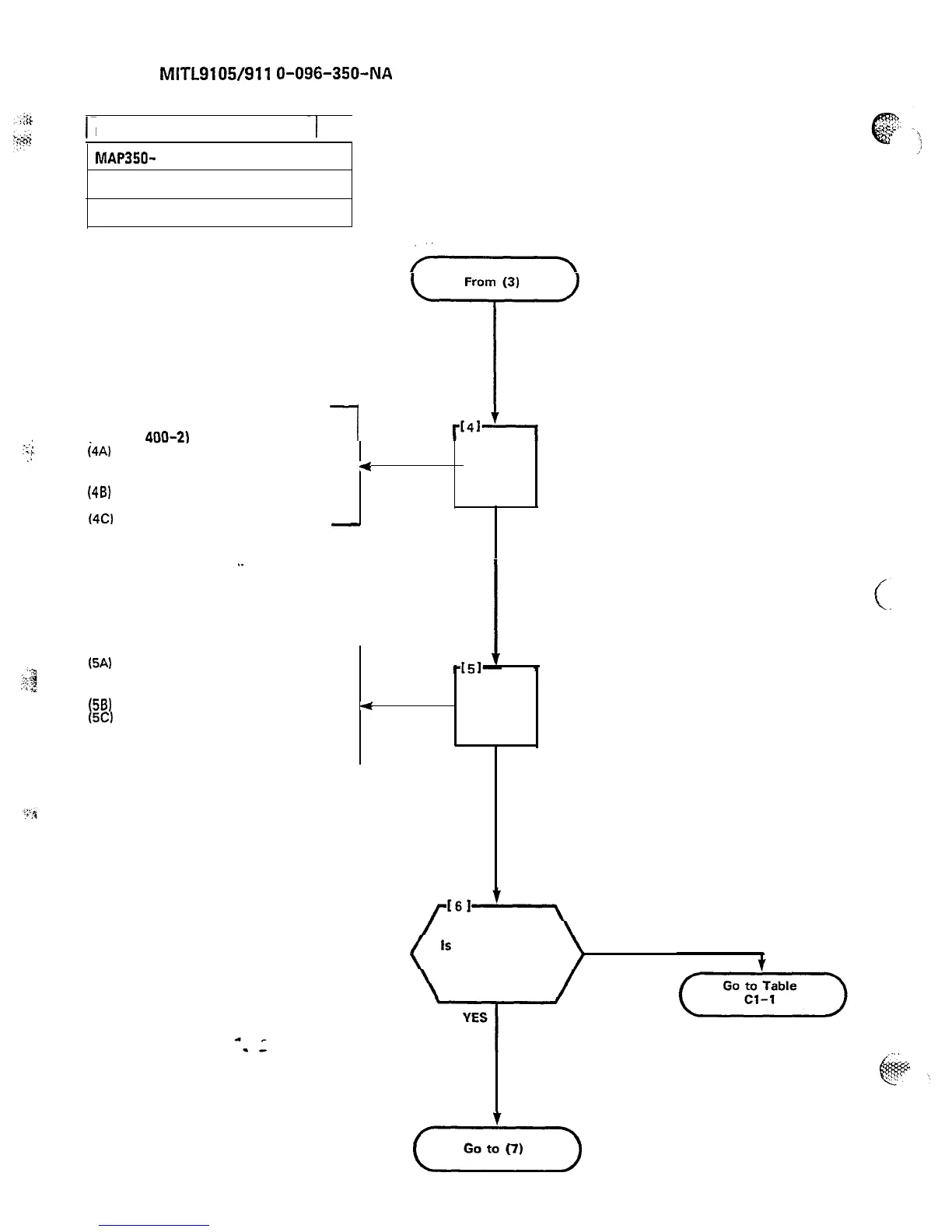
EXPOSE THE SYSTEM (SX-100)
-1
MAP350-
400
Issue 3, May 1984
Sheet 4 of 7
From (3)
-
T
AT FRONT OF EQUIPMENT
(FIGURE
400-2)
I
i4Al
(46)
(4C)
(5A)
(59)
(5Cl
Remove the four 5-16 in.
maintenance panel retaining
4
screws and washers
Remove the maintenance cable
tie from the side of the cabinet
Remove the maintenance panel
-
AND
REMOVE
MAINTENANCE
PANEL
Page D-6
.
.
Remove the eight 5-16 in.
,
retaining screws and washers
from the equipment shelf
Remove the ground lug wire
4
AND
Remove the equipment shelf and
power supply. Note that the
power supply must be supported
REMOVE
EQUIPMENT
SHELF
Is
all mechanical
work complete
NO
(..-m)











 To Next Page