AT THE CABINET LOCATION
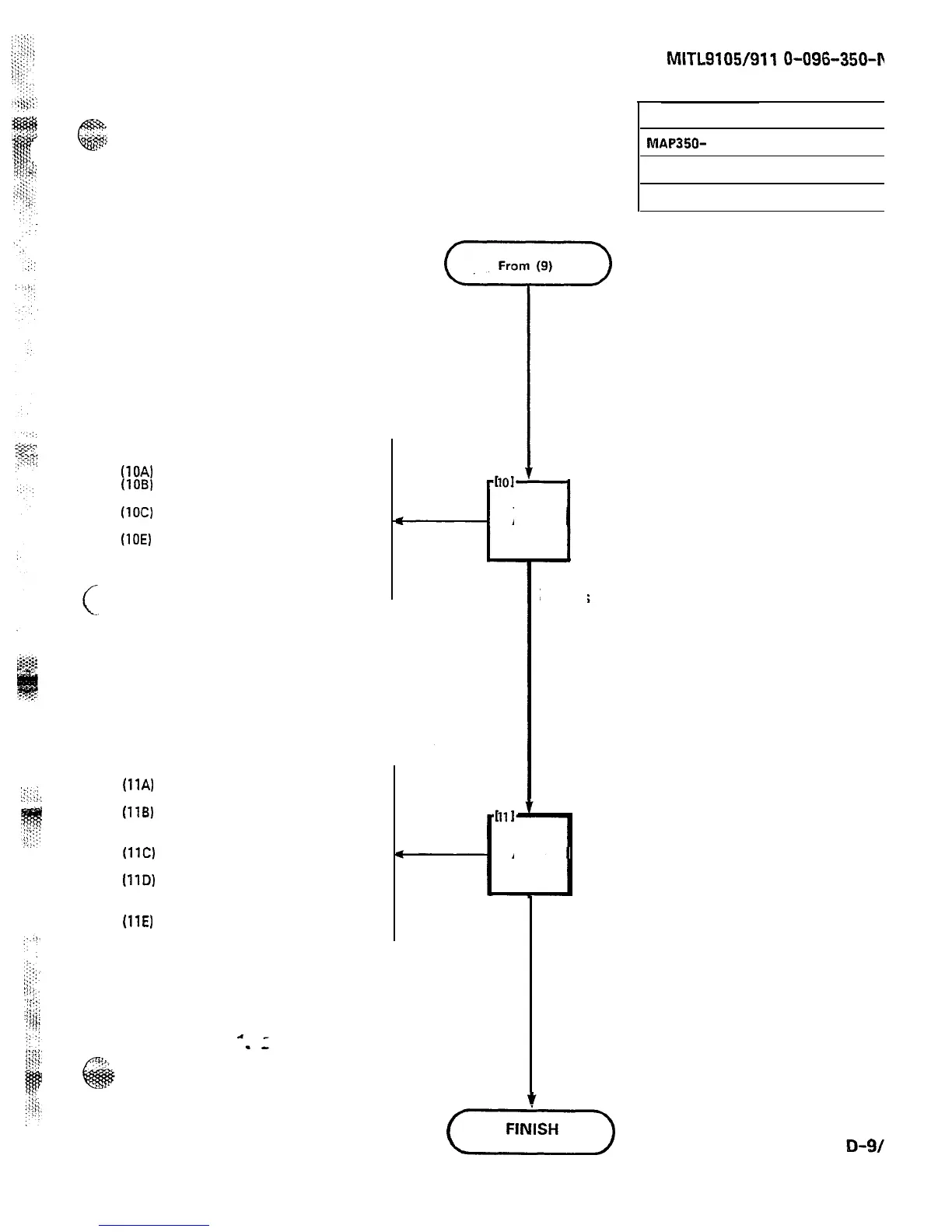
(lOA)
Replace rear cover
(1OB)
Secure the rear cover with four
5-16 in. retaining screws
(1OC)
Replace top cover
(100) Secure top cover by locking it
(10E)
If the equipment was
wall-mounted, swing the cabinet
up gently and secure in position
with the clips on the strikes
(1lA)
Connect the AC power cords to
their receptacles
(1lB)
Turn both primary power
switches on. LED on power
supply panel lights
(11C)
Turn battery pack switch to on
(optional)
(11D)
Turn shelf power to on by
turning the system shelf power
switch on
(11E)
Close and lock front door
SECTION
MITL9105/911











 To Next Page