EasyManua.ls Logo

Mitel SX-200 - Page 88

Mitel SX-200
342 pages
Print Icon
To Next Page IconTo Next Page
To Previous Page IconTo Previous Page
Loading...
SECTION
MITL9105/911
O-096-350-NA
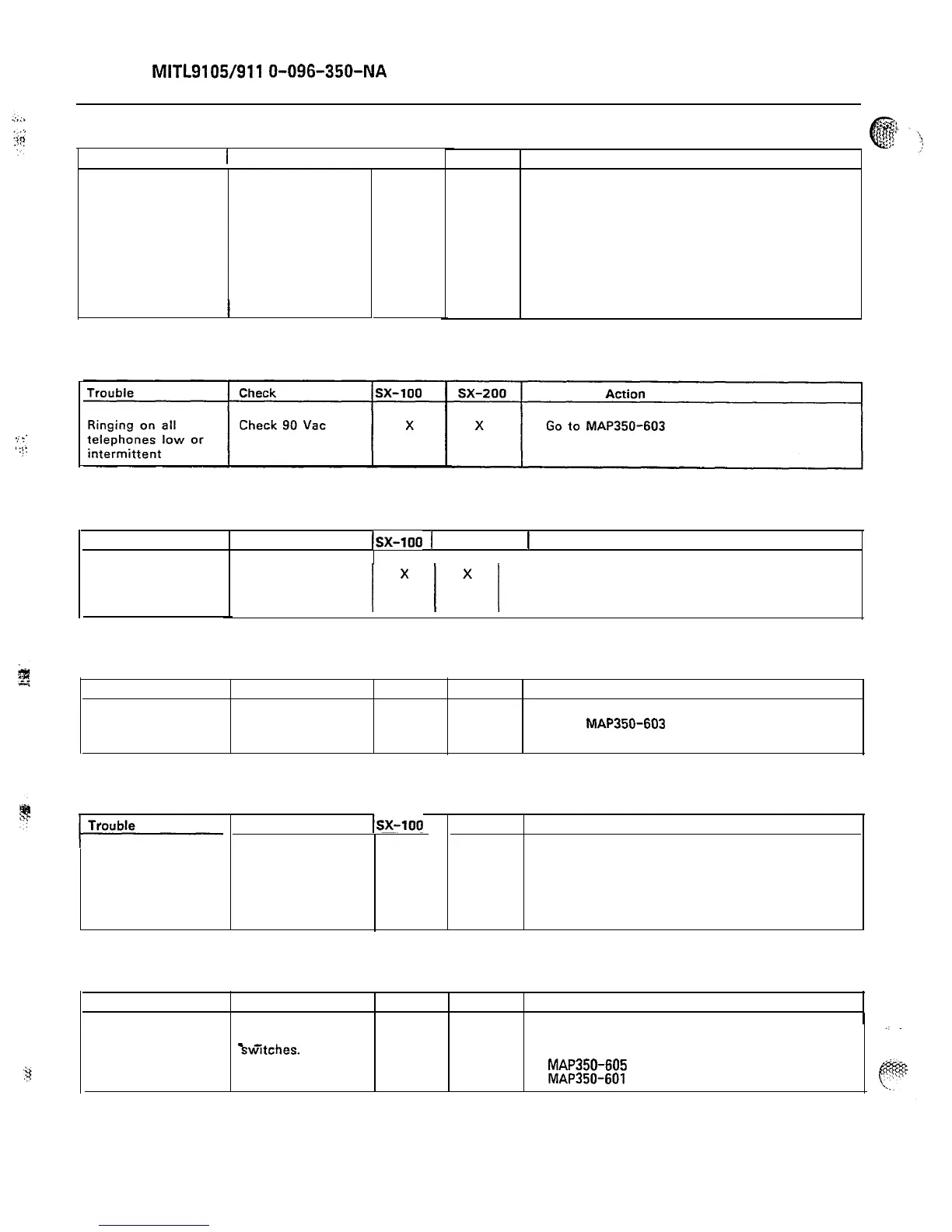
CHART 6-4
Trouble 1 Check Isx-100
X
sx-200 Action
X
Set all switches as per
paragraph 2.16
X
X
Paragraph 2.16
X
X
Go to Appendix F
No telephones ring,
but there is dial
tone
1. Ensure that the
PFT LED is not on
2. Check that all
PFT switches are
in normal position
CHART 6-5
.<_.
:.:.
.;.
CHART 6-6
Trouble Check
.
Isx-100
1 sx-200 1 Action
I I
Is the system in Go to System Power test,
PFT?
/
1
1 Appendix F.
Call cannot be
made within the
system
CHART 6-7
Trouble
Shelf 2 dead
Check
Is all power on
shelf 2 present?
sx-100
sx-200
Action
X
Go to
MAP350-603
CHART 6-8
Check
Isx-100
sx-200 Action
X Go to Appendix FApparent radical
power fluctuations
Under heavy (or X
light) traffic
conditions system
power remains
unstable
CHART 6-9
Trouble Check sx-100 sx-200 Action
System cannot be
l Reset the PFT X
X Check fuse on interconnect
released from PFT
Bw’itches.
Is the card as per
system returned
MAP350-605
(SX-100)
to normal?
MAP350-601
(SX-200).
Page 82

Table of Contents