SHOP MANUAL MT26/31 - 08.2006 SHOP MANUAL MT26/31 - 08.2006
SHOP MANUAL MT26/31 - 08.2006 SHOP MANUAL MT26/31 - 08.2006
TRANSMISSION
Ch 2 page 302 Ch 2 page 303
TRANSMISSION
TRANSMISSION
Ch 2 page 302 Ch 2 page 303
TRANSMISSION
Figure 615
Figure 617
Figure 616
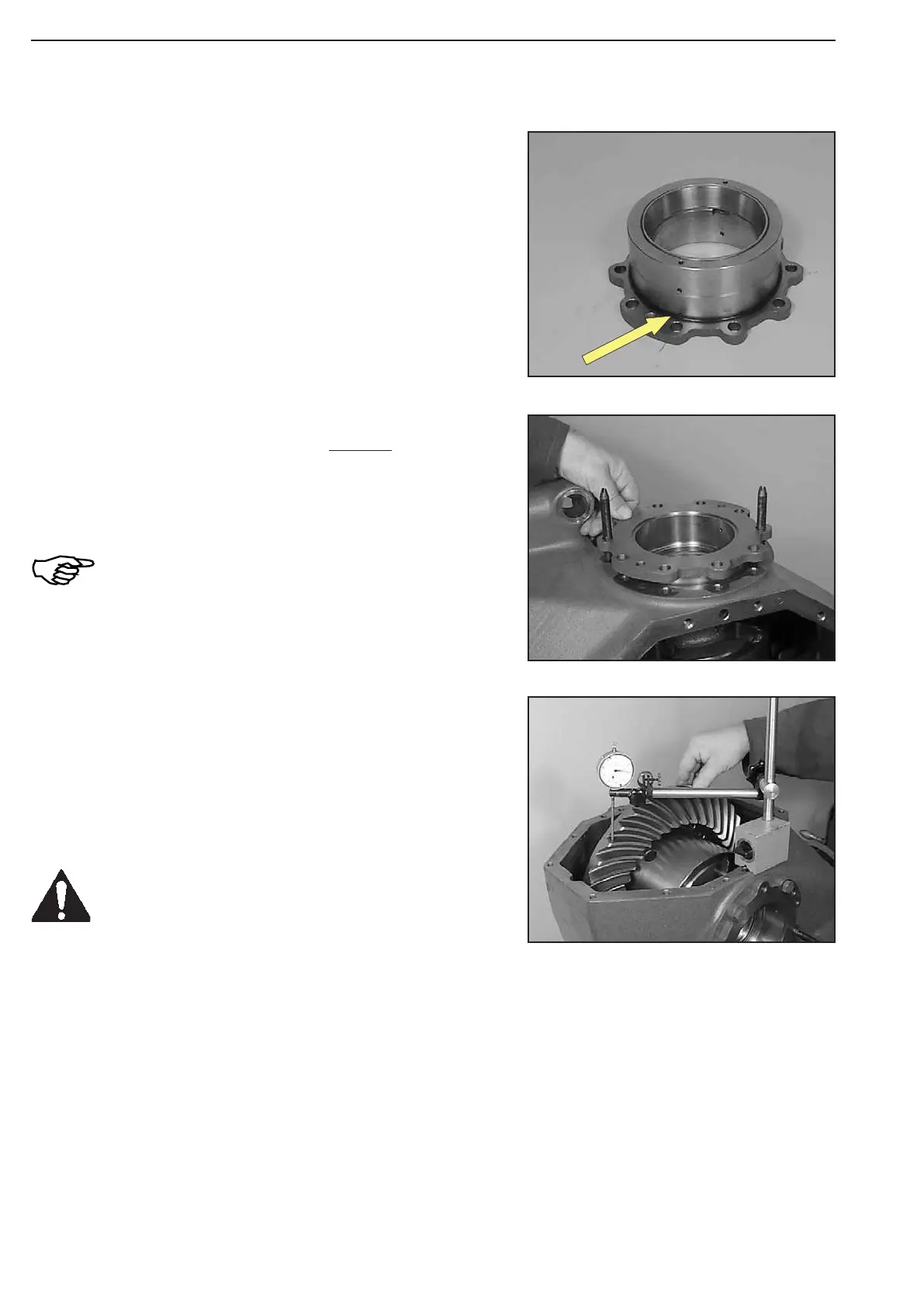
Install O-ring (Arrow).
1. Backlash too low:
Install thinner shim on the crown wheel-side bearing cover I (Figure 608).
The shim for the determination of the bearing preload (bearing cover II, Figure 614) must be selected corre
-
spondingly thicker !
2. Backlash too high:
Install thicker shim on the crown wheel-side bearing cover I (Figure 608).
The shim for the determination of the bearing preload (bearing cover II, Figure 614) must be selected corre
-
spondingly thinner !
Tilt axle drive housing 90°.
Apply dial indicator right-angled on the outer Æ of a tooth flank
and check the backlash.
(S) Magnetic stand 504171
(S) Dial indicator 504172
In case of necessary corrections of the
backlash, the follow-ing specifications have
to be observed !
Install two adjusting screws.
Introduce bearing cover II and position it uniformly against shoul-
der, using four screws.
Torque limit ................................................. 79 Nm
During the tightening of the screws, rotate the
crown wheel several times in both directions !
Now, relax the differential bearing by tapping
onto both bearing covers (use plastic mallet) !
(S) Adjusting screws 504186



 To Next Page