© Munters AB, 2018 68
o
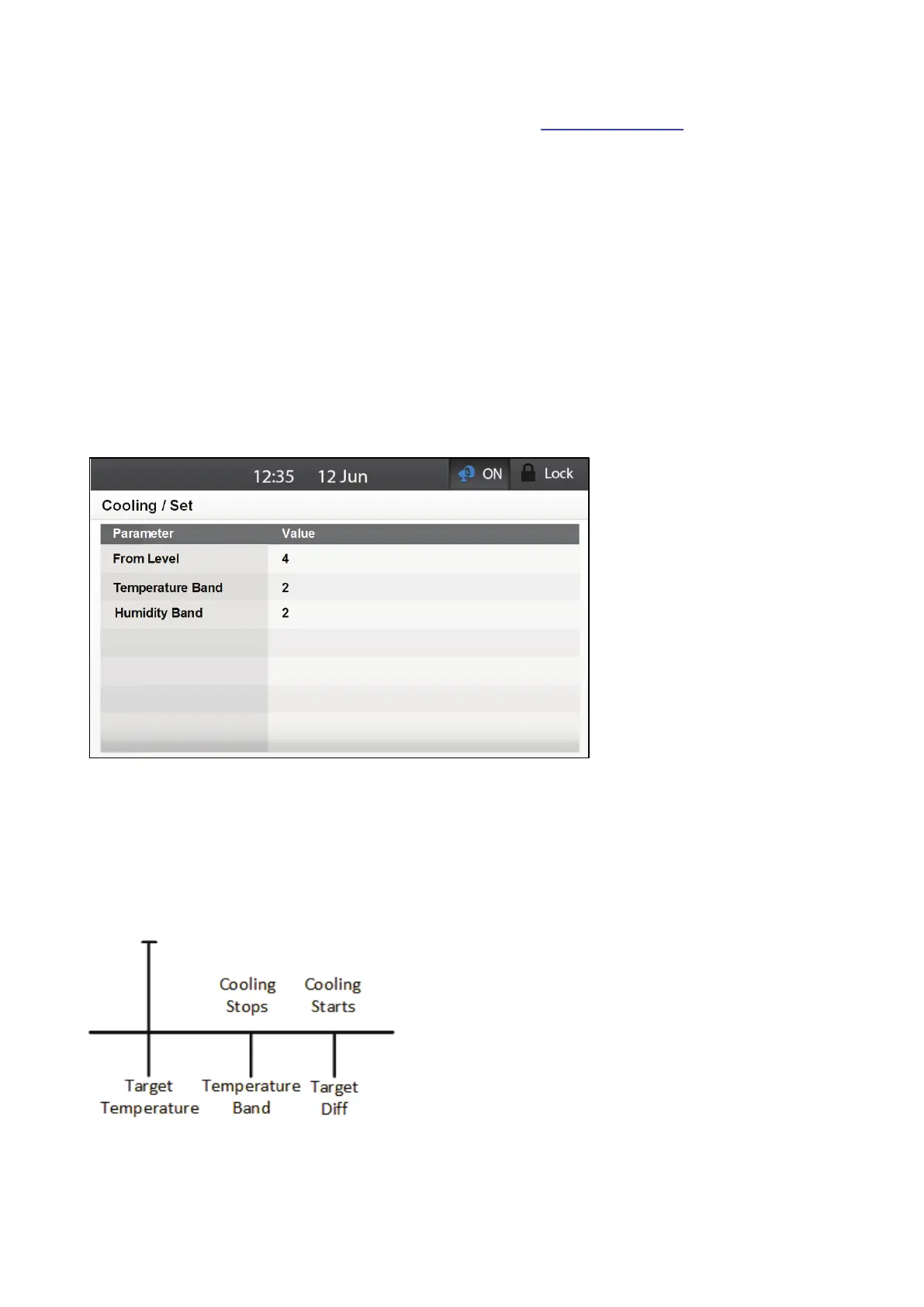
Target Diff: When the temperature rises to the Target Temperature plus this differential,
cooling starts.
o
To Humidity: Cooling only operates when the humidity is less than this level. Default: 0.
Setting this parameter to 0 or 100 disables the sensor input to this function.
If the sensor sends invalid readings, Element will ignore the Humidity settings.
In a situation where there are multiple data lines for a single day and the
humidity level rises to the temperature setting (plus differential), cooling stops
entirely. It does not roll back to the previous setting.
o
On/Off: Set timing values (in seconds) for the On/Off cycle. Default: 0
o
Cooling: Select cooling device. Default: no cooling device selected
o
Start/End Time: Set the cooling operation time. Default: 00:00 – 23:59
NOTE Setting the start/end times to 00:00 to 00:00 disables the function.
3. If required, go to Control > Cooling > Set.
4. Define the following parameters:
o
From Level: Define the minimum ventilation level at which cooling can begin: Default: 1
o
Temperature Band: When the temperature reaches the target temperature plus this
differential minus the temperature band, cooling stops. Range: 0.2 – 20.0. Default:
1.1 (see Figure 33)
o
Humidity Band (%): Hysteresis band for Humidity Treatment. Range: 1 – 20%:
Default: 2%
Figure 33: Cooling Temperature On Off



 To Next Page