1
2
Advanced Scan Functions
Advanced Scan Features 2-23
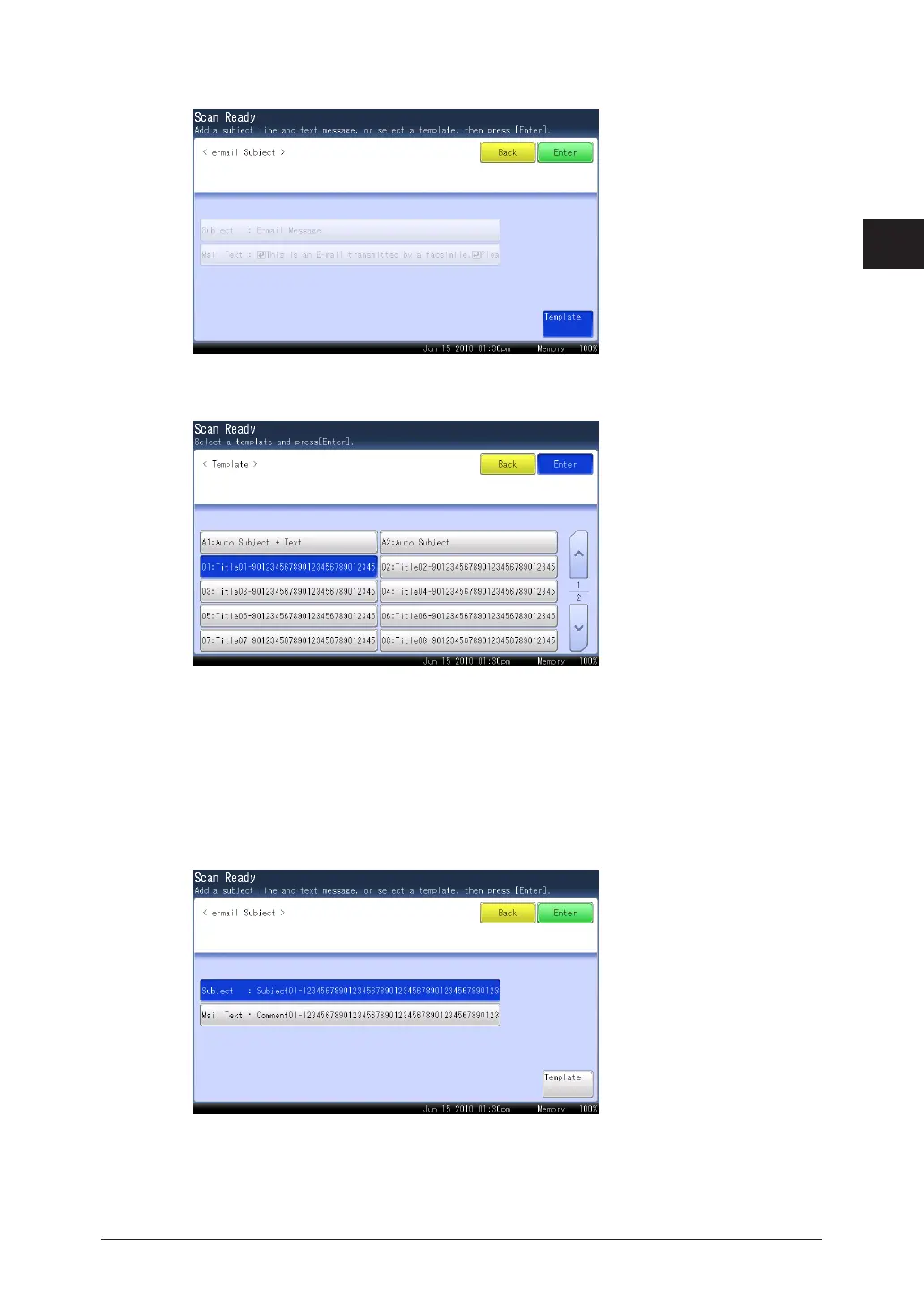
Press [Template].
4
Select the template to use, and press [Enter].
5
If you want to enter a new subject and text without using a template, select a box with •
nothing registered in it. If all the boxes already have a template registered, select any box
from 01 to 10.
If you selected [Auto Subject + Text], you cannot edit the subject and mail text. Proceed to •
step 10.
If you selected [Auto Subject], you can only edit the mail text. Proceed to step 8.•
Press [Subject].
6
If you do not want to edit it, proceed to step 8.



 To Next Page
 Loading...






