2-28 Advanced Scan Features
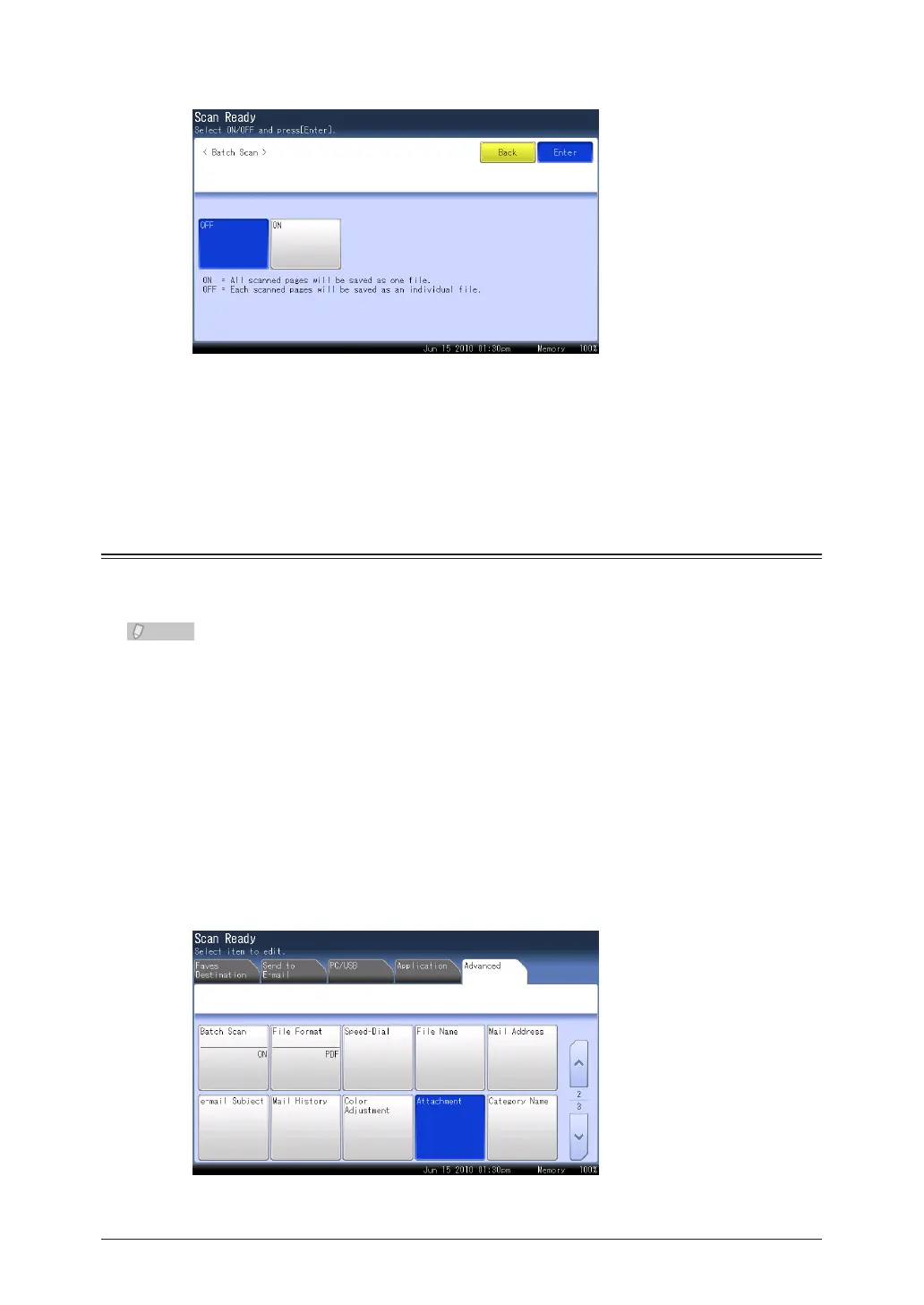
Select [OFF], and press [Enter].
4
If you select [ON], the batch scan setting is enabled.
Specify the destination, and press <Start>.
5
For details on the procedure, refer to “Basic Scanning”. (See page 1-2.)
Attaching a File (Attachment)
You can attach a file on the network (Word, Excel, etc) when transmitting or scanning a
document.
This function can be used in the following cases:
Scan to e-mail•
Scan to PC Folder•
Scan to FTP Server•
Load the document, and press <Scan>.
1
Press the [Advanced] tab.
2
Press [Attachment].
3



 To Next Page
 Loading...






