N715-EA Hardware User Guide
Chapter 5 Application Interfaces
Copyright © Neoway Technology Co., Ltd. All rights reserved.
(controlled by MCU) at the
PWRKEY_N pin for not less
than 2s can switch off the
module.
Automatic
power-on
(Ground
PWRKEY_N
directly)
Execute the shutdown AT
command first and then
power down the module.
If you design an automatic power-on
circuit by reference to Figure 5-9,
you should add a RESET circuit by
reference to Figure 5-12, since when
the auto power-on solution is used
and after the module is powered off
it may encounter a startup failure.
Power-on
triggered by
USB_VBUS
Unplug the USB, execute a
dedicated AT command, and
then power down the
module.
When using AT commands to switch
off the module, if the system is not
powered down and the USB is still
connected, the module may start
again after power-down.
Power-on controlled by PWRKEY_N
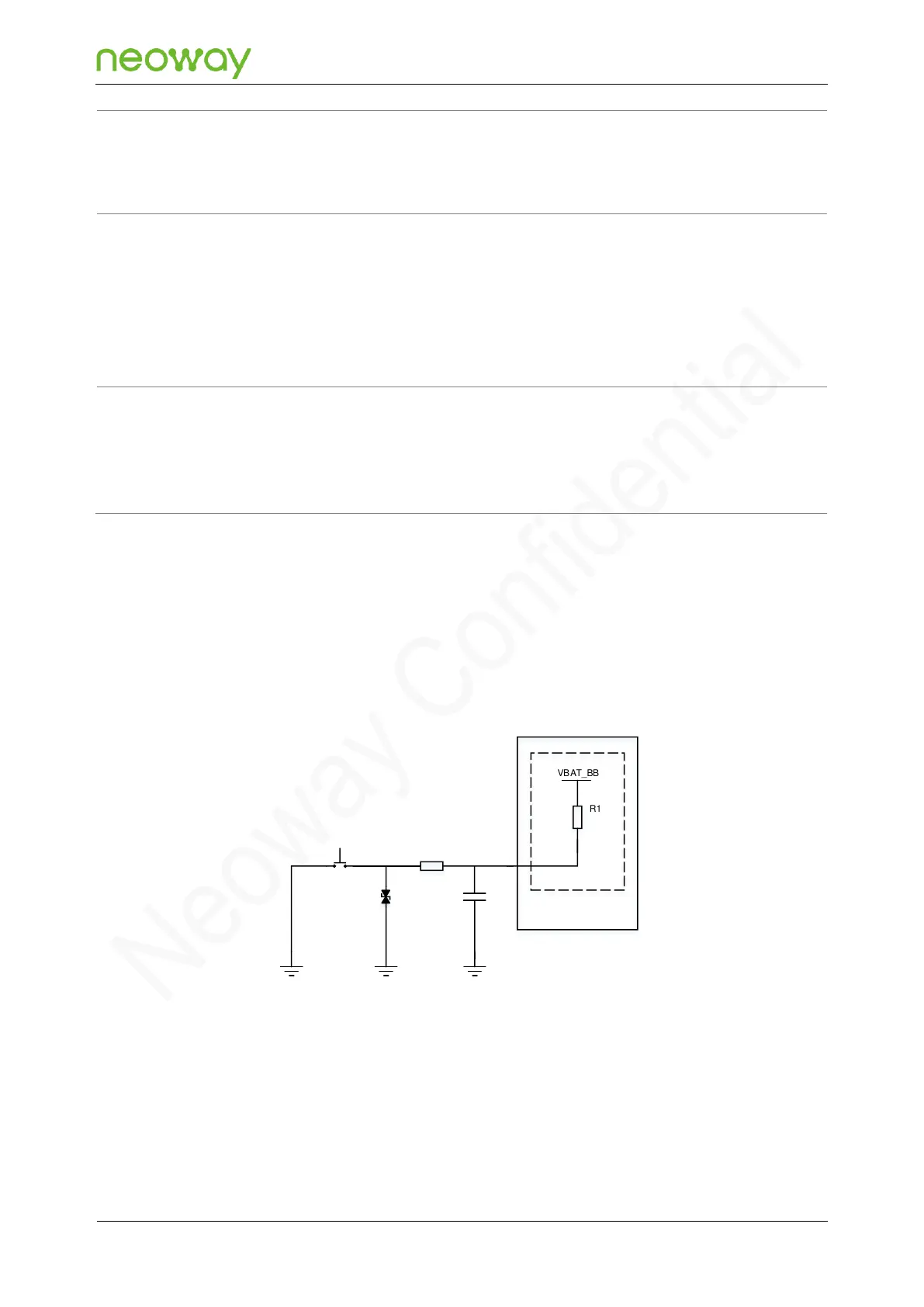
The following show two recommended reference designs of power-on controlled:
Figure 5-6 Reference design of power-on controlled by a button
VBAT_BB
D1
S1
R1
R2 470Ω
N715-EA Module
Main chip
PWRKEY_N
20kΩ
C1
10nF



 To Next Page